-
Type:
Bug
-
Resolution: Done
-
Priority:
 High
High
-
Affects Version/s: None
-
None
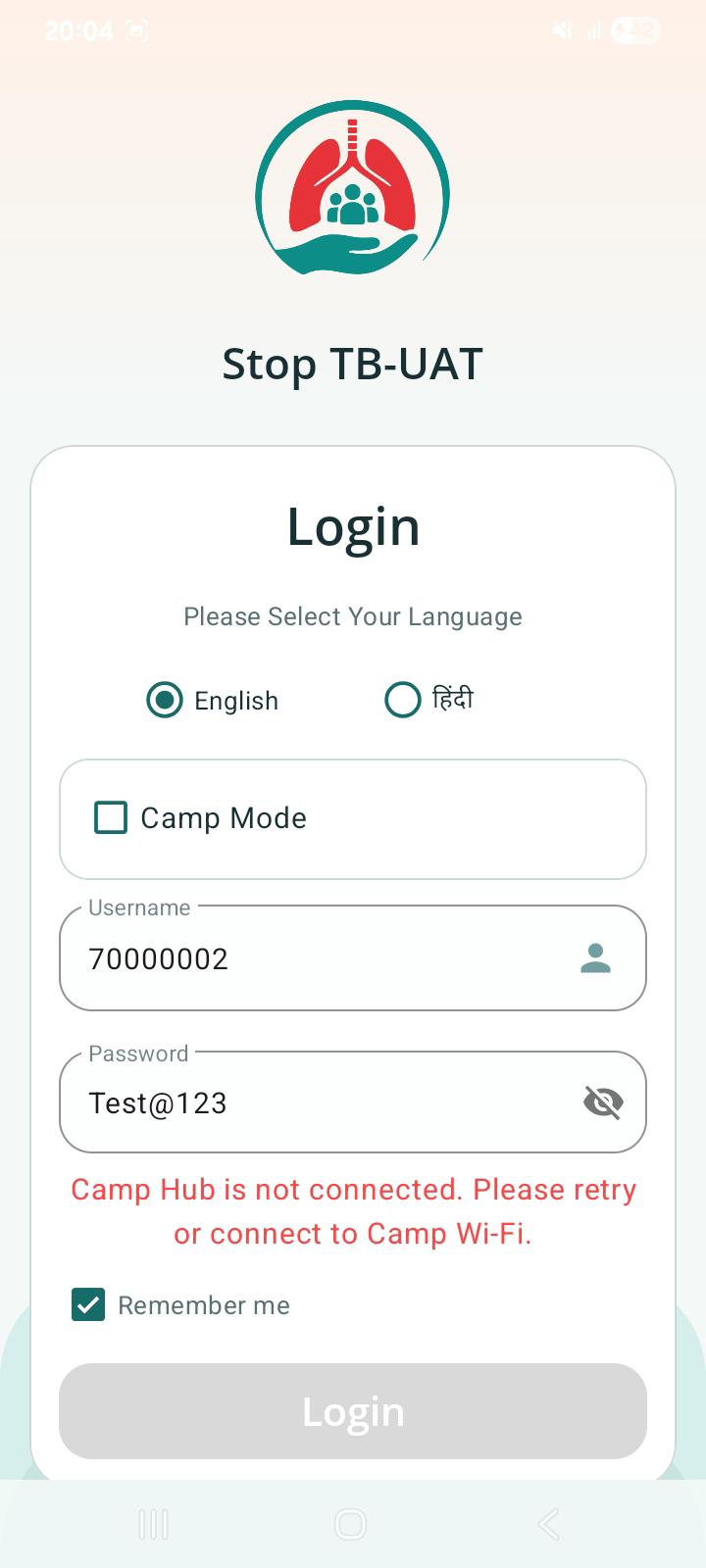
After enabling Camp Mode, Offline login fails with valid credentials and displays "Unable to connect to the server" error.
Steps to Reproduce:
- Launch StopTB-UAT application.
- Enable Camp Mode and connect to Camp Hub.
- Enter a valid Username.
- Enter the correct Password.
- Click Login.
Expected Result:
User should be successfully authenticated in offline mode and navigated to the Home/Landing page.
Actual Result:
Login fails and the application displays "Unable to connect to the server" / "Camp Hub is not connected. Please retry or connect to Camp Wi-Fi." User is not navigated to the Home/Landing page.