-
Type:
Bug
-
Resolution: Done
-
Priority:
 High
High
-
Affects Version/s: None
-
None
-
HWC Sprint 12
Description:
There are multiple issues identified in the Prescription Module related to template functionality and medicine details management:
- Delete Template & Save Template Not Working:
-
- After adding a template, it is not getting deleted when the delete option is used.
- The save template functionality is also not working correctly.
- Medicine Naming Issue:
-
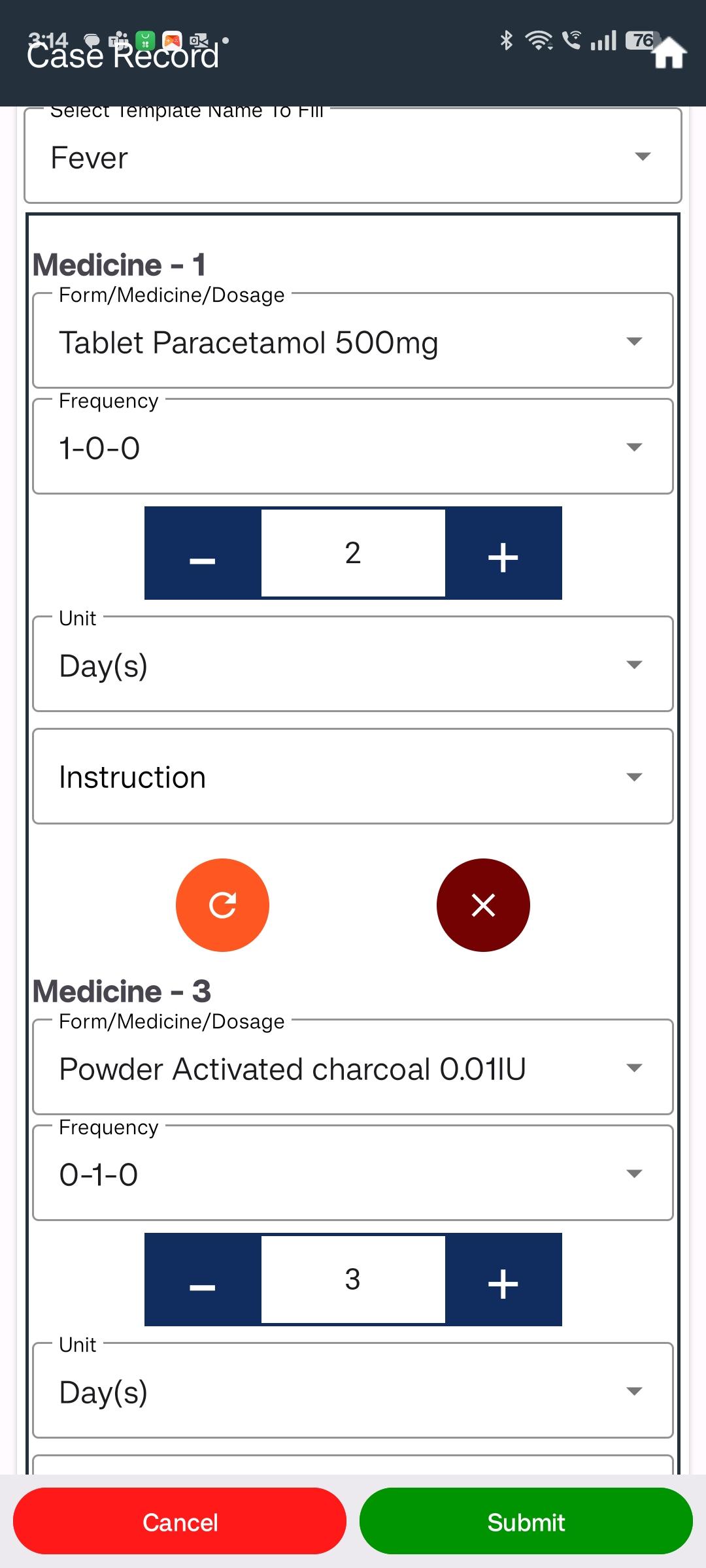
- When two medicines are added (e.g., Medicine-1 & Medicine-2) and the first one is removed, the second medicine still retains the name Medicine-2 instead of updating to Medicine-1.
- This creates confusion as only one medicine remains, but it still shows as Medicine-2.
- Issue with Adding More Medicines:
-
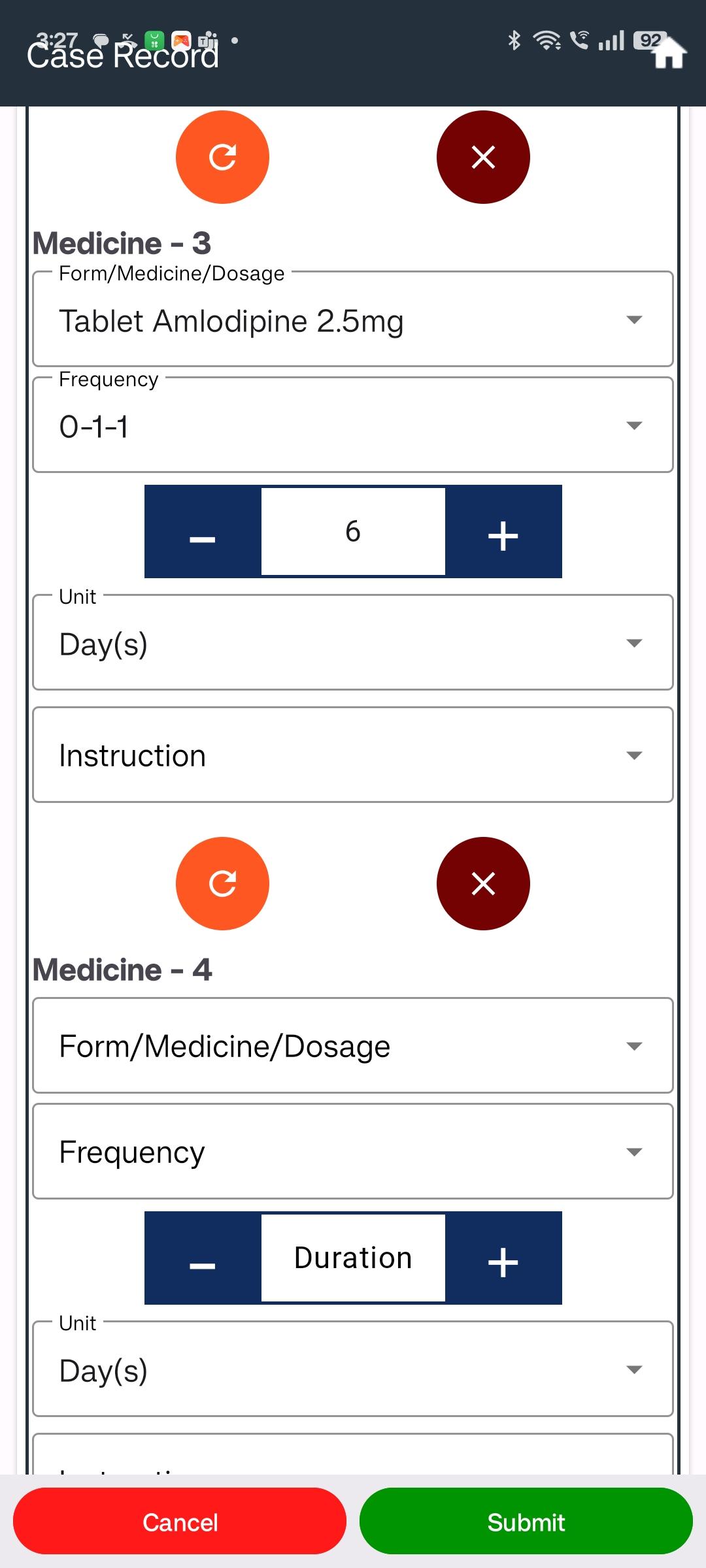
- Unable to add a third or fourth medicine for a single beneficiary.
- If two medicines are added and one is removed, the system does not allow adding more medicines beyond the initial two.
Steps to Reproduce:
- Navigate to the Prescription Module.
- Try to add and delete a template and observe that deletion is not working.
- Add two medicines, delete the first one, and observe that the second one still appears as Medicine-2 instead of Medicine-1.
- Try adding more medicines after removing one and check if additional medicines can be added.
Expected Result:
- Delete and Save Template functionalities should work properly.
- Medicine names should update dynamically when an item is removed.
- Users should be able to add more than two medicines without restrictions.
Actual Result:
- Template deletion and saving are not functioning.
- Medicine names are not updating correctly upon deletion.
- Unable to add 3rd or 4th medicine for a single beneficiary if one is removed.