-
Type:
Bug
-
Resolution: Done
-
Priority:
 High
High
-
Affects Version/s: None
-
None
The following issues have been observed in the NCD Screening workflow on the Mobile App:
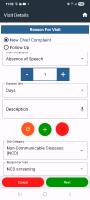
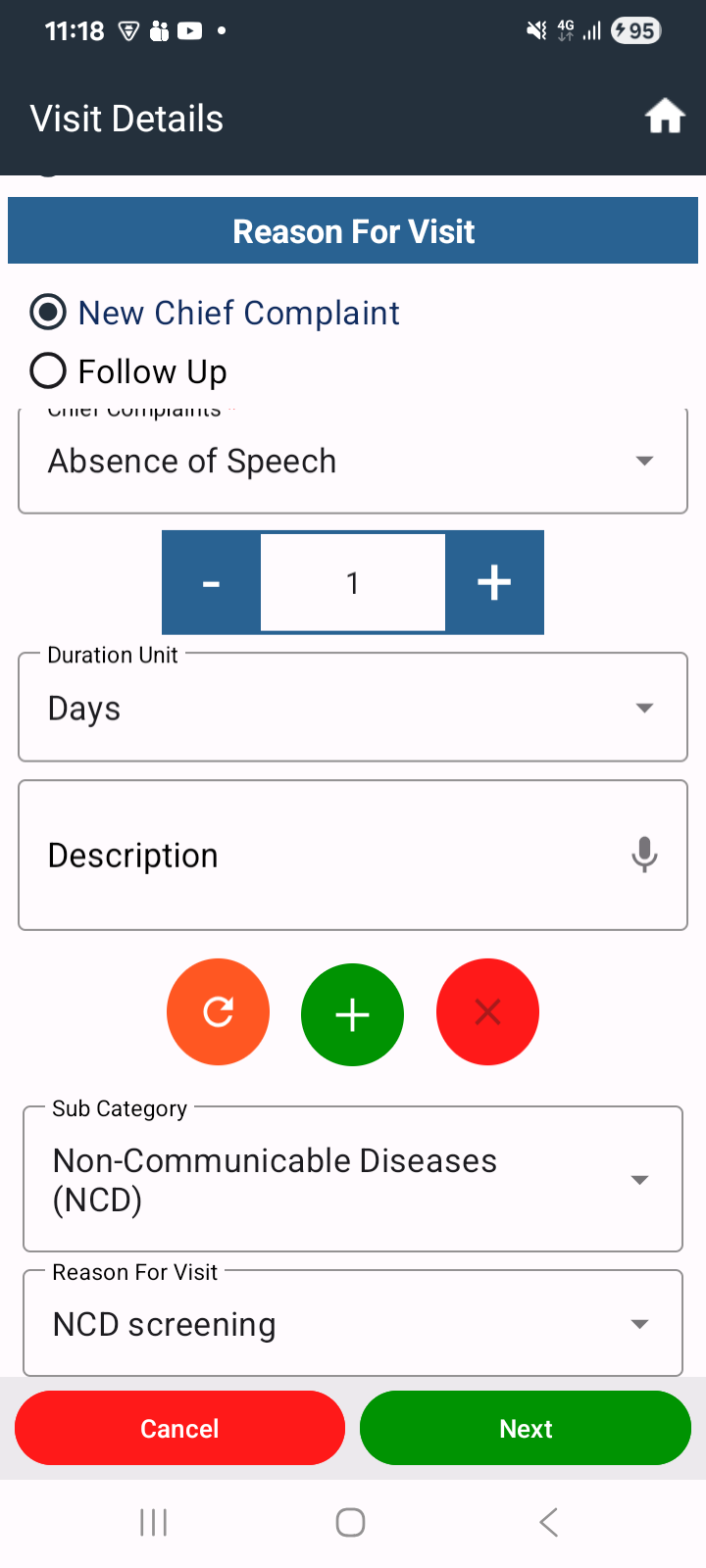
1. After saving the NCD form, the application navigates back to the *Visit Details* page (displaying the *Next* button) instead of navigating to the *CHO* page.
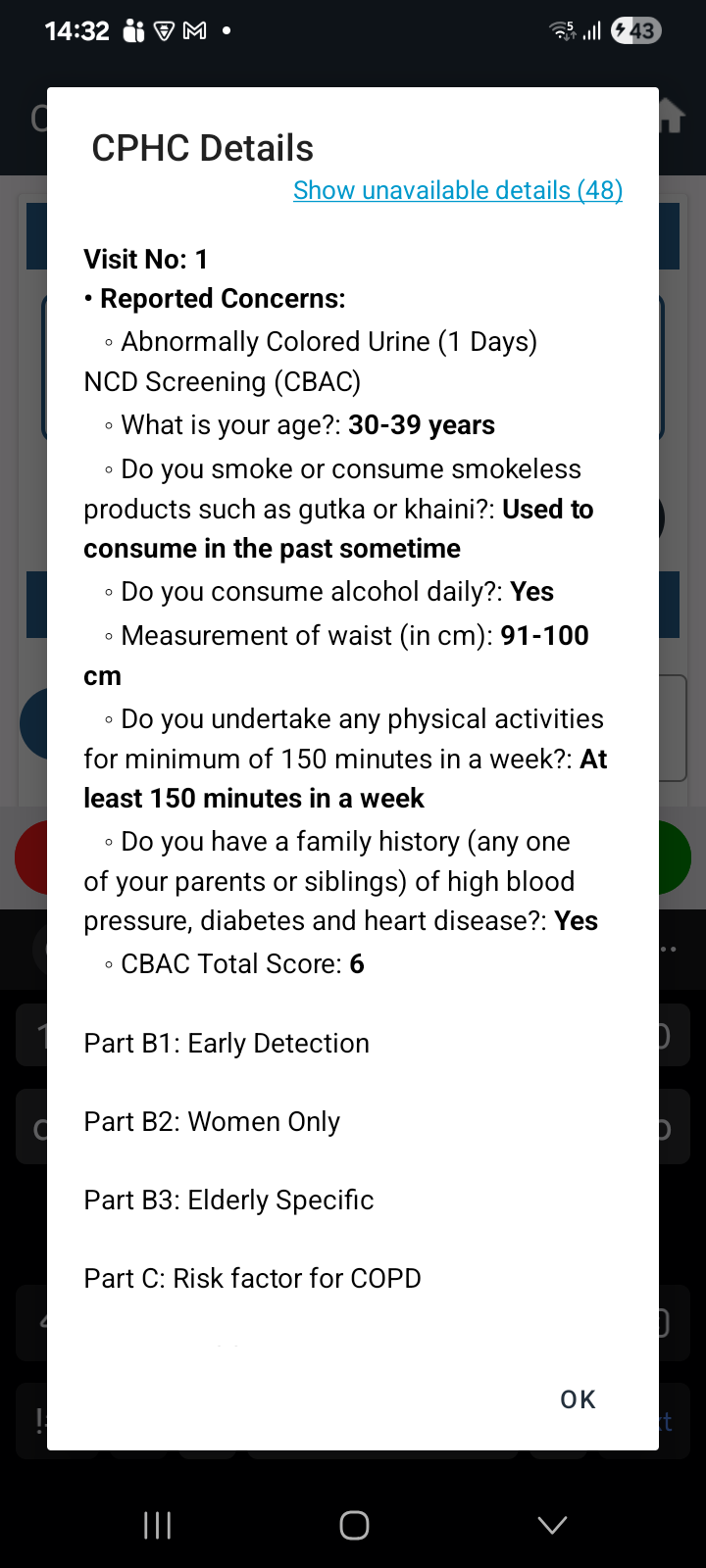
2. In the *HWC Web* application, the NCD Screening form can be submitted by completing only *Part A* of the CBAC form. However, in the *Mobile App, the user is required to complete **all parts* of the CBAC form before the form can be submitted.
3. For some newly registered beneficiaries, the NCD form appears *prefilled and opens in View mode*, preventing data entry.
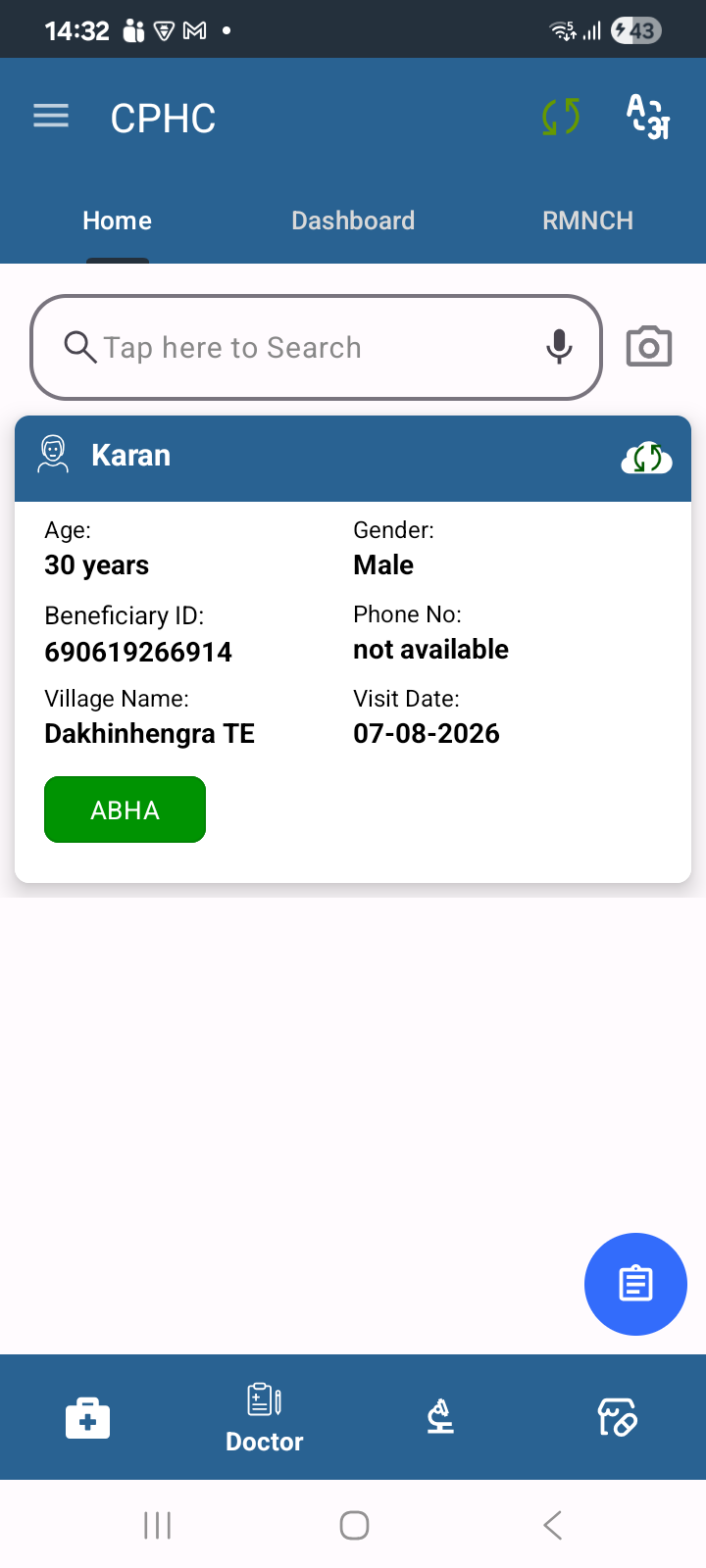
4. In the *HWC Web* application, after successfully saving the NCD Screening form, the beneficiary is automatically moved to the *Doctor module* for case sheet review. However, in the *Mobile App, the beneficiary is **not navigated to any subsequent module* after the NCD form is saved.
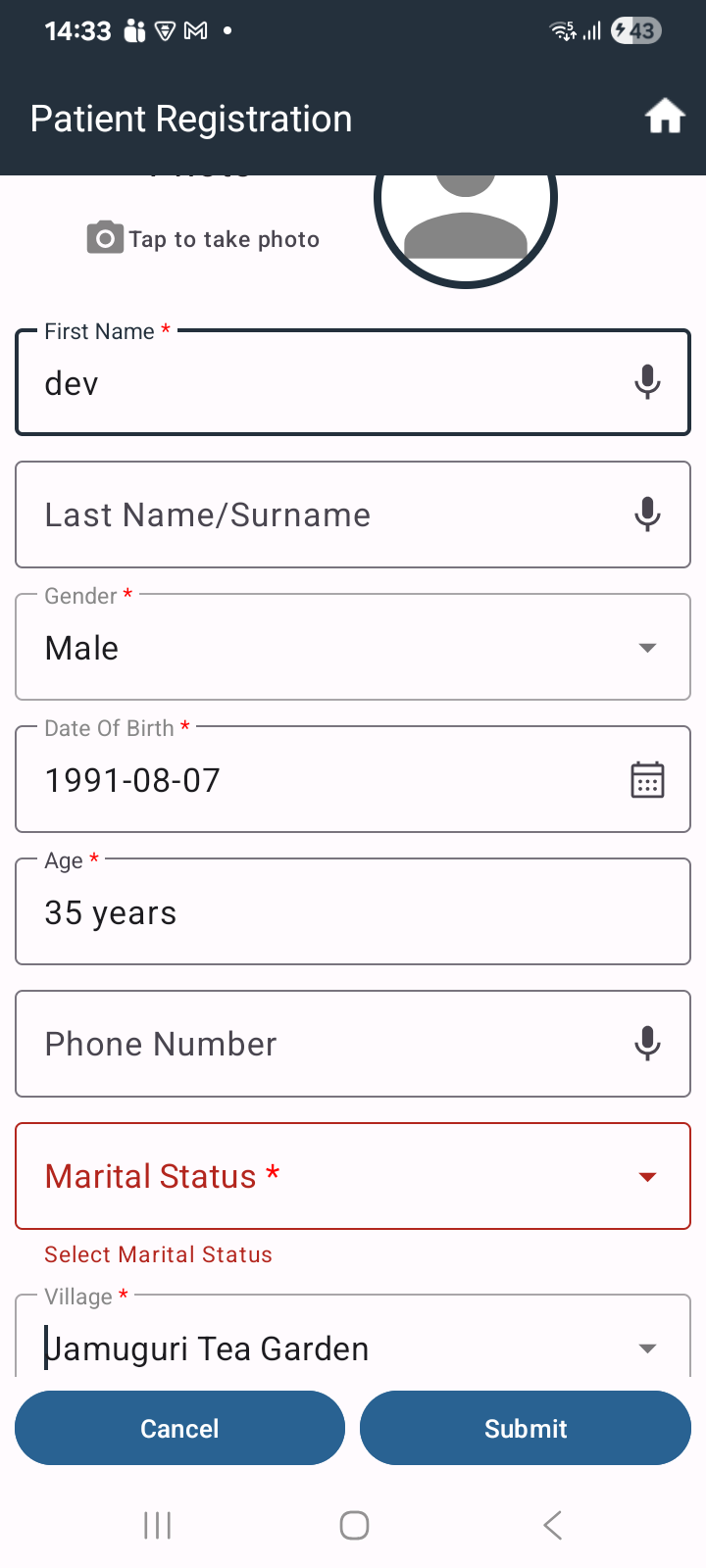
5.Beneficiary Registration form allows submission without selecting the Marital Status field, even though it is marked as mandatory.
*Expected Result:*
- After saving the NCD form, the application should navigate to the *CHO* page/next appropriate workflow.
- The Mobile App should allow NCD form submission after completing *Part A* of the CBAC form, consistent with the HWC Web application.
- Newly registered beneficiaries should see a *blank editable NCD form* instead of a prefilled form in View mode.
- After successful NCD Screening form submission, the beneficiary should be navigated to the *Doctor module* for case sheet review, consistent with the HWC Web workflow.