-
Type:
Bug
-
Resolution: Done
-
Priority:
 Medium
-
Affects Version/s: None
-
None
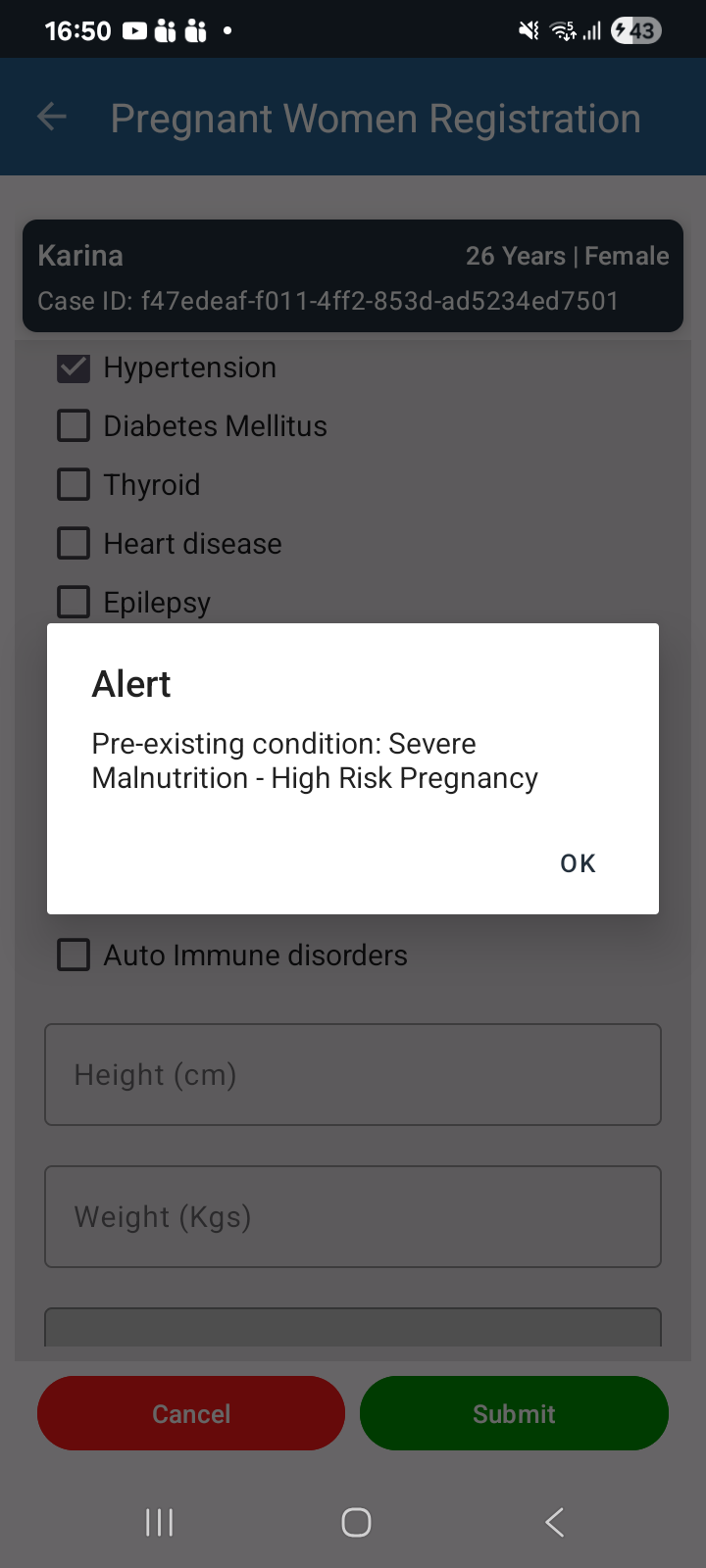
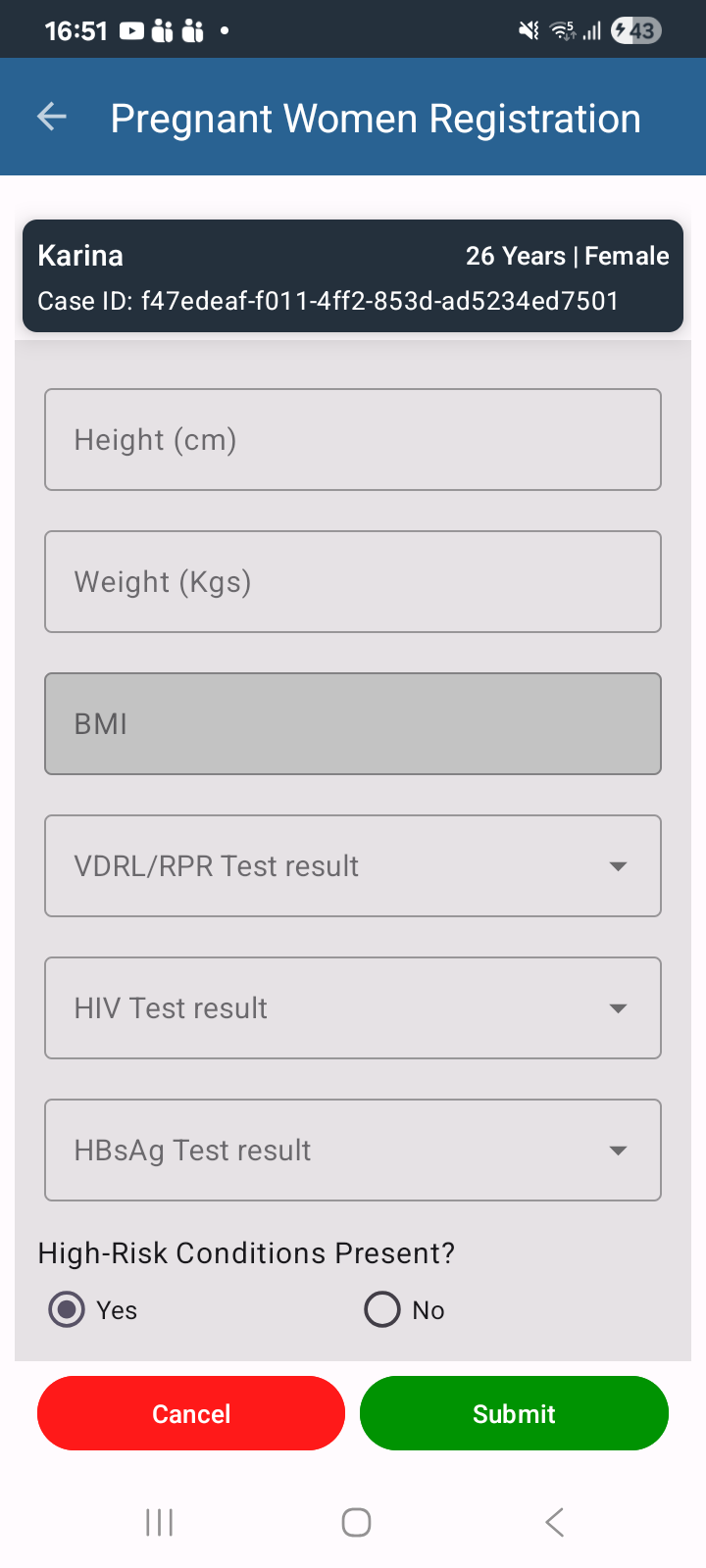
In the PW Registration module, when a user selects or enters values in any of the High-Risk fields, the screen automatically scrolls upward. This disrupts the data entry process and affects the user experience, as users must scroll back down to continue filling the form.
Steps to Reproduce:
- Login to the application.
- Navigate to the PW Registration module.
- Start a new registration or edit an existing beneficiary.
- Navigate to the High-Risk section.
- Select or enter a value in any of the High-Risk fields.
- Observe the screen behavior after the selection.
Actual Result:
The screen automatically scrolls upward after selecting or entering values in the High-Risk fields.
Expected Result:
The screen should remain at the current position after a value is selected or entered. It should not automatically scroll unless initiated by the user.