-
Type:
Bug
-
Resolution: Done
-
Priority:
 Medium
-
Affects Version/s: None
-
None
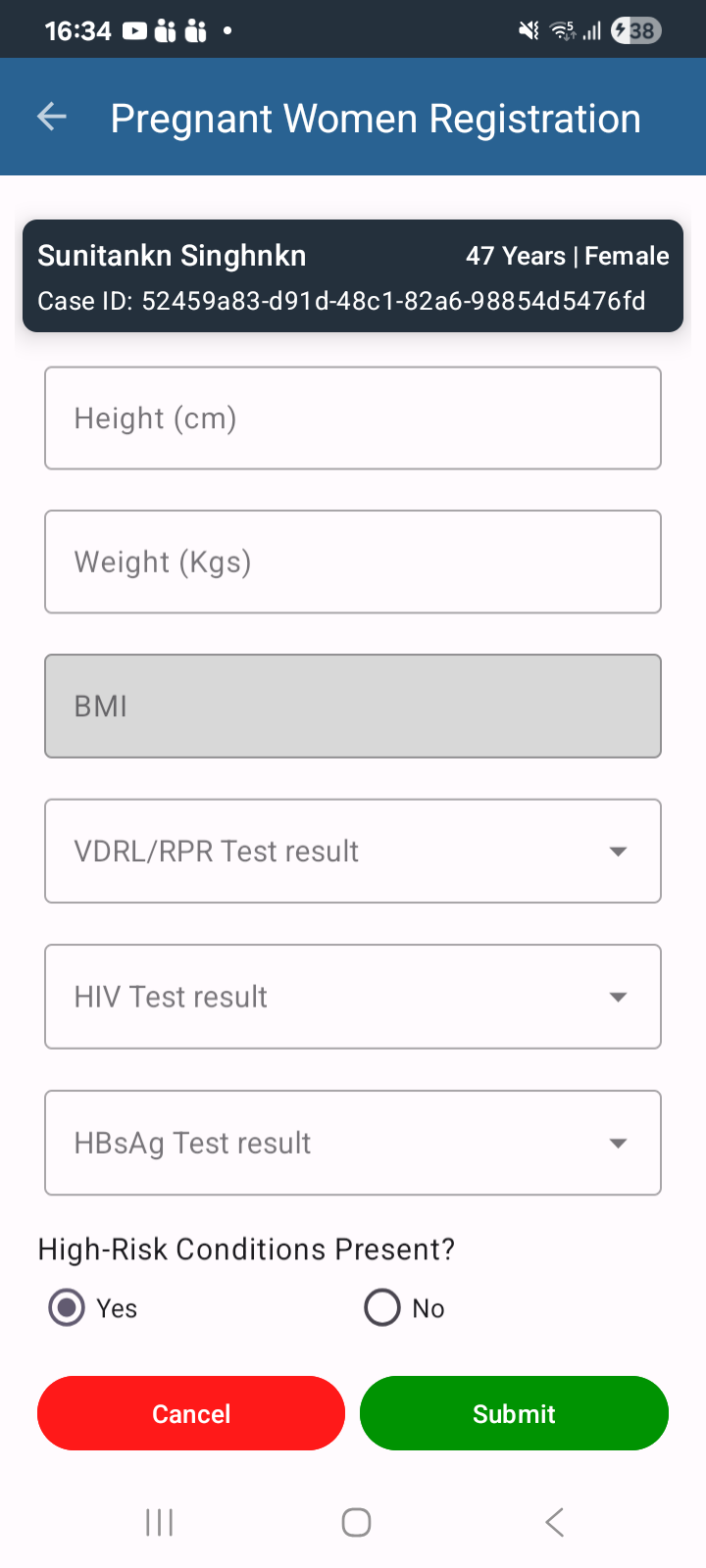
In the PW (Pregnant Women) Registration module, the on-screen keyboard opens automatically when the user scrolls upward on the registration screen, even when no input field is selected.
Steps to Reproduce:
- Login to the application.
- Navigate to the PW (Pregnant Women) Registration module.
- Open the registration form or edit an existing beneficiary.
- Scroll down through the form.
- Scroll back up without tapping on any input field.
- Observe the keyboard behavior.
Actual Result:
The keyboard opens automatically while scrolling up, even though no field has been selected for input.
Expected Result:
The keyboard should only open when the user explicitly taps on an editable input field and should not appear during normal scrolling.