-
Type:
Bug
-
Resolution: Done
-
Priority:
 Highest
-
Affects Version/s: None
-
None
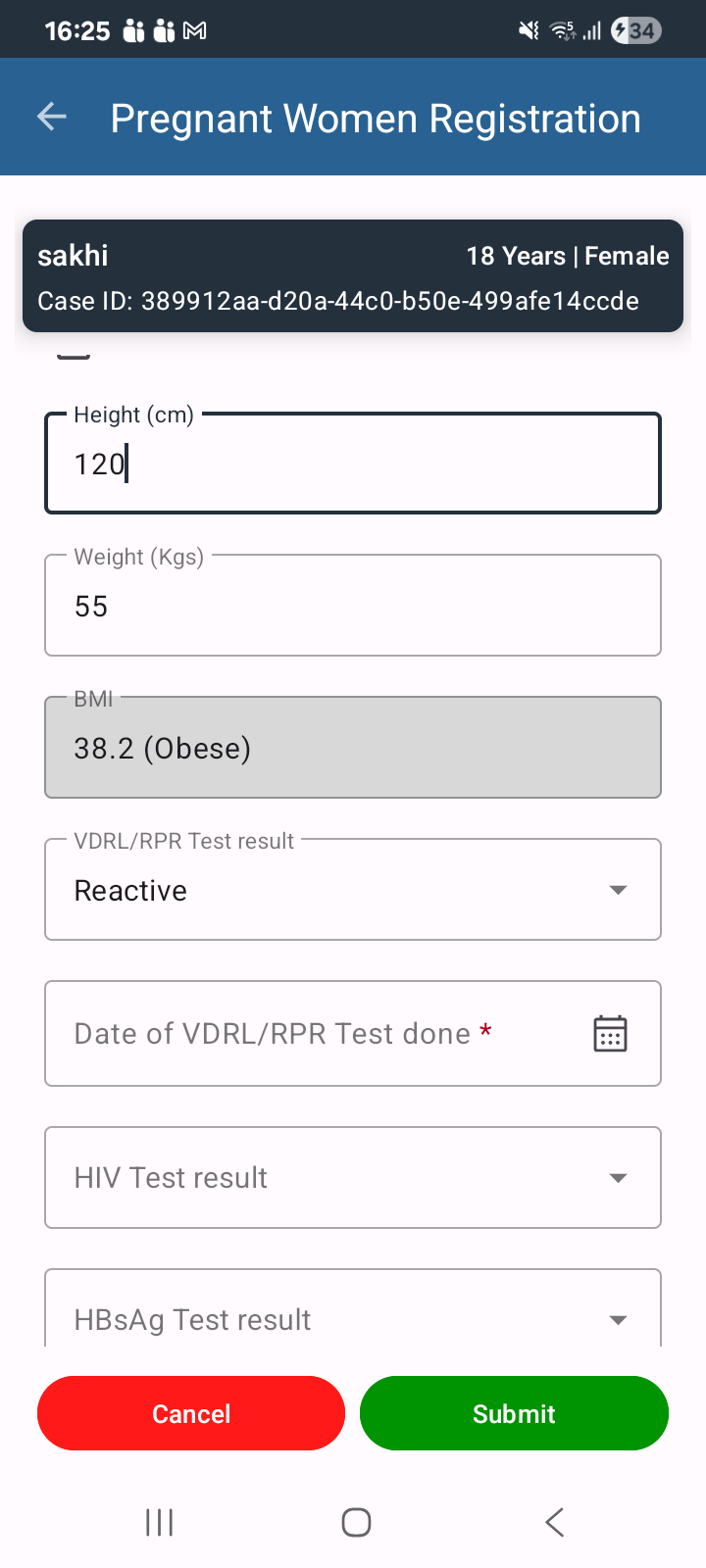
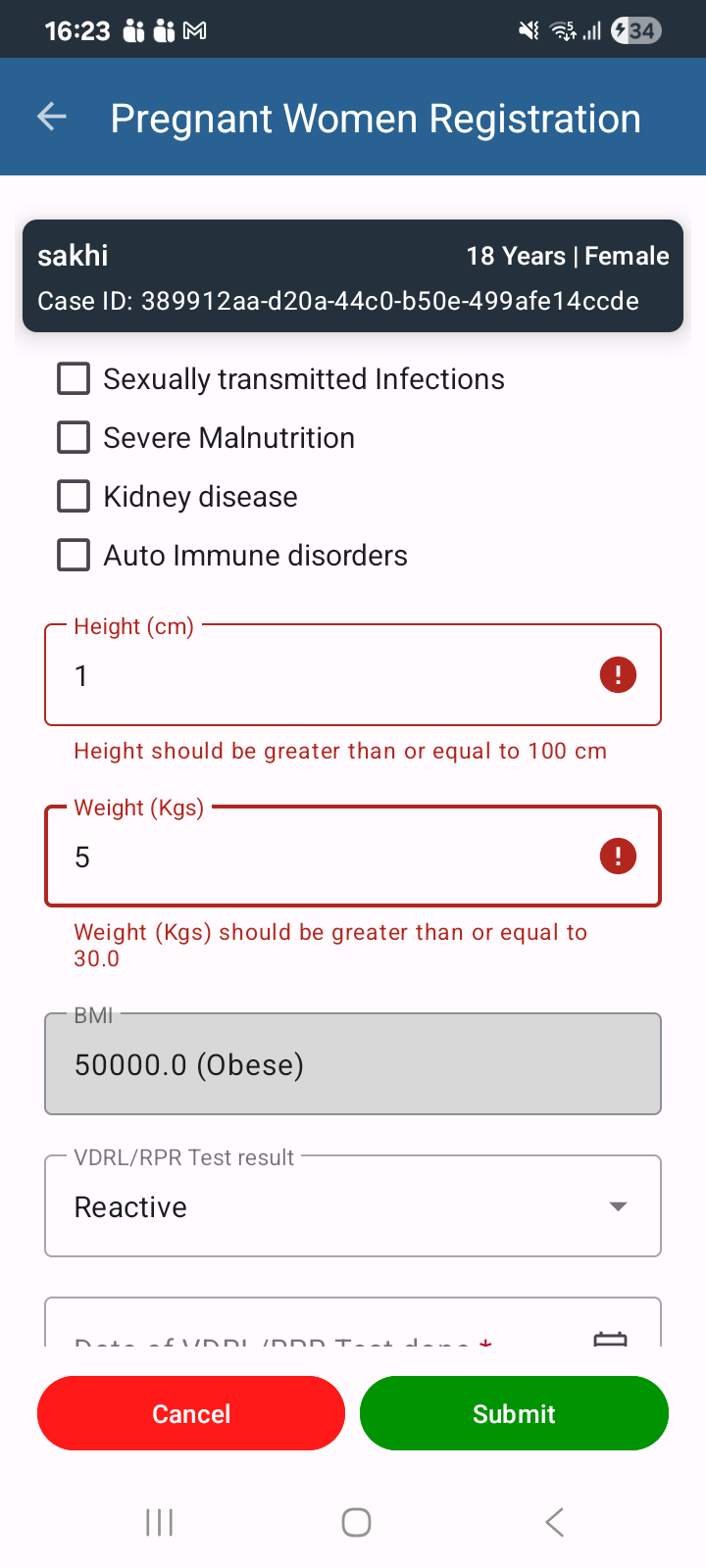
In the PW Registration module, while registering a new beneficiary or editing an existing one, the Height and Weight fields do not allow continuous data entry. After entering the first digit, the cursor automatically shifts focus to another field, requiring the user to manually click back into the Height/Weight field to continue entering the remaining digits.
Steps to Reproduce:
- Login to the application.
- Navigate to the PW (Pregnant Women) Registration module.
- Start registering a new beneficiary or edit an existing beneficiary.
- Navigate to the Height or Weight field.
- Enter the first digit of the value (e.g., "1" for Height or "5" for Weight).
- Observe the cursor behavior.
Actual Result:
After entering the first digit, the cursor automatically moves to another field. The user must click back into the Height/Weight field to enter the remaining digits.
Expected Result:
The cursor should remain in the Height/Weight field until the user completes the entry or manually moves to another field. Users should be able to enter the complete value without interruption.