-
Type:
Bug
-
Resolution: Done
-
Priority:
 Medium
-
Affects Version/s: None
-
None
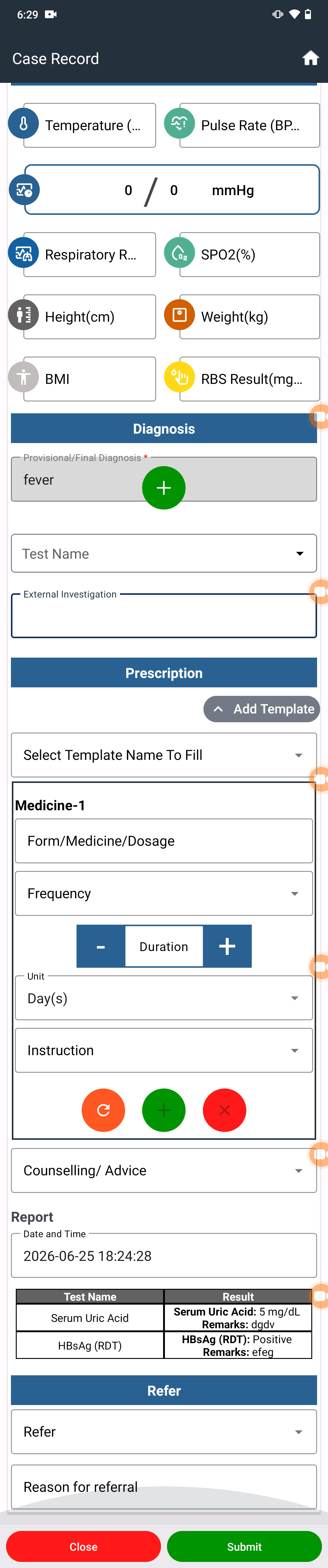
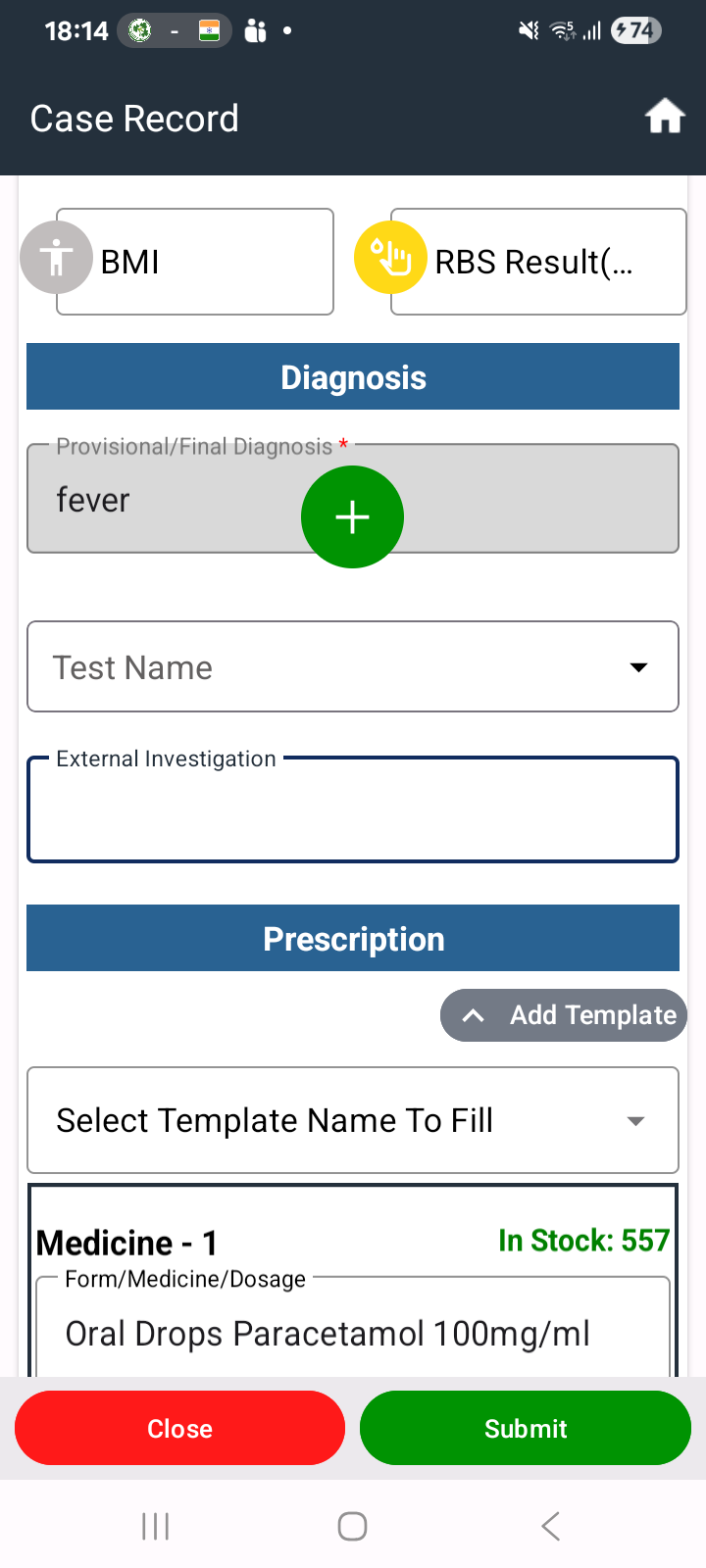
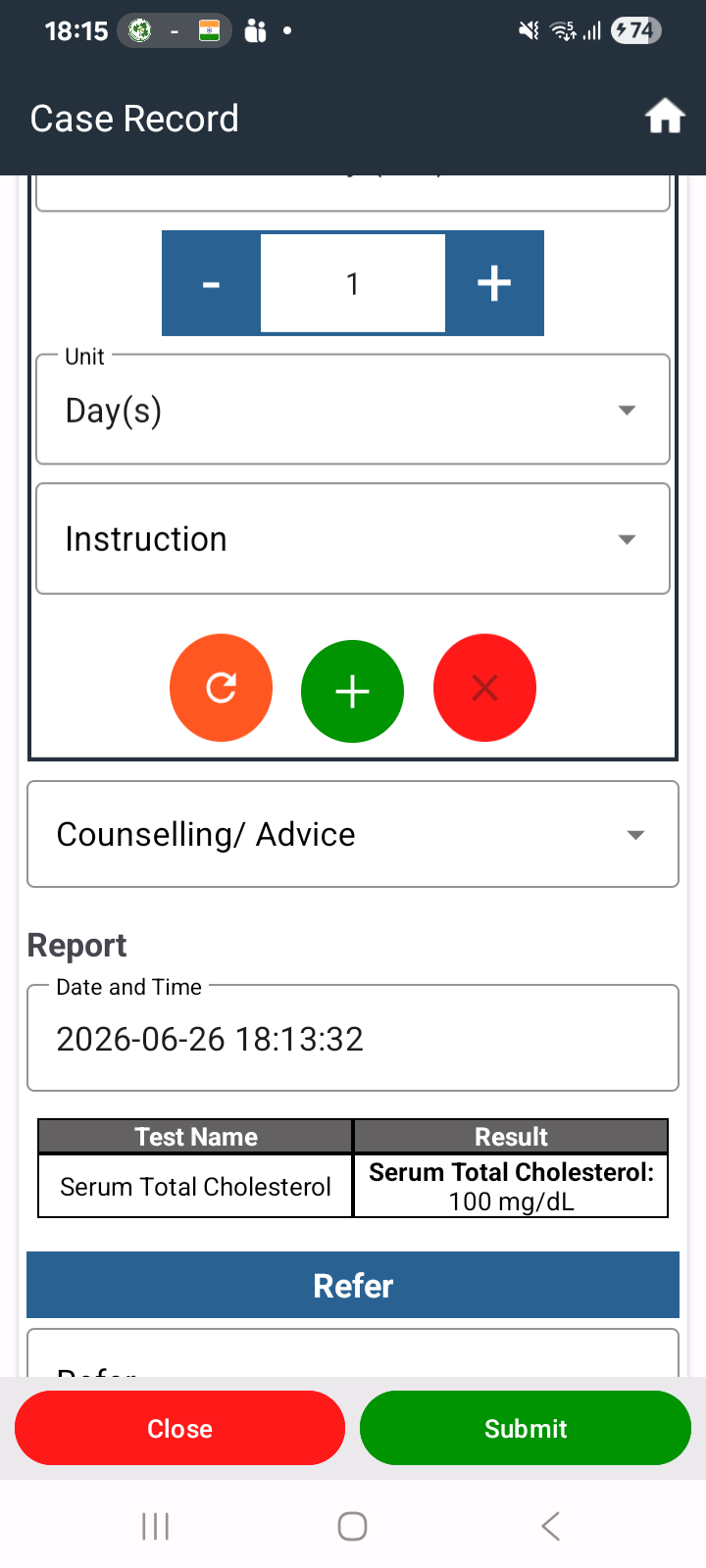
Once the lab test is completed, the provisional diagnosis recorded for the beneficiary should also be displayed when the DOC views the test results.
Steps to Reproduce:
- Login to the FLW/MHWC application and register or select a beneficiary.
- Complete the consultation and record a provisional diagnosis.
- Refer the beneficiary for a lab test.
- Login to the Lab module and complete the prescribed lab test.
- Login as DOC.
- Open the beneficiary record and navigate to the lab test results section.
- View the completed lab test results.
Actual Result:
The provisional diagnosis is not displayed while viewing the lab test results.
Expected Result:
The provisional diagnosis should be visible along with the lab test results when viewed by the DOC.