-
Type:
Bug
-
Resolution: Done
-
Priority:
 Medium
-
Affects Version/s: None
-
None
-
HWC Sprint 21
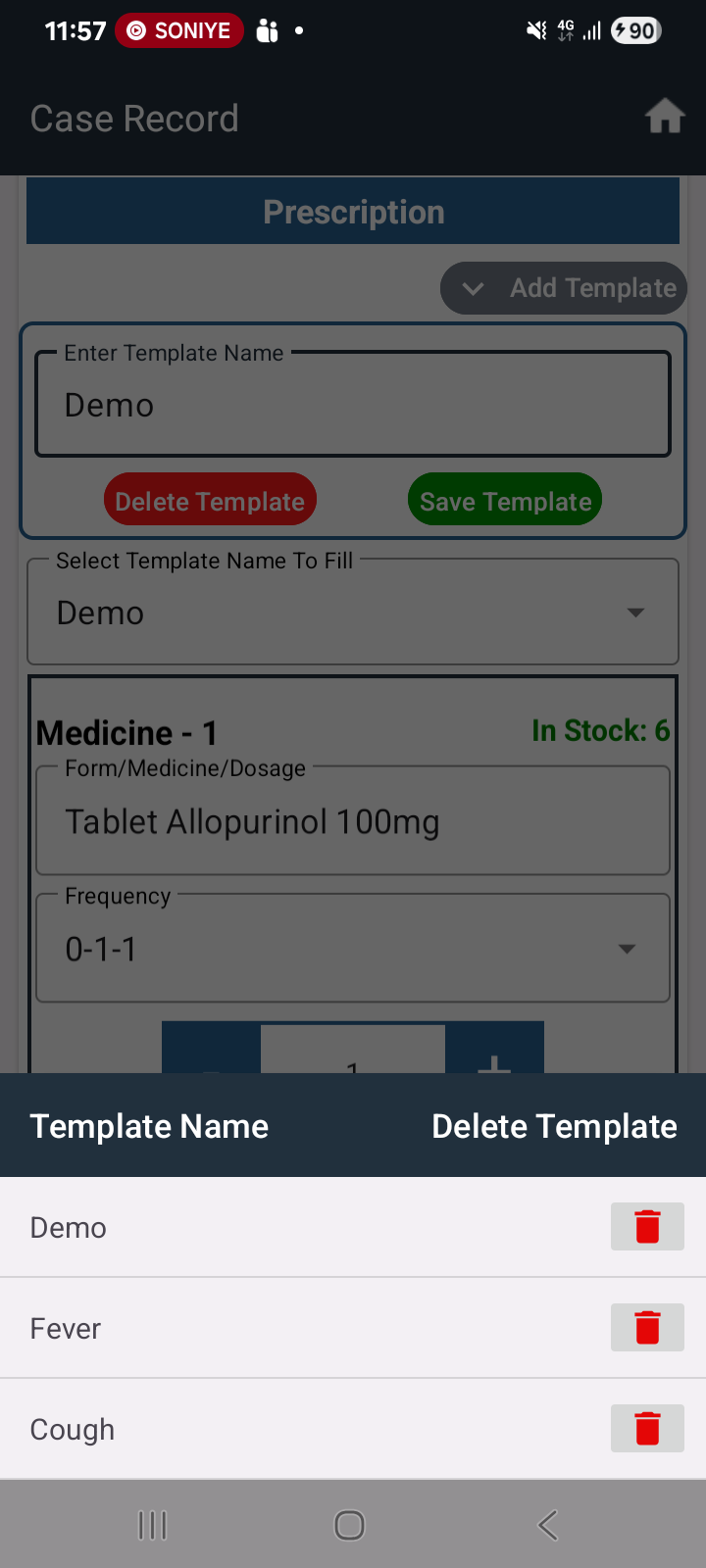
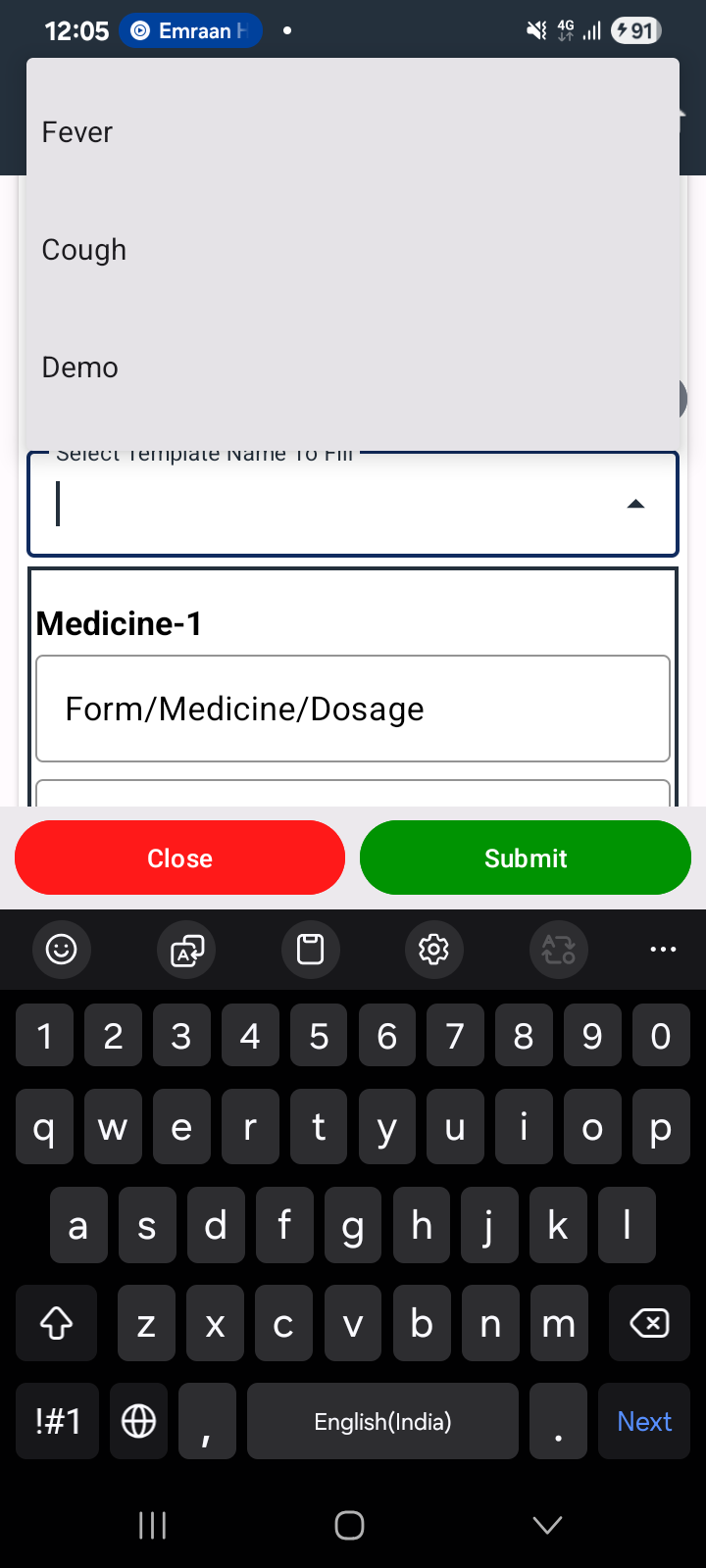
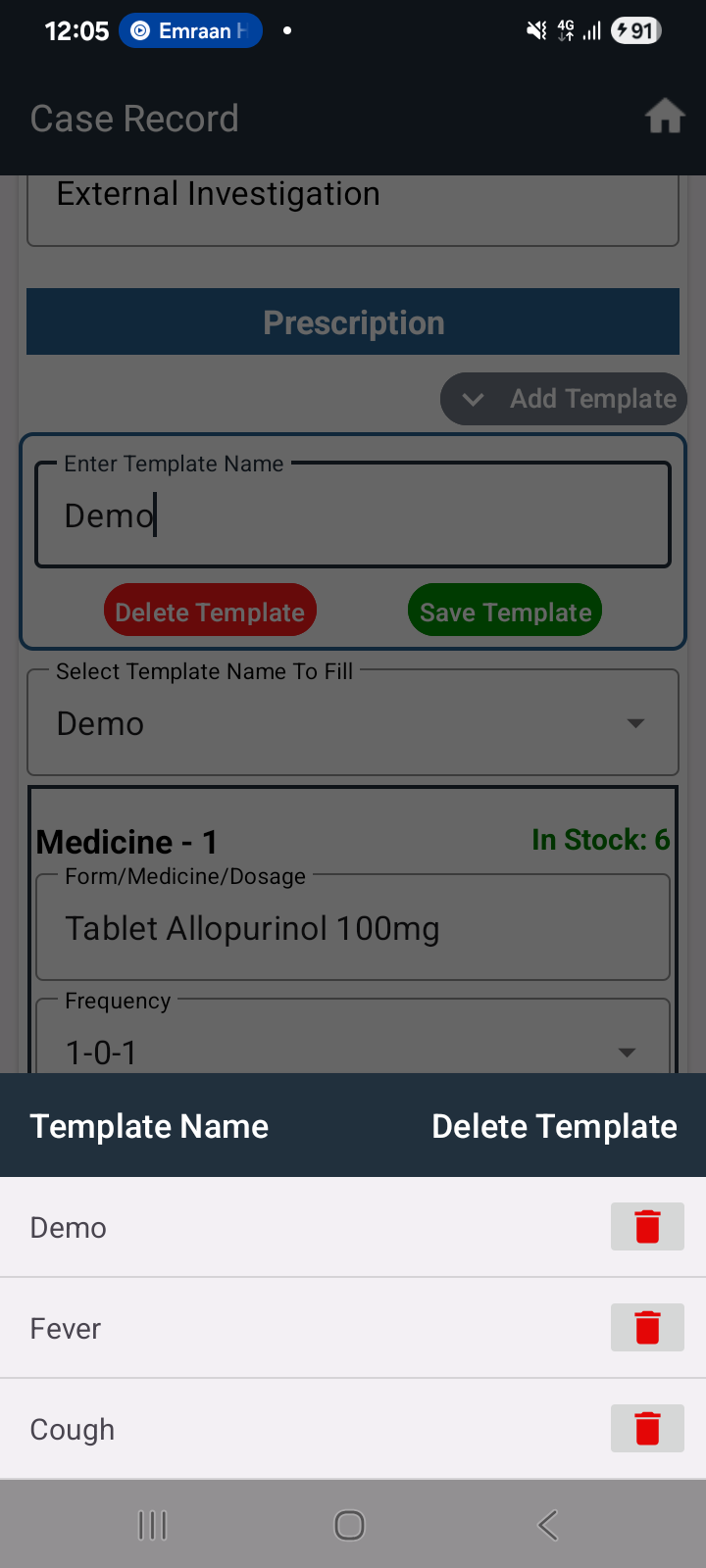
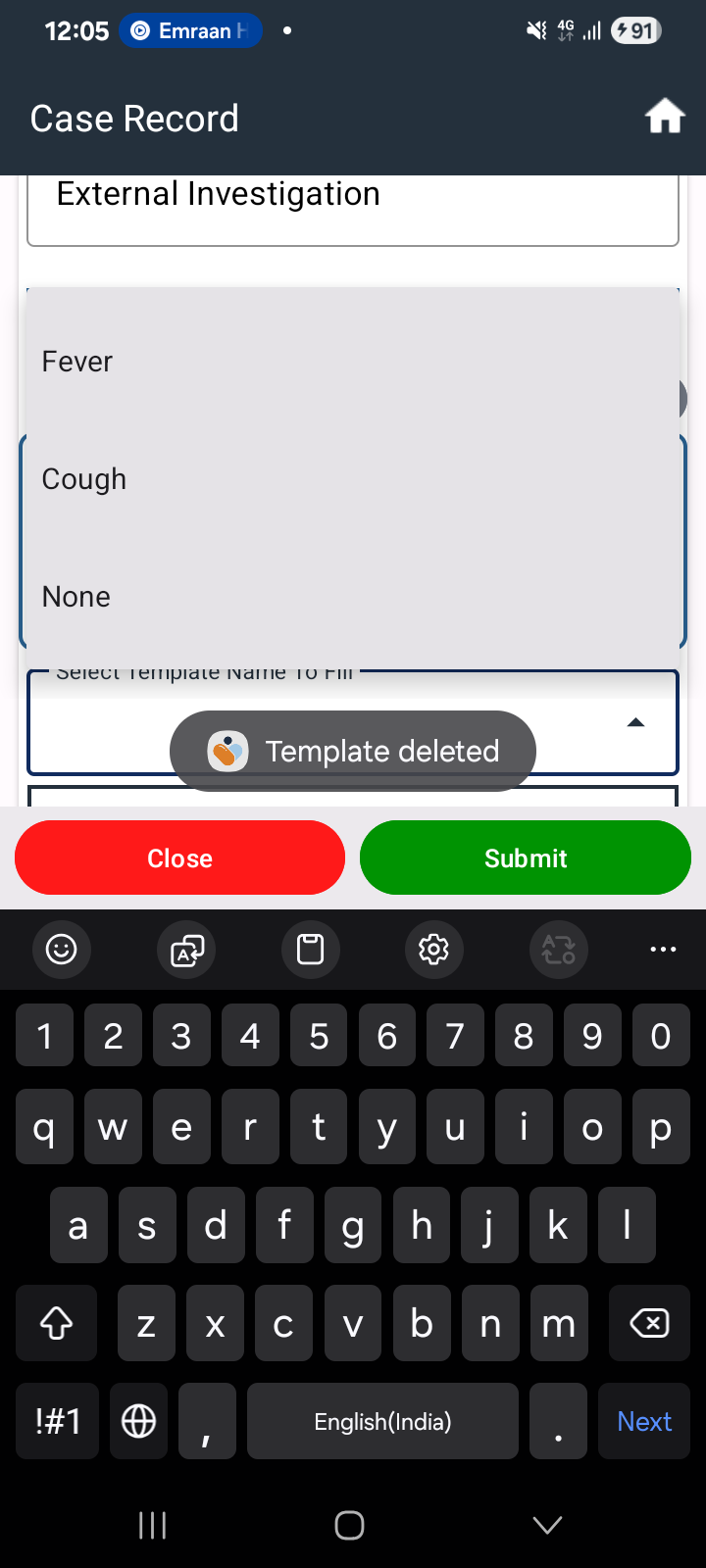
When a saved template is deleted from the prescription module, it is not immediately removed from the dropdown on the same page. The deleted template continues to appear unless the user navigates back and reopens the page.
Steps to Reproduce:
- Go to Prescription module
- Select a saved template
- Delete the selected template
- Open the template dropdown again on the same page
Expected Result:
Deleted template should be removed immediately from the dropdown list.
Actual Result:
Deleted template is still visible in the dropdown until the user navigates away and comes back to the page.