-
Type:
Bug
-
Resolution: Done
-
Priority:
 High
High
-
Affects Version/s: None
-
None
Description:
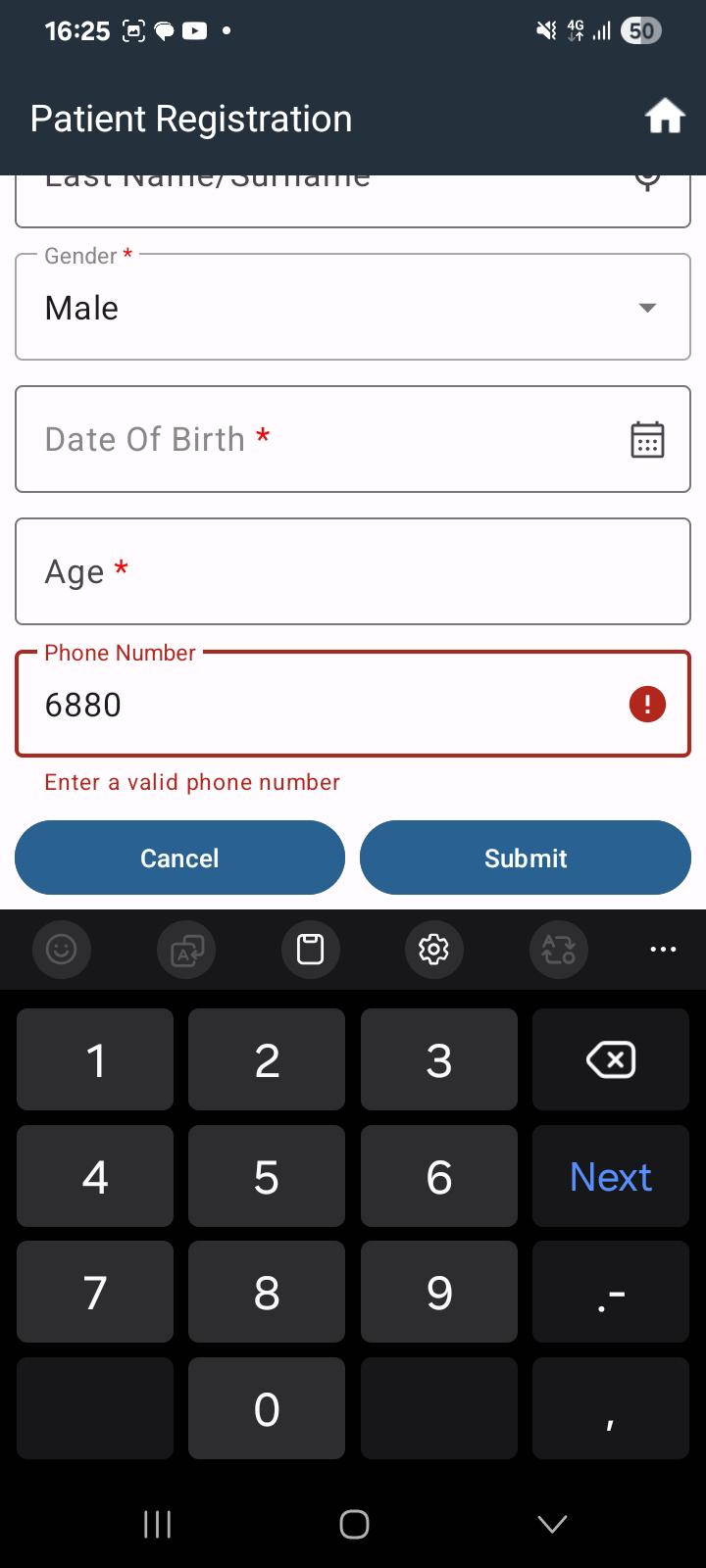
When typing in any input field using the keyboard, the screen layout gets overlapped and input fields are not properly visible.
Ideally, when the keyboard opens, the screen should automatically adjust (move upward/scroll) so that the active input field remains visible to the user.
Steps to Reproduce:
- Open the application.
- Navigate to any screen with input fields.
- Tap on any text field to open the keyboard.
- Start typing.
Actual Result:
- Keyboard overlaps the input fields.
- Some fields are not visible while typing.
Expected Result:
- Screen should automatically adjust/scroll up when the keyboard opens.
- Active input field should always remain visible.
- No UI overlapping should occur.