-
Type:
Task
-
Resolution: Done
-
Priority:
 High
High
-
Affects Version/s: None
-
None
-
HWC Sprint 17, HWC Sprint 18
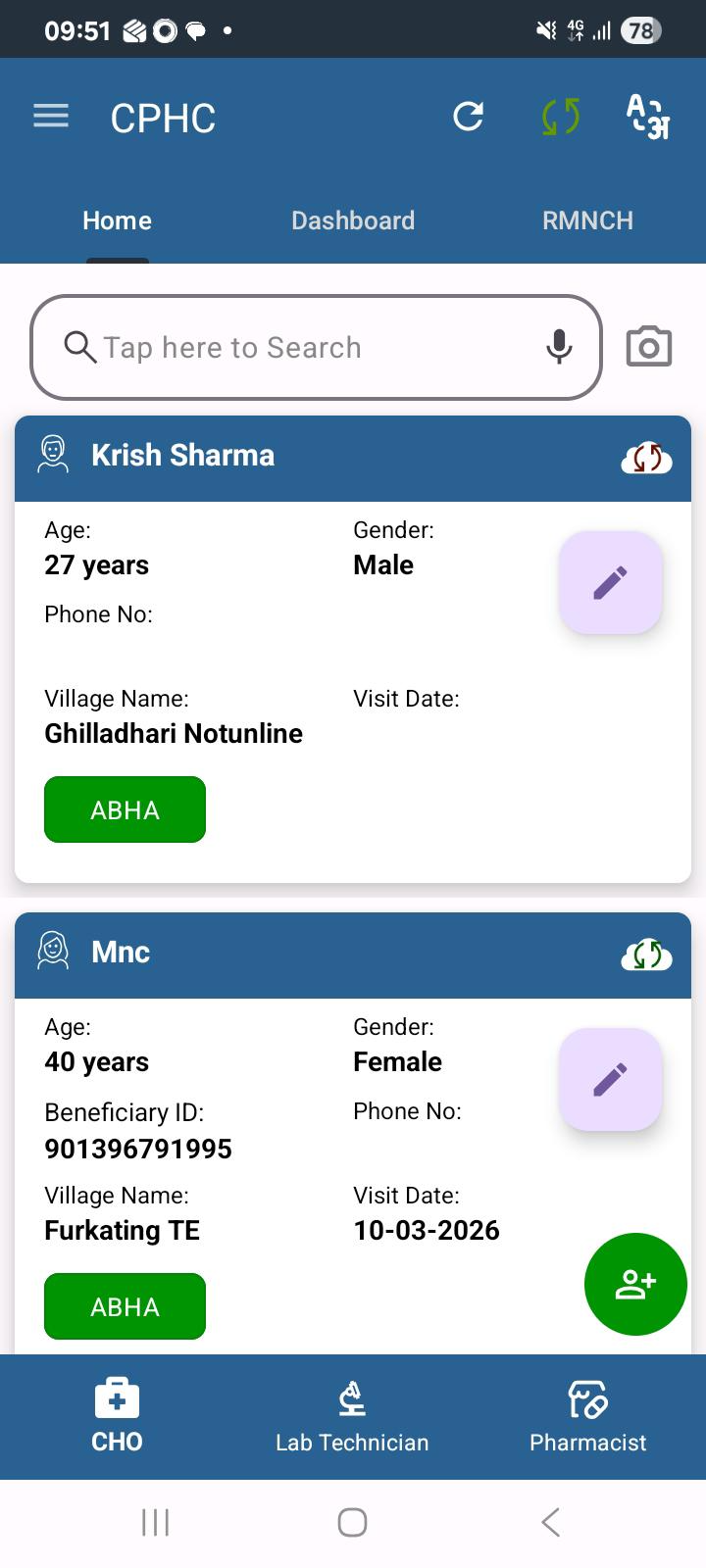
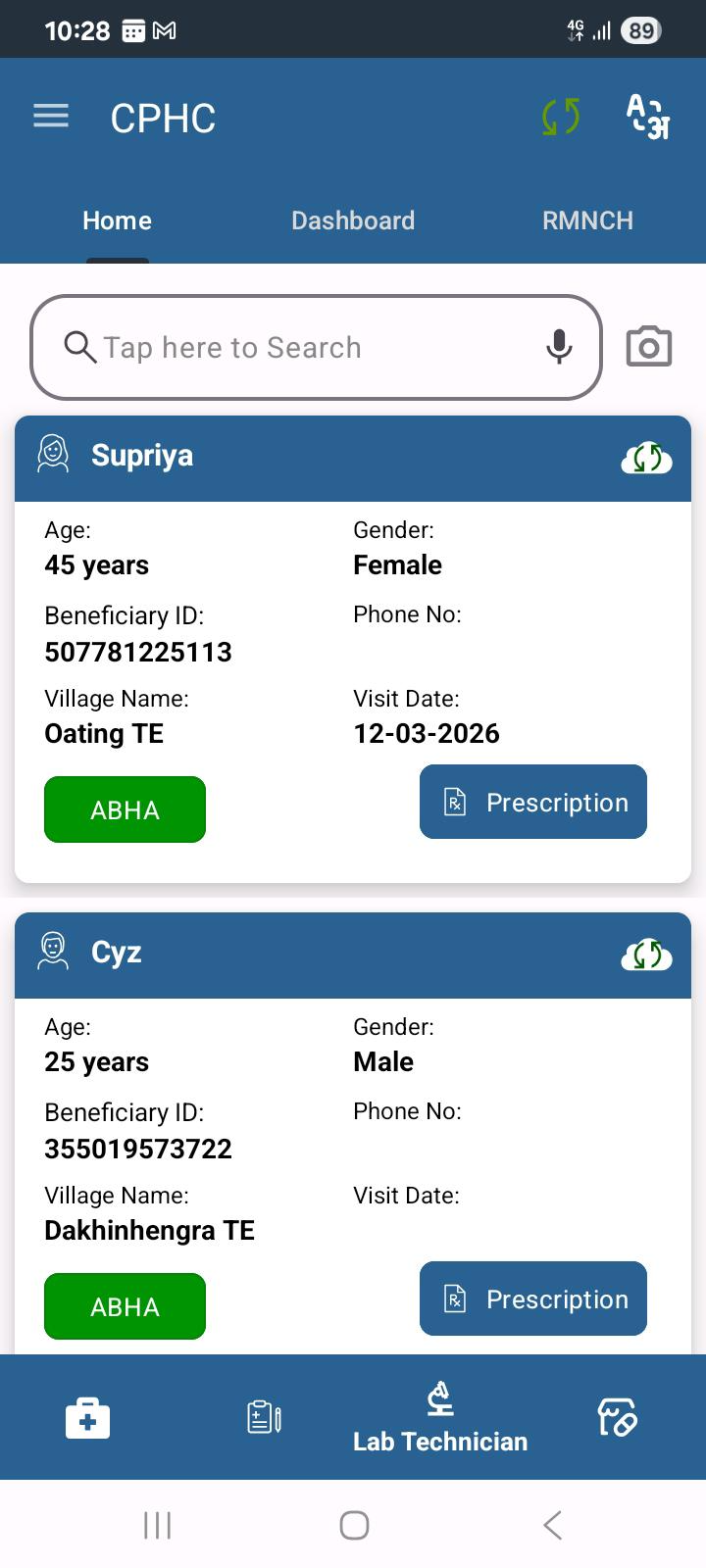
If the application remains open overnight, users experience a sync failure the next morning. Initial investigation suggests this occurs because the JWT token expires while the app is idle, and the token is not refreshed or revalidated before attempting sync operations.
This results in failed API calls and stale data until the app is restarted or the user re-authenticates.
Steps to Reproduce:
- Log in to the application
- Keep the app open and idle overnight (JWT token expires)
- Attempt to sync data the next morning
Actual Result:
- Sync fails
- API calls return authentication/authorization errors
- User must restart the app or log in again to recover
Expected Result:
- App should detect expired JWT token
- Token should be refreshed automatically or user should be prompted to re-authenticate
- Sync should proceed successfully without requiring an app restart