-
Type:
 Story
Story
-
Resolution: Done
-
Priority:
 High
High
-
Affects Version/s: None
-
HWC Sprint 17, HWC Sprint 18
As a CHO / Registrar I want to register a beneficiary by capturing photo, demographic details, eligibility status, and ABHA information so that the beneficiary is uniquely identified, validated, enrolled in appropriate programs, and available for care delivery.
Acceptance Criteria
Registration Header & Page Controls
- Page header displays “Patient Registration”
- Cancel and Submit buttons are available at the bottom
Beneficiary Photo Capture
- “Tap to take photo” opens device camera
- Face detection is mandatory before accepting the photo
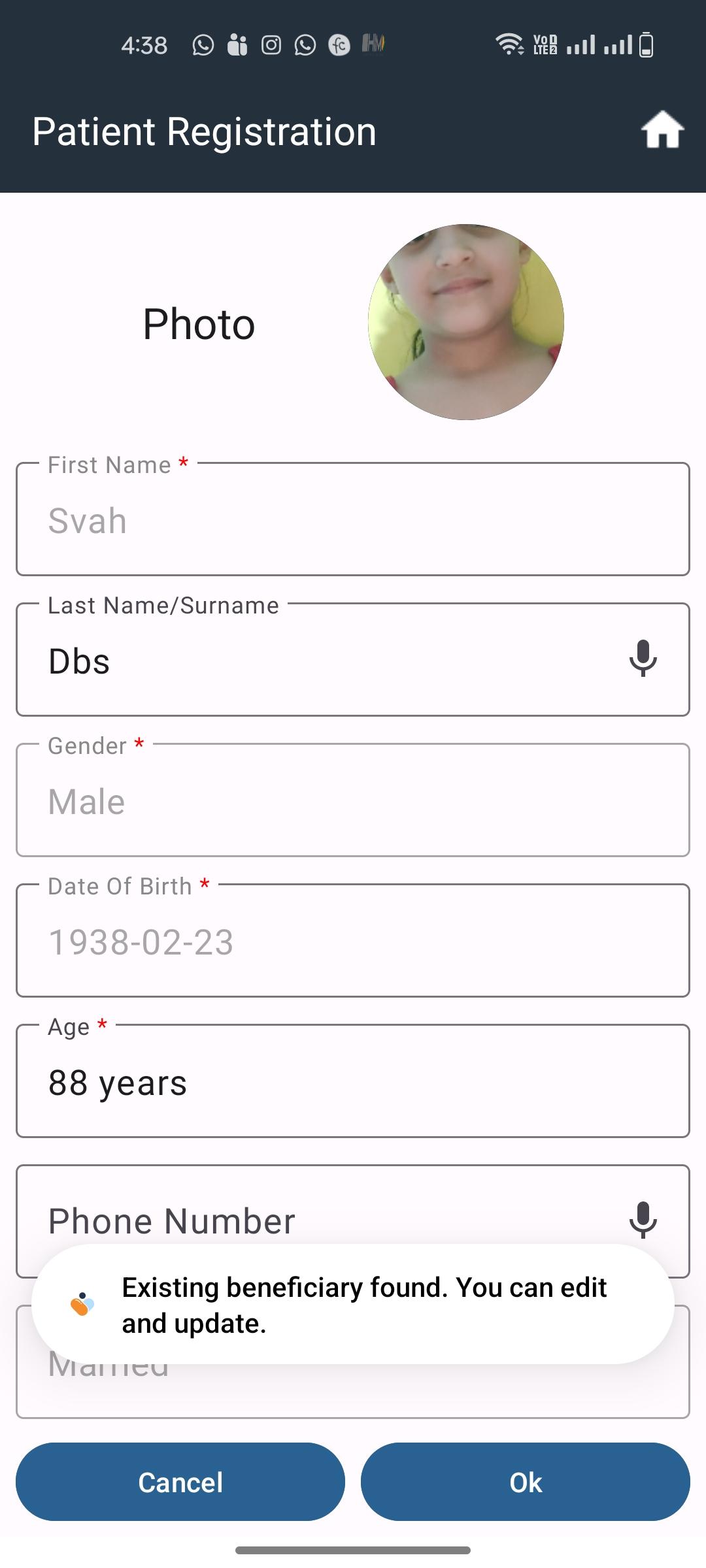
- System checks if the photo is already registered
- If photo exists, system retrieves associated beneficiary data
Village Selection
- Village Name field is mandatory
- Dropdown auto-fetches villages aligned to the logged-in user
- Only single selection is allowed
Name & Family Details
- First Name
- Mandatory
- Supports speech-to-text
- Allows alphabets, spaces, and hyphens
- Last Name
- Optional
- Supports speech-to-text
- Editable later via pencil icon if woman’s status changes
- Father’s Name
- Mandatory if Status of Woman = Adolescent or Unmarried
- Supports speech-to-text
- Allows alphabets, spaces, and hyphens
Phone Number
- Optional field
- Accepts numeric values only
- Must be a valid 10-digit number starting with 6, 7, 8, or 9
- Supports speech-to-text
Date of Birth & Age Handling
- Date of Birth
- Optional
- Calendar picker in DD-MM-YYYY format
- On selection, age is auto-calculated in years
- Age
- Mandatory
- Editable by CHO/Registrar
- Auto-filled from DOB if available
- Manual entry allowed if DOB not available
- Format: Years (mandatory), Months & Days (optional)
Gender & Marital Status
- Gender
-
- Mandatory
- Options: Female, Male, Transgender
- Default value is “Select”
- Marital Status
- Mandatory
- Single selection
- Editable in future
- If Married → Spouse Name field becomes mandatory
- Spouse Name
- Mandatory when enabled
- Supports speech-to-text
- Allows alphabets, spaces, and hyphens
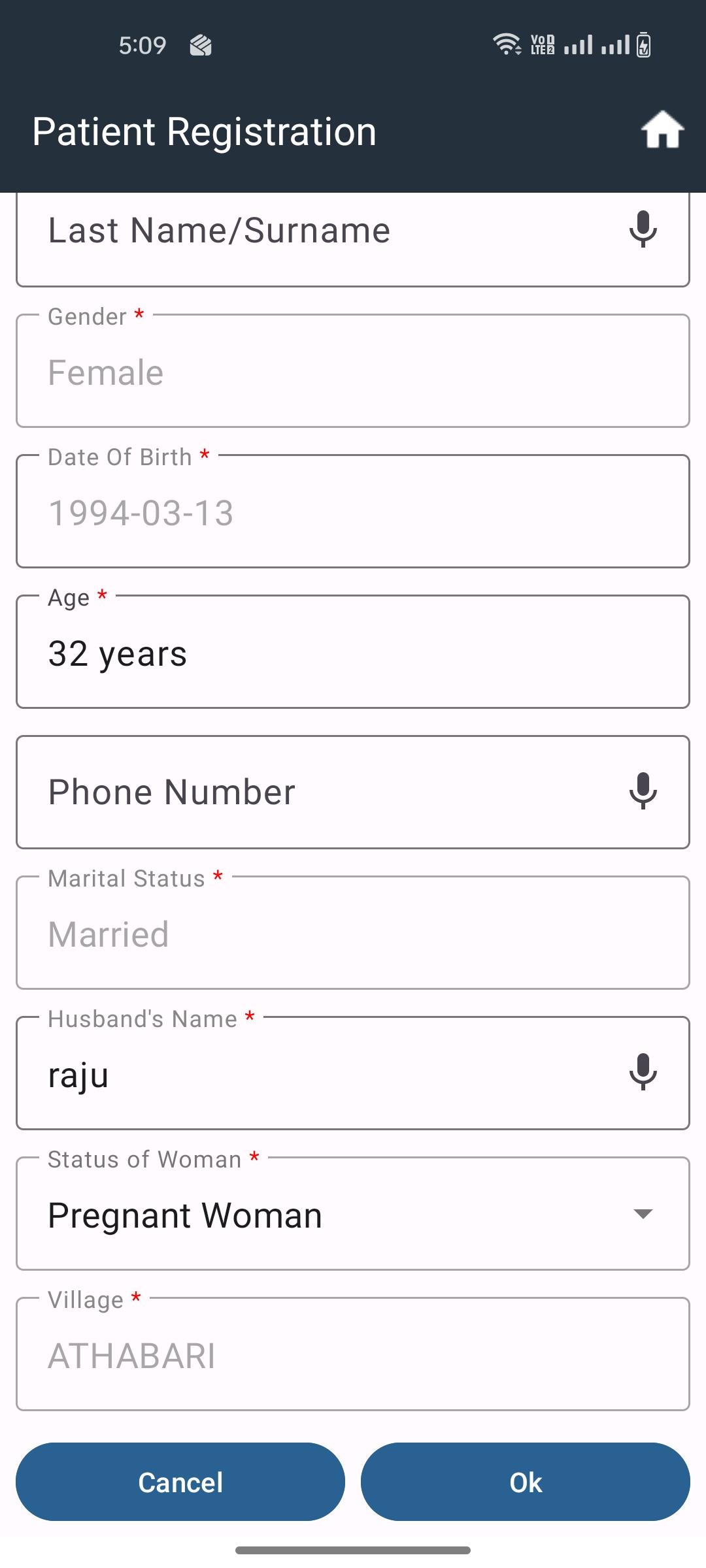
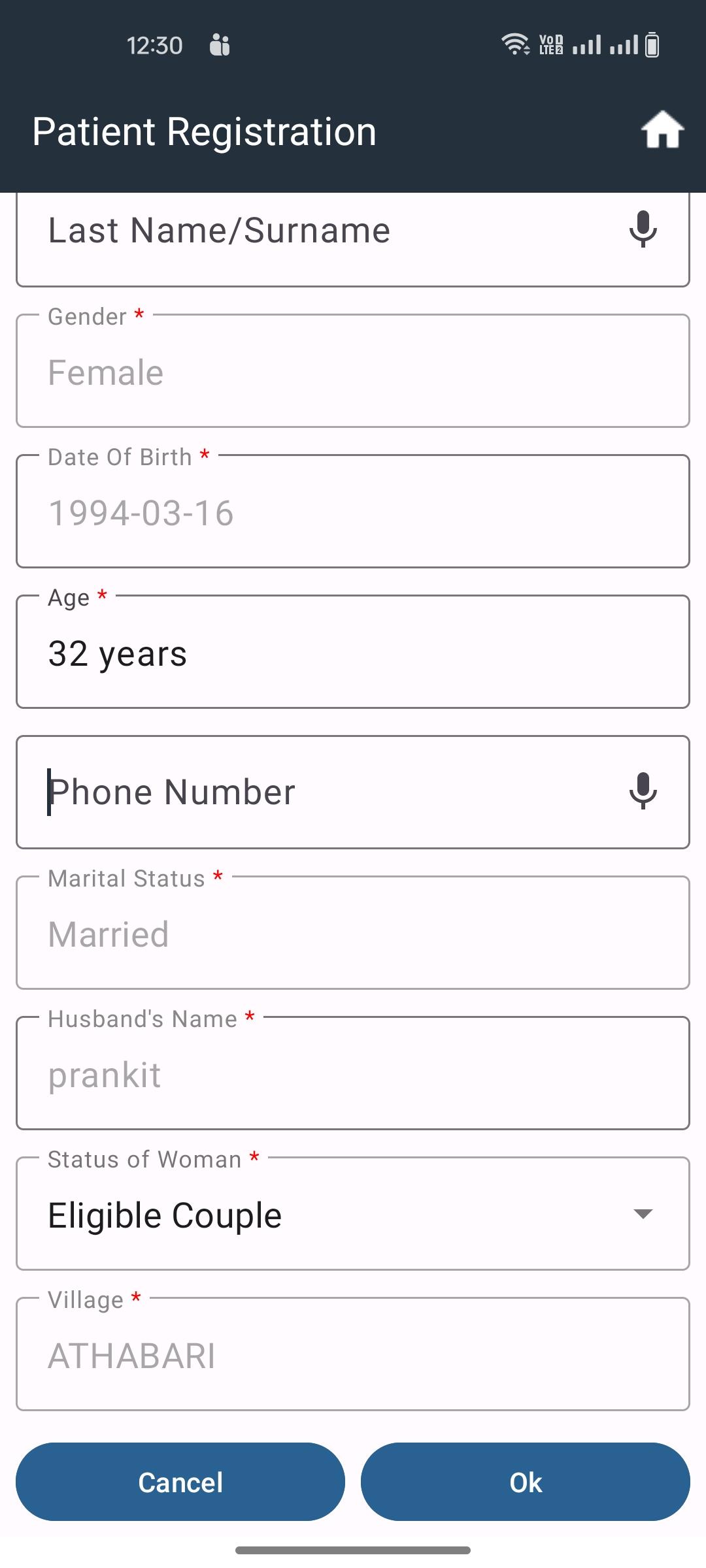
Status of Woman Logic (Female Only)
- Enabled only when Gender = Female
- Mandatory field
- Options dynamically controlled based on Age and Marital Status
Eligibility Rules
- Female, Age 10–19, Unmarried → Adolescent only
- Female, Age ≥15, Married → EC, PW, Postnatal Mother, Permanent Sterilization
- Female, Age 20–49, Unmarried → Not Applicable only
- Female, Age ≥20 → Adolescent option hidden
- Female, Age ≥50 → Elderly only
Automatic Routing
- EC → Eligible Couple Due List
- PW → ANC Due List + Pregnancy Identification Module
- Post Natal Mother → PNC Due List + Postnatal Care Module
ABHA ID Capture
- Question “Does the beneficiary have ABHA ID?” is mandatory
- If Yes
-
- Enable ABHA ID field
-
- ABHA ID is mandatory
-
- Must be 14-digit numeric
If No
-
- Show alert to counsel beneficiary for ABHA enrollment
Submit Registration
- On Submit, system validates all mandatory fields
- Displays popup “Patient Registered Successfully”
- Beneficiary data is saved to server
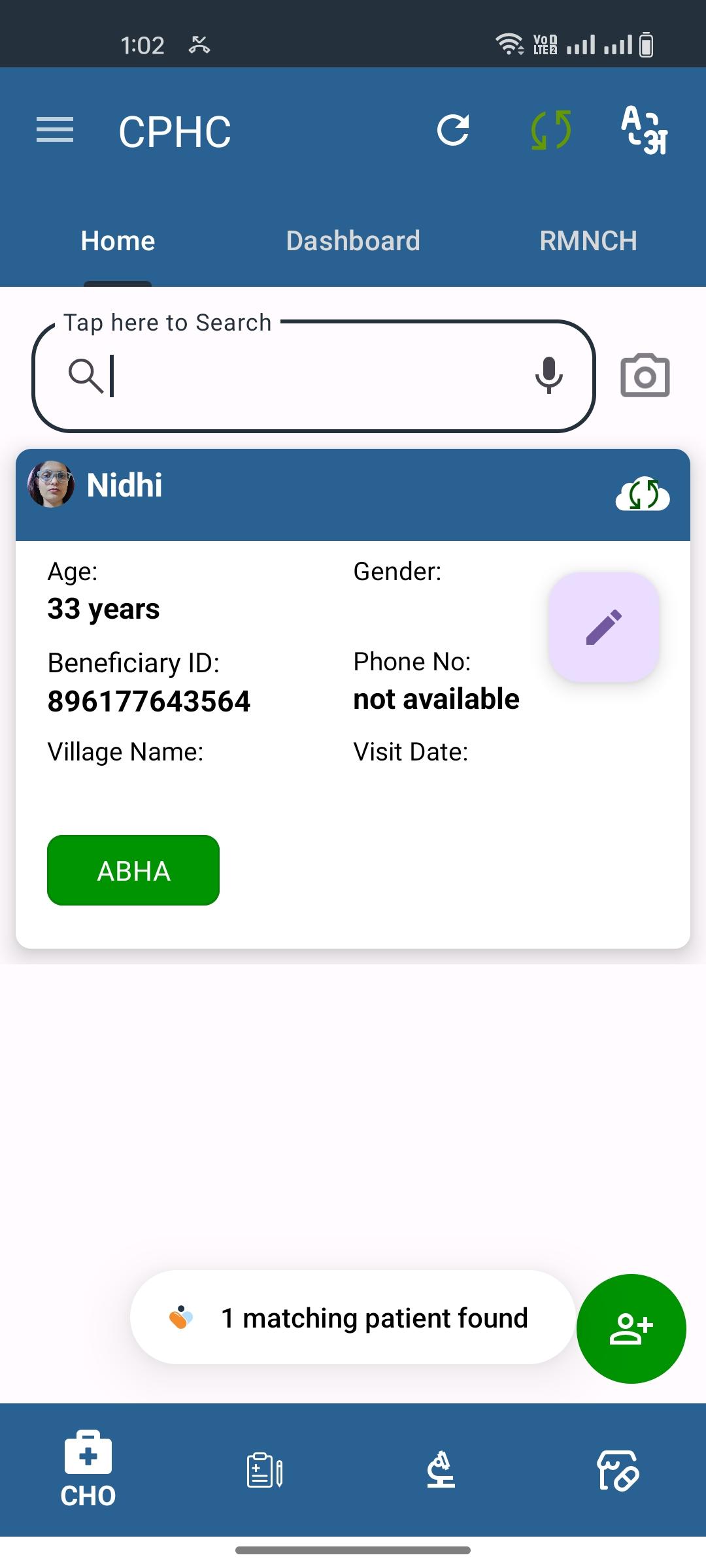
- Beneficiary Card is created with key details
- Beneficiary Card is visible to CHO and Staff Nurse roles
Edit Beneficiary Details
- Pencil icon available after registration
- Opens editable registration form
- Editable fields:
- Last Name
- Phone Number
- Status of Woman
- Age
- On save, system shows popup “Patient details edited successfully”