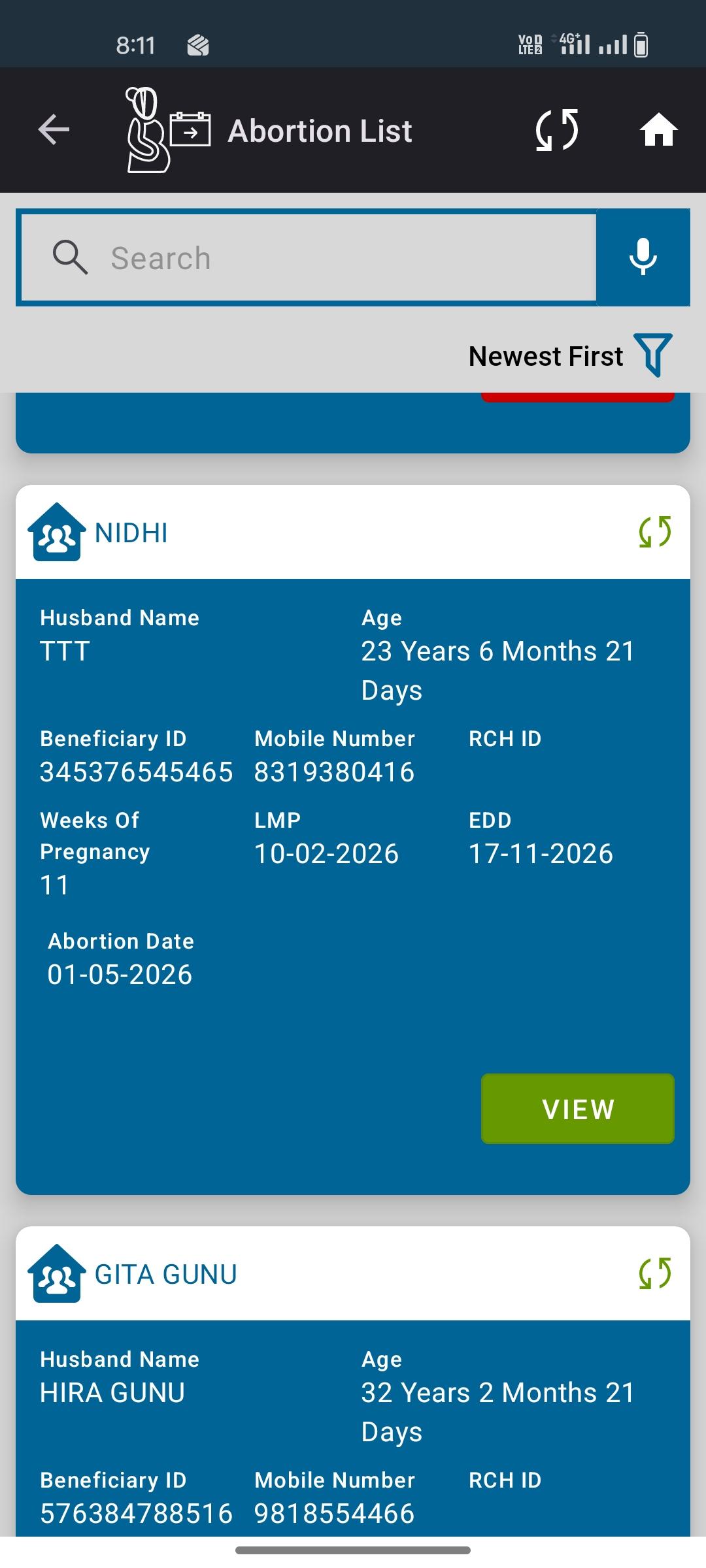
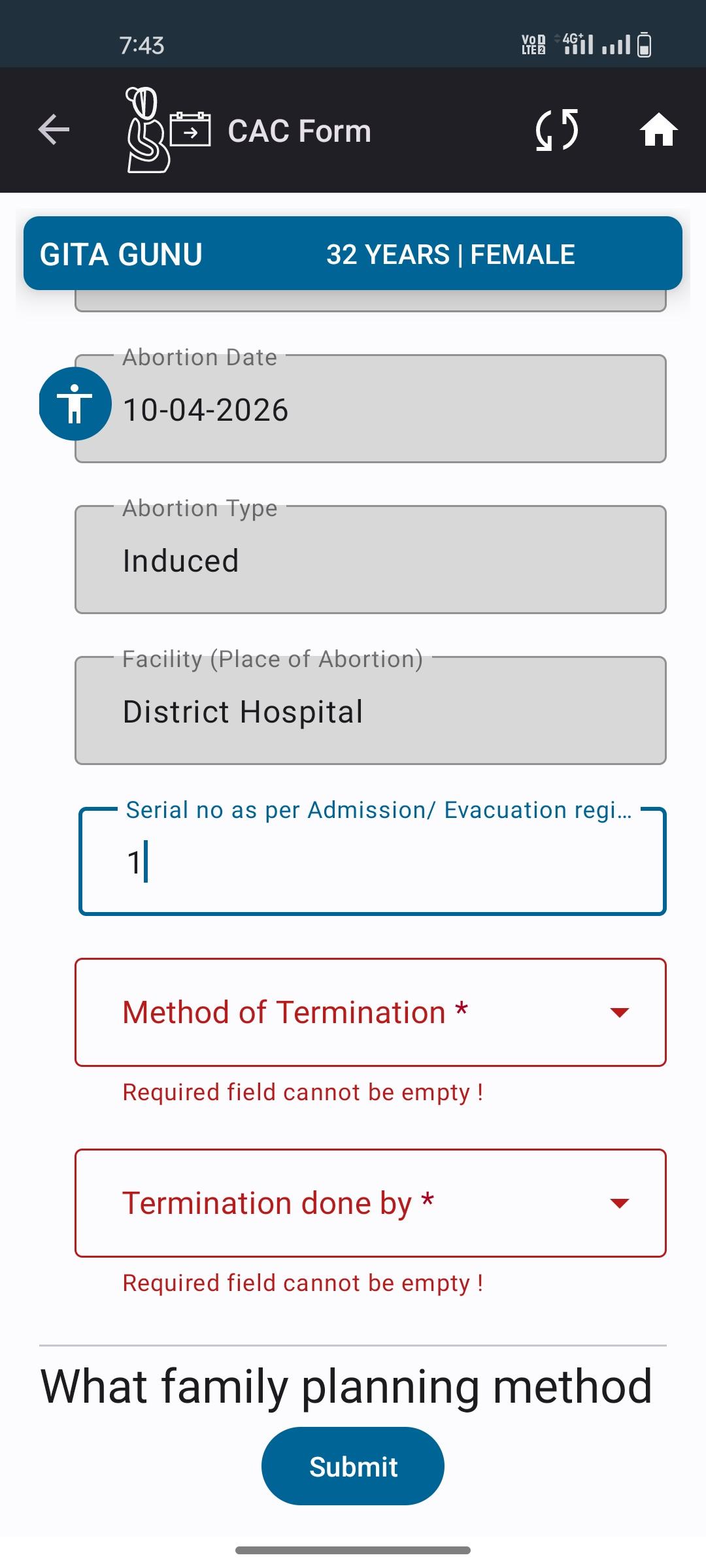
[UAT-2.9]-View button not visible after submitting Abortion form with only mandatory fields filled – validation issue(both application)

XMLWordPrintable

    • Type: Bug
    • Resolution: Done
    • Priority: High
    • 2.9
    • Affects Version/s: None
    • FLW Mobile App
    • UAT

      Description:
      In the Abortion List form, when only the mandatory fields (e.g., Visit Date) are filled and the form is submitted, the View button is not visible. However, when all fields are filled (including non-mandatory fields), the View button becomes visible. This indicates that proper validation logic is not applied to the form.

      Steps to Reproduce:

      1. Open the application.
      2. Navigate to Abortion List.
      3. Click on Add Abortion.
      4. Fill only the mandatory fields (e.g., Visit Date).
      5. Submit the form.
      6. Check whether the View button appears.
      7. Now fill all fields and submit again.
      8. Observe the View button visibility.

        1. image-2026-05-01-20-12-05-946.png
          151 kB
          Pratiksha Pandey
        2. image-2026-05-01-20-12-30-719.png
          141 kB
          Pratiksha Pandey
        3. MicrosoftTeams-video (14).mp4
          7.32 MB
          Pratiksha Pandey

              Assignee:
              Pratiksha Pandey
              Reporter:
              Pratiksha Pandey
              Votes:
              0 Vote for this issue
              Watchers:
              1 Start watching this issue

                Created:
                Updated:
                Resolved: