-
Type:
Bug
-
Resolution: Done
-
Priority:
 High
High
-
Affects Version/s: None
-
FLW Sprint 41, FLW Sprint 42
-
FLW Mobile App
-
UAT
Description
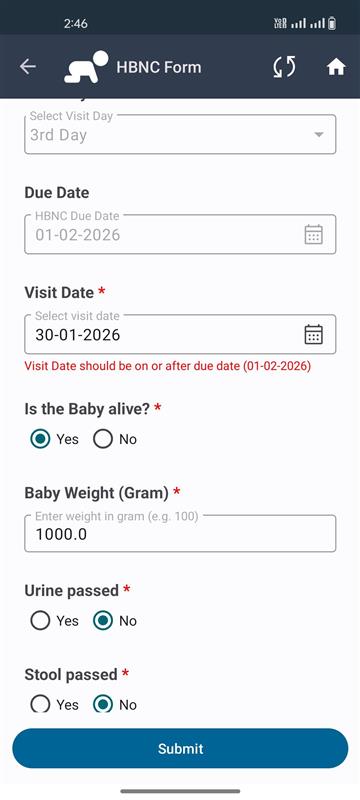
During offline testing of Build 2.8.4.7, the HBNc module form does not submit when a Visit Date is selected.
The same form works as expected without selecting the visit date or when the application is in online mode.
Steps to Reproduce
- Open the application (Build 2.8.4.7)
- Enable offline mode
- Navigate to the HBNc module
- Fill in all mandatory fields
- Select a Visit Date
- Click on the Submit button
Expected Result
The form should be submitted successfully in offline mode after selecting the visit date.
Actual Result
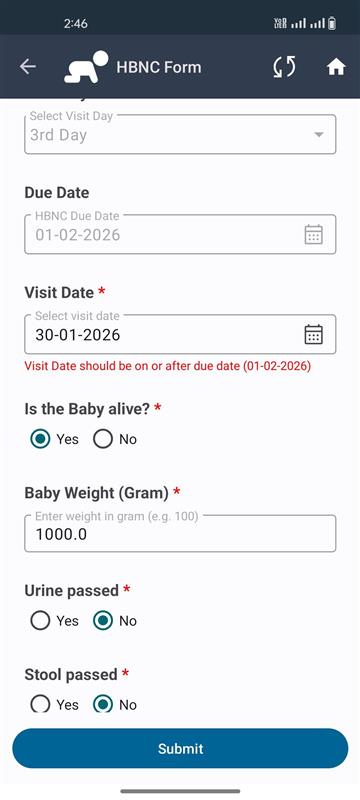
The form does not submit when the visit date is selected.
No success message or proper error message is displayed.