-
Type:
Bug
-
Resolution: Done
-
Priority:
 Medium
-
Affects Version/s: None
-
None
-
FLW Mobile App
-
UAT
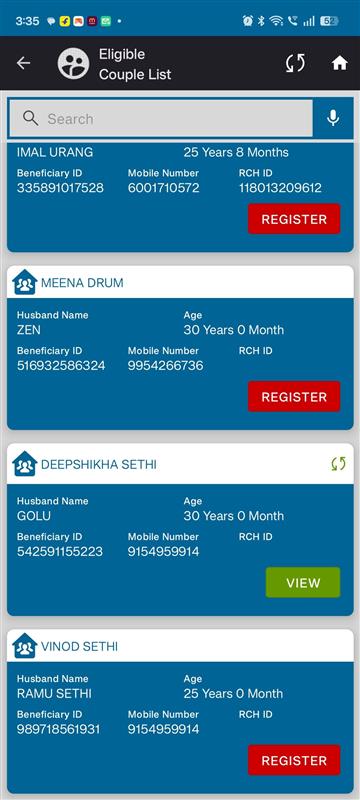
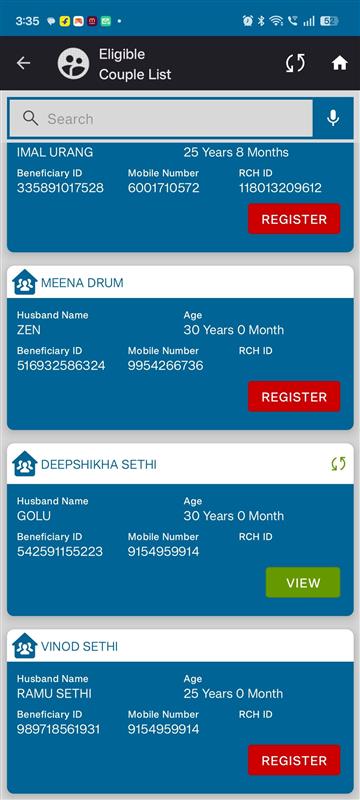
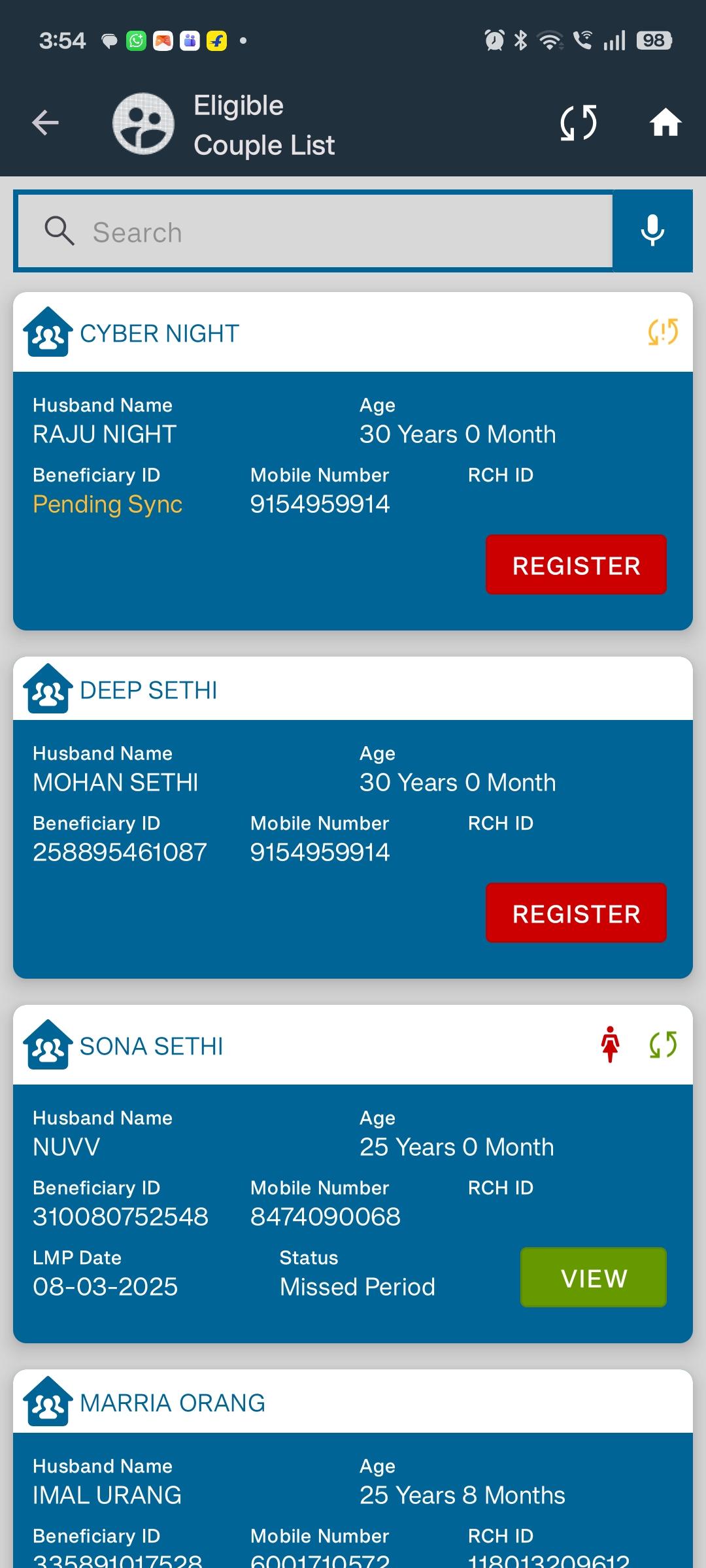
When a beneficiary’s children are added through the All Beneficiary section, the Register button in the EC (Eligibility Certificate) screen incorrectly appears as “View” instead of “Register”.
Steps to Reproduce:
- Go to All Beneficiary section.
- Open a beneficiary record.
- Add children to this beneficiary.
- Navigate to the EC screen for the same beneficiary.
- Observe the action button.
Expected Result:
The button should display “Register” if the beneficiary has not completed EC registration.
Actual Result:
The button incorrectly shows “View”, even though the beneficiary is not yet registered.
- relates to
-
 FLW-523
Add/Edit Spouse and Children Details for Beneficiaries
FLW-523
Add/Edit Spouse and Children Details for Beneficiaries
-

- Closed
-
