-
Type:
Task
-
Resolution: Done
-
Priority:
 Medium
-
Affects Version/s: None
-
FLW Sprint 37, FLW Sprint 38, FLW Sprint 39, FLW Sprint 40, FLW Sprint 41, FLW Sprint 42, FLW Sprint 43
-
FLW Mobile App
-
All
The application’s user interface exposes sensitive actions or information without proper security controls, enabling unauthorized interaction or misuse.
Impact:
Attackers may manipulate UI elements to perform unintended actions or obtain restricted information.
| Vulnerability Name | Vulnerable URL | CVE/CWE | CVSS Score | Overall Risk (Severity) |
Observation / Description | Impact | Recommendation | Reference | Steps to reproduce |
| Android Application | Insecure User Interface | CWE-200 | 5.3 | Medium | In Android applications, sensitive information displayed on the screen may be unintentionally captured by screenshots or screen recordings. This vulnerability arises when the application fails to implement mechanisms that prevent such data from being captured. The captured screenshots or screen recordings can then be accessed by malicious apps, unauthorized users, or via debugging tools, leading to the unintentional leakage of sensitive data. Payment details like credit card numbers. Confidential business information displayed on the application. |
Data Leakage: Sensitive information can be accessed by unauthorized apps or individuals through screenshots. Unauthorized Sharing: Screenshots containing sensitive information can be inadvertently shared by users via messaging or social media platforms. |
Disable Screenshots for Sensitive Screens: Use the FLAG_SECURE flag in the Android activity to prevent screenshots and screen recordings. getWindow().setFlags(WindowManager.LayoutParams.FLAG_SECURE, WindowManager.LayoutParams.FLAG_SECURE); Implement Secure UI Practices: Avoid displaying sensitive information unnecessarily or for prolonged periods. Use placeholders or mask sensitive data when possible (e.g., mask passwords or account numbers). User Notifications: Inform users about the risks of capturing screenshots when sensitive data is displayed and provide clear warnings. |
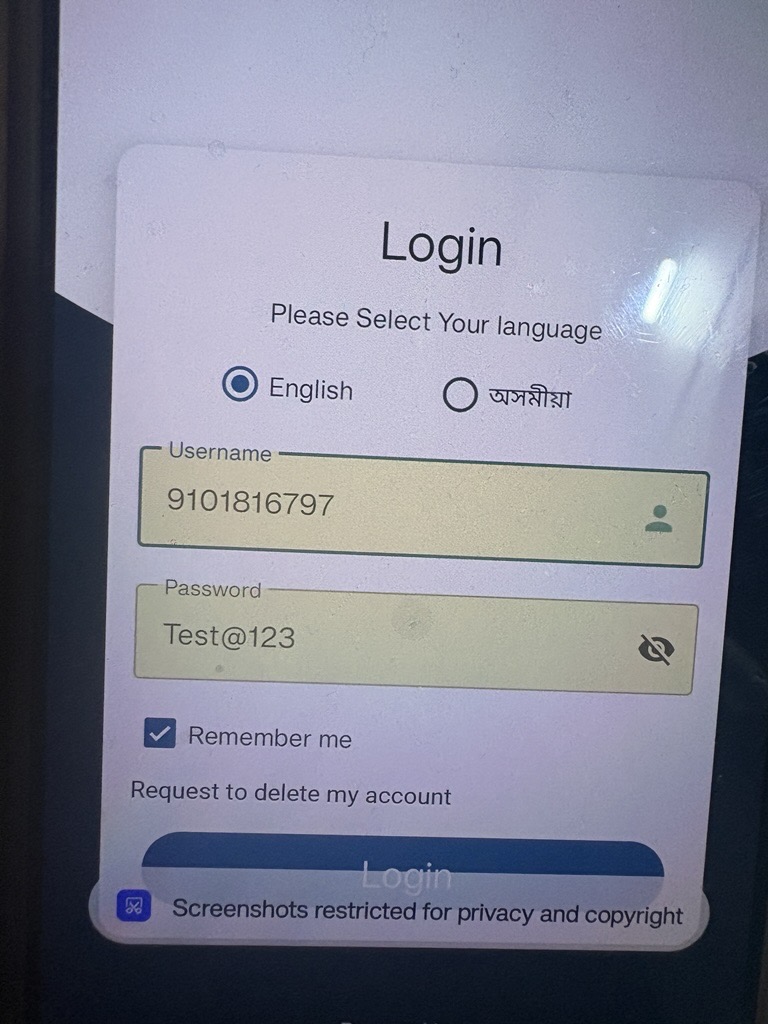
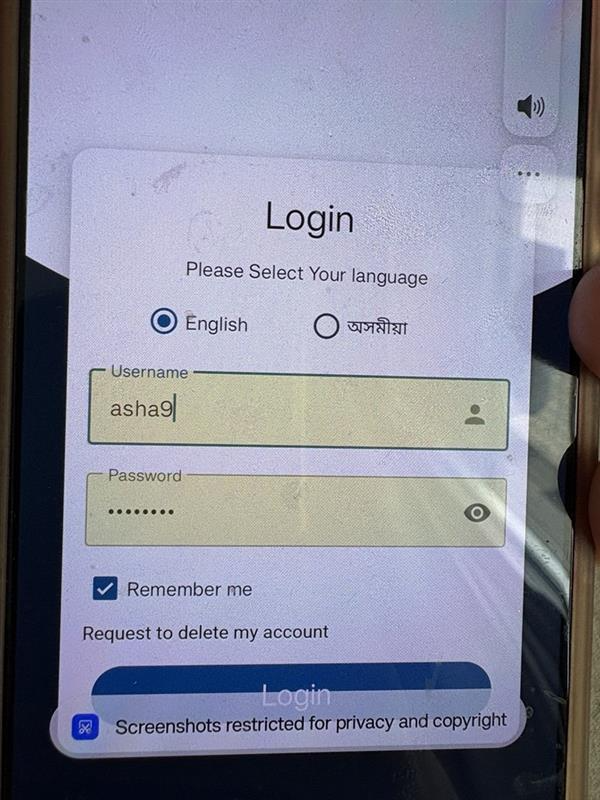
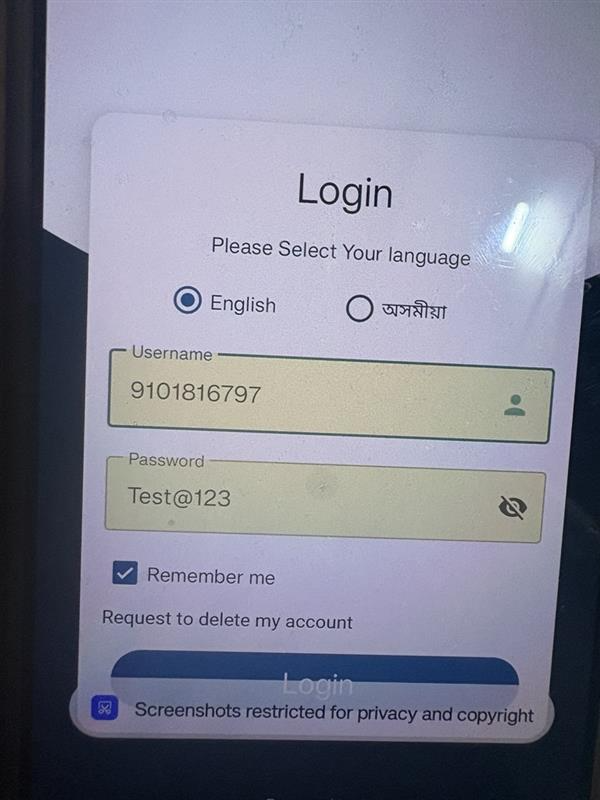
https://mas.owasp.org/MASTG/tests/android/MASVS-PLATFORM/MASTG-TEST-0008/ | Step 1: During security assessment, we utilized the Android application and navigated through sensitive screens. We observed that screenshots could be captured on screens containing sensitive information such as user details or confidential data. |