-
Type:
 Story
Story
-
Resolution: Done
-
Priority:
 Medium
-
Affects Version/s: None
-
FLW Sprint 35, FLW Sprint 36
-
FLW Mobile App
-
All
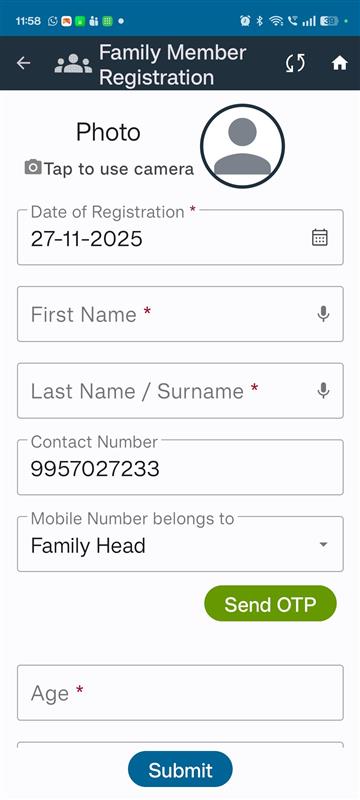
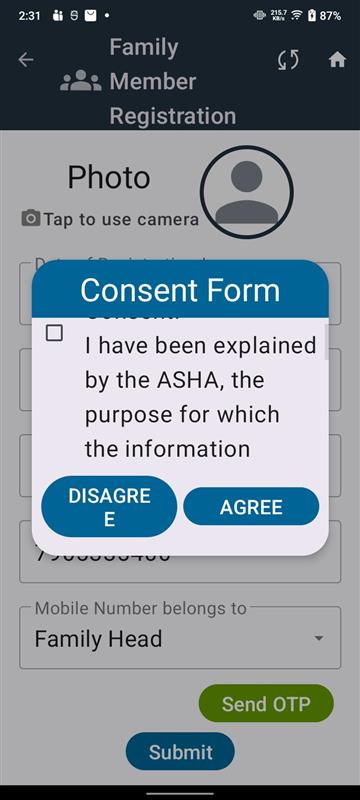
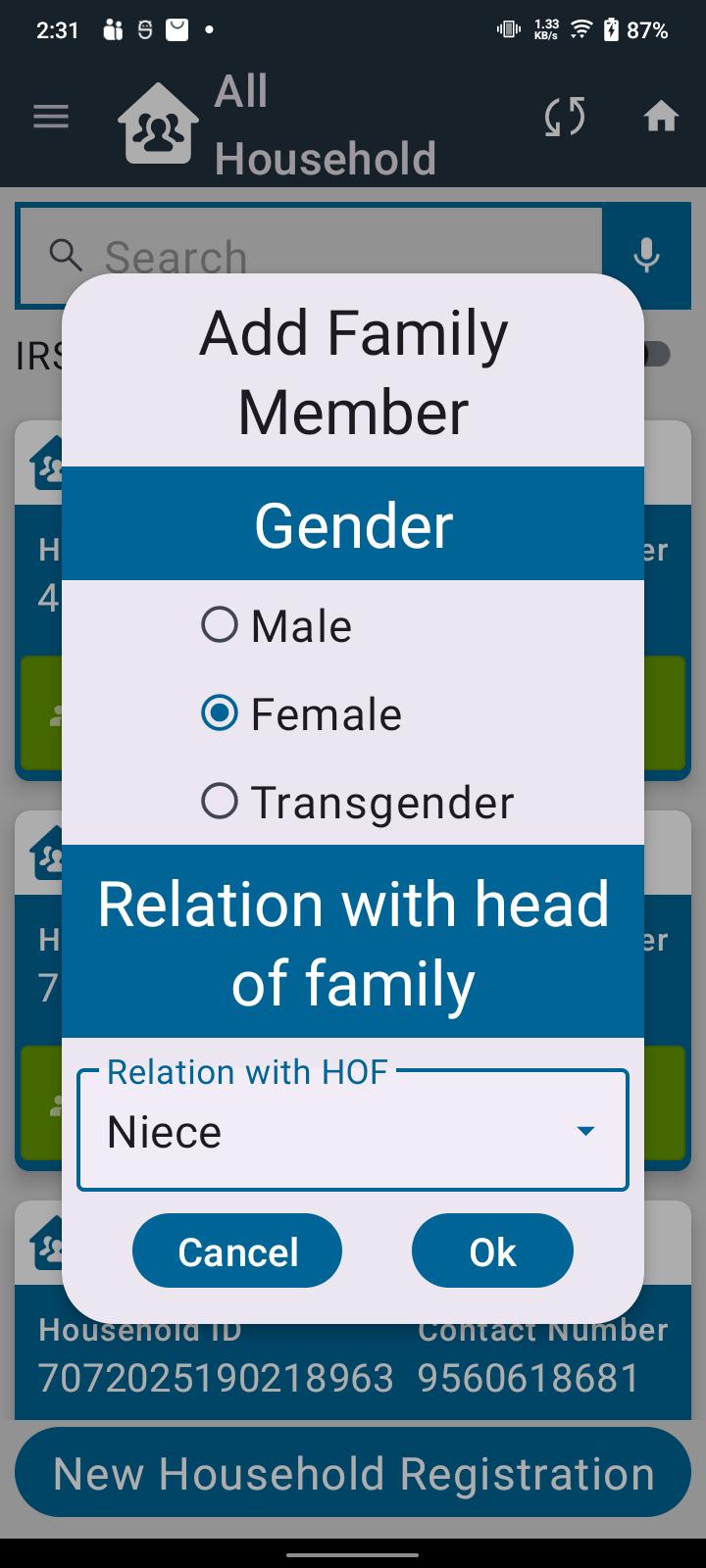
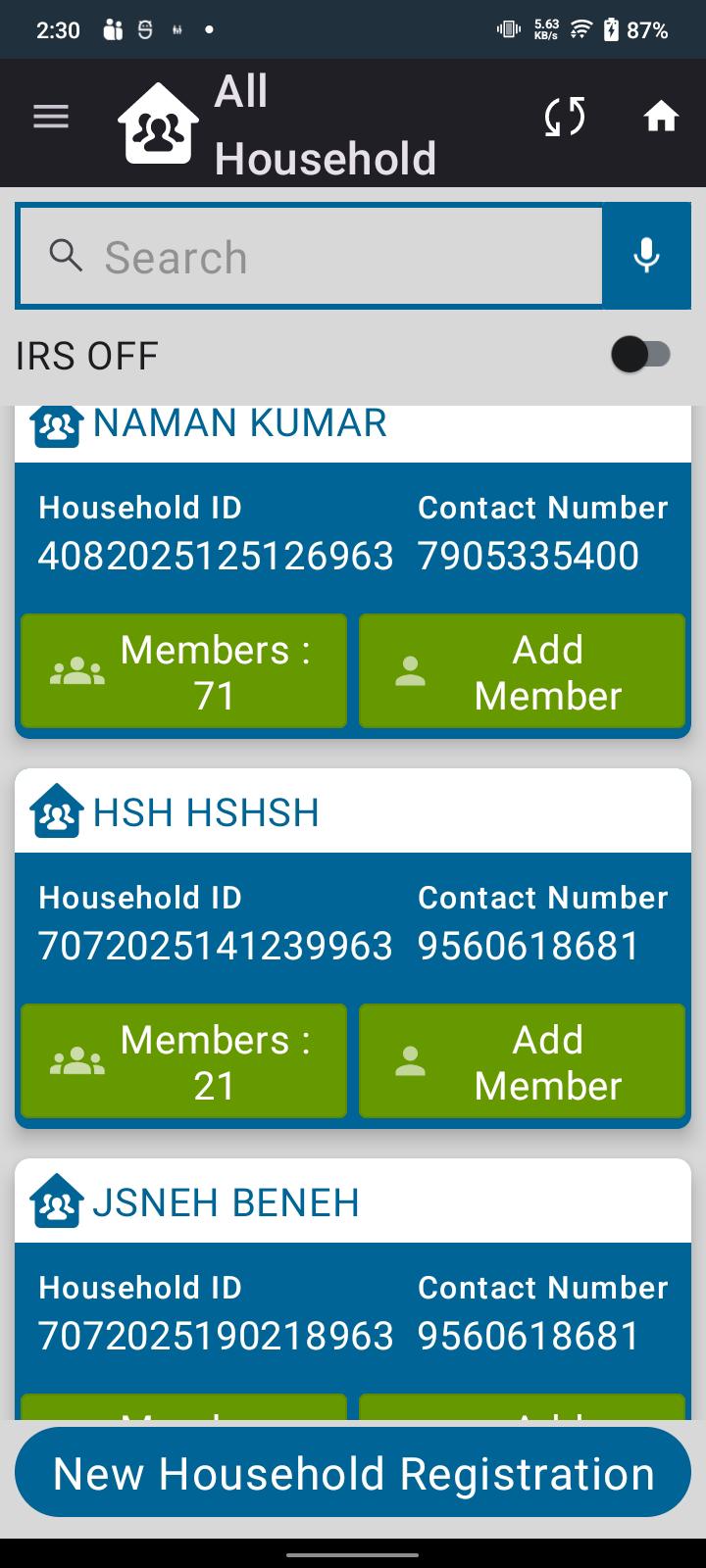
As an ASHA, I want the application to automatically adjust the form layout when I use the maximum display or font size on my device, so that I can comfortably read the content and still scroll to view and submit the entire form.
Acceptance Criteria
- Responsive Layout
When the device’s display size or font size is set to maximum, the application resizes form elements without cutting off text or buttons.
- Scroll Support
If the resized content exceeds the screen height/width, a vertical and/or horizontal scroll bar appears automatically.
- Form Usability
All fields (text fields, buttons, dropdowns) remain accessible and usable even with maximum font size.
- Submit Button Visibility
The submit button must always remain reachable through scrolling.
- No Overlapping
Text and UI elements should not overlap at maximum font settings.
- Consistent Performance
Scrolling and navigation should remain smooth and not impact app performance.
- relates to
-
FLW-641 On the consent form, agree and disagree options are not visible.
-
- Closed
-

