Medium
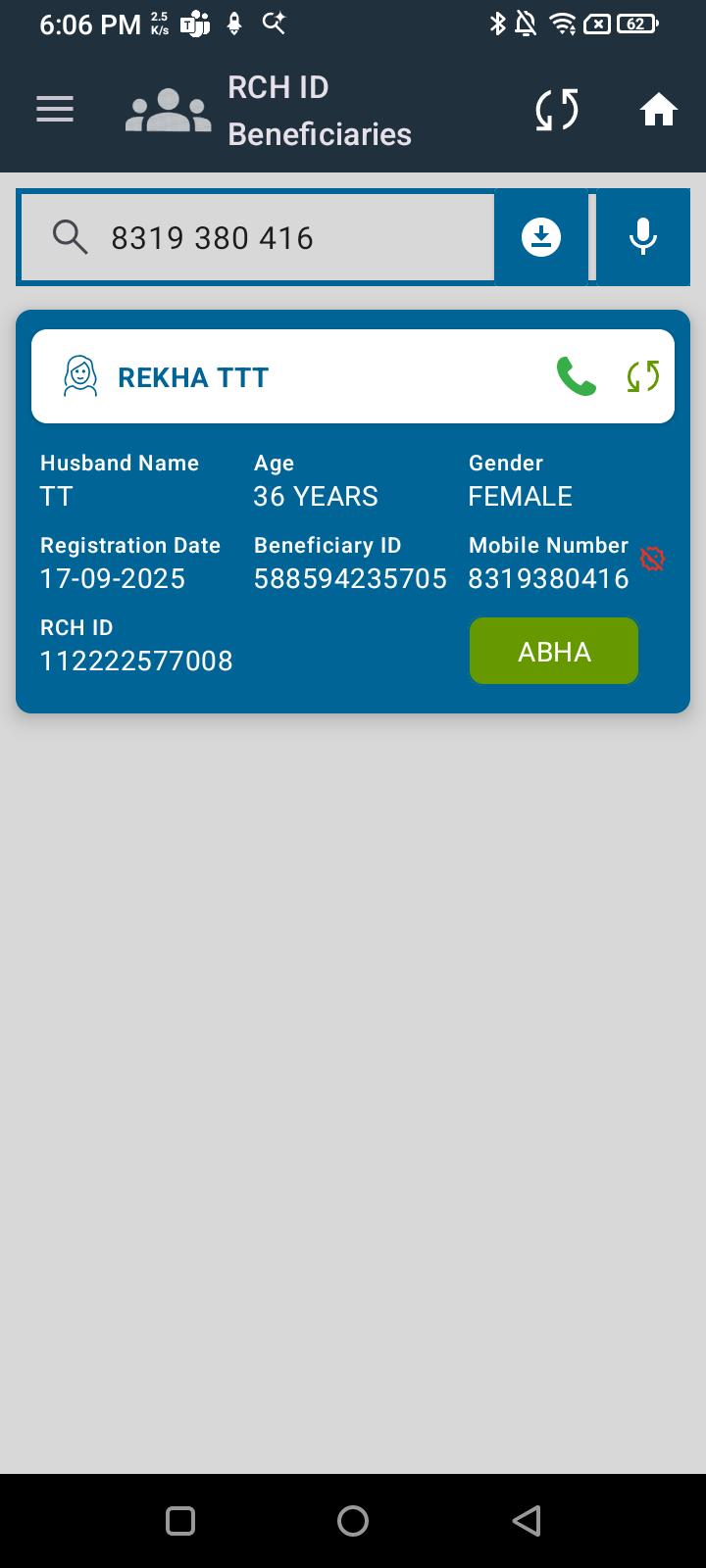
 In the RCH ID section of the Dashboard, users can tap the microphone icon to search by voice. However, the search does not function correctly when input is provided via microphone:
- When a mobile number is spoken, it appears in the search bar but no results are retrieved.
- When an ABHA number is spoken, it appears in the search bar but no matching results are shown.
- When an RCH ID is spoken, it is captured in the field but search fails.
Steps to Reproduce:
- Navigate to Dashboard → RCH ID section.
- Tap the microphone icon in the search bar.
- Speak a valid mobile number / ABHA number / RCH ID of a registered beneficiary.
- Observe search results.
Expected Result:
- The system should correctly recognize the spoken mobile number, ABHA number, or RCH ID and return the corresponding beneficiary record.
Actual Result:
- Input is displayed in the search field, but no results are returned for mobile number, ABHA number, or RCH ID.