Medium
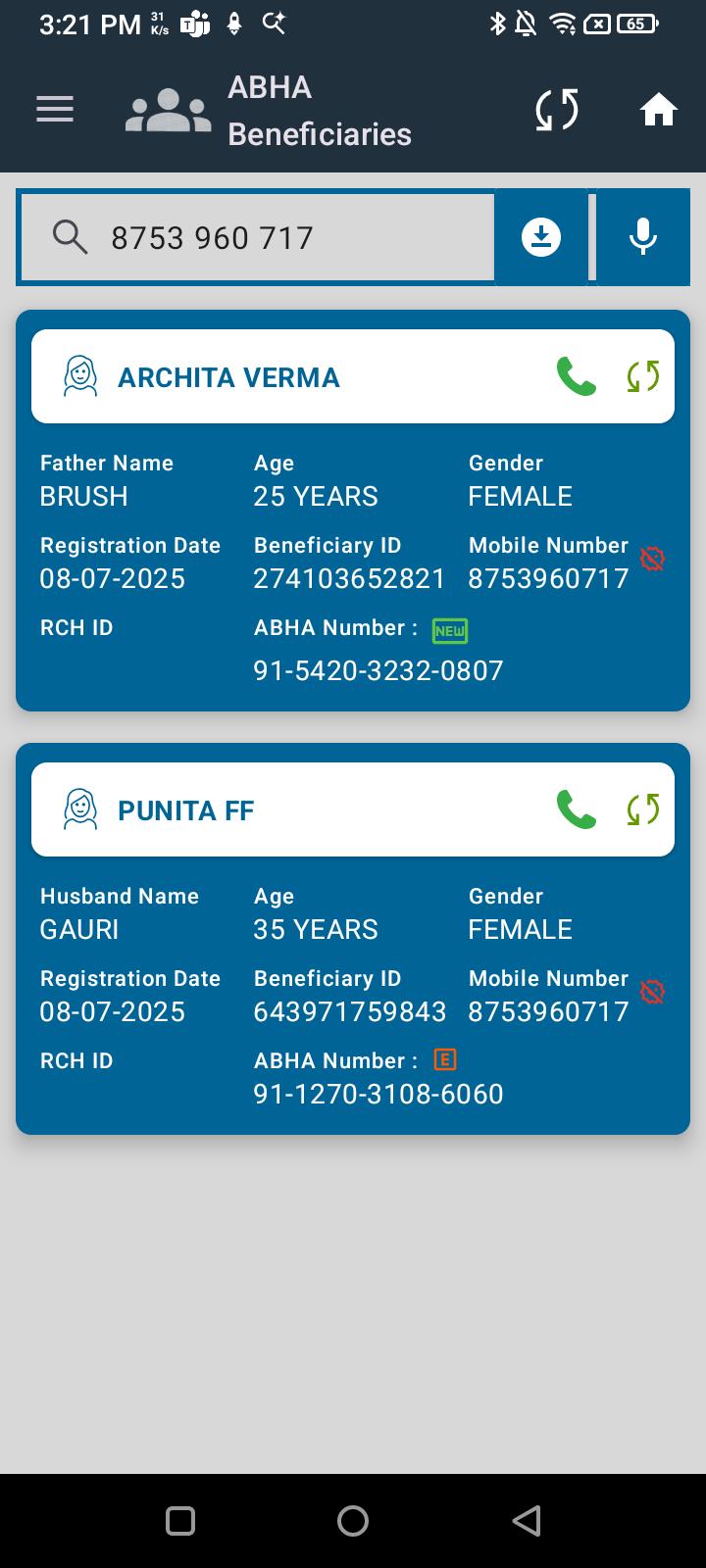
 In the ABHA Beneficiary section of the Dashboard, the search field allows input via the microphone icon. However, when a beneficiary’s mobile number is spoken into the microphone:
- The number is captured in the search bar.
- Search does not work, and no matching beneficiary is retrieved.
Steps to Reproduce:
- Go to the Dashboard → ABHA Beneficiary section.
- Tap on the microphone icon in the search bar.
- Speak a beneficiary’s registered mobile number.
- Observe search results.
Expected Result:
- The system should recognize the mobile number input via microphone and successfully search the beneficiary.
Actual Result:
- Mobile number is displayed in the search field, but the search does not return any results.