-
Type:
Bug
-
Resolution: Done
-
Priority:
 High
High
-
Affects Version/s: None
-
None
-
FLW Mobile App
-
UAT
Description:
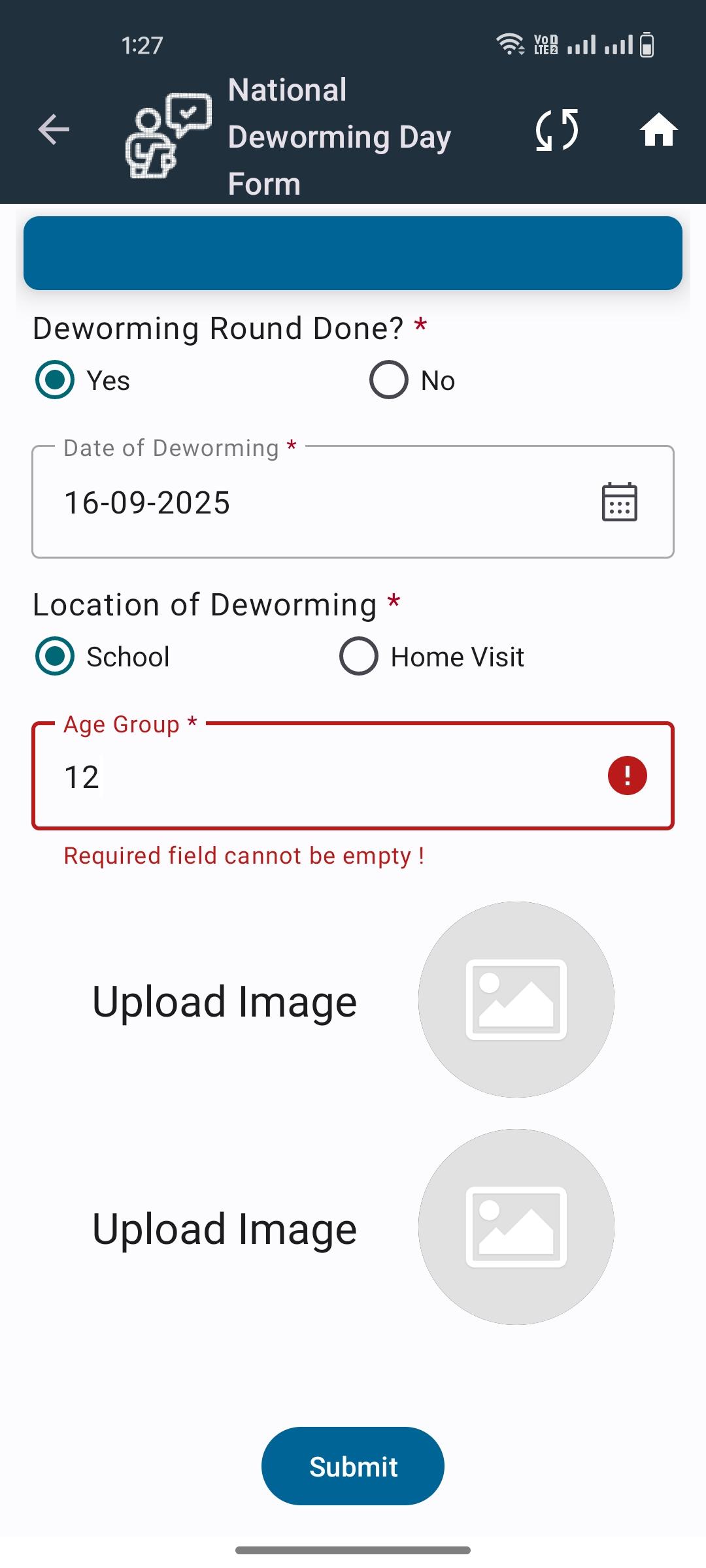
In the Village Level NDD form, when the Age Group field is left empty, a required message appears as expected. However, after this validation message, the field does not accept any value.
Steps to Reproduce:
- Open the Village Level NDD form.
2. Leave the Age Group field empty.
3. Attempt to proceed/save the form.
4. Observe the required field validation message.
5. Try to enter a value in the Age Group field after the message appears.
Expected Result:
- The required validation message should appear.
- The Age Group field should remain editable and accept a valid value after the message.
Actual Result:
- The required message appears, but the field becomes non-editable and does not accept input.