Medium
 When a beneficiary already has one child and becomes eligible for the 2nd baby, the 1st child is added to the father/mother household by clicking on “Add Member”.
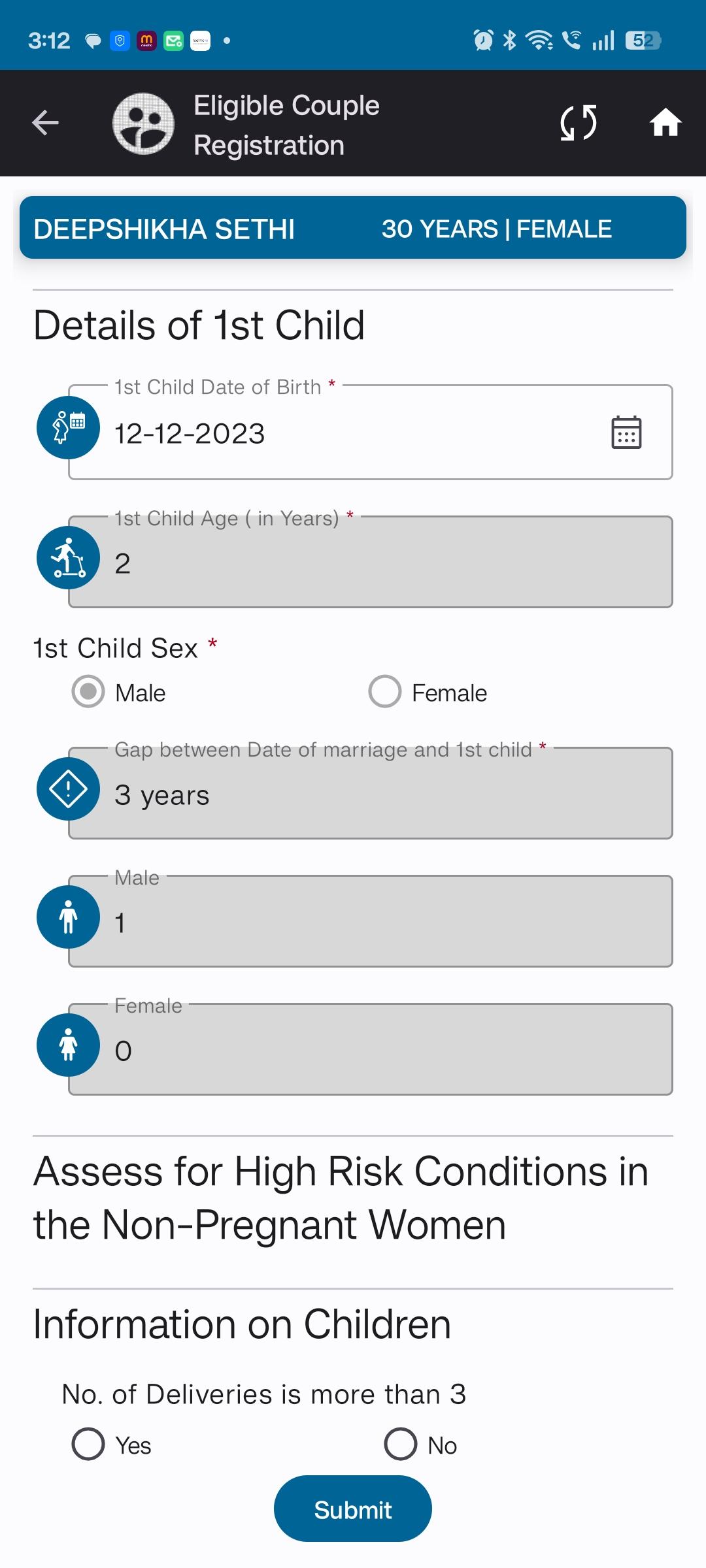
Currently, this child’s details are not automatically visible in the Eligible Couple Registration, which can cause duplication and data mismatch.
Steps to Reproduce:
- Once the 1st child is added to the father/mother household through Add Member, the same child’s details should be auto-populated in Eligible Couple Registration.
- This ensures that the couple’s household and Eligible Couple module remain synchronized.
- Prevents manual re-entry of the child details.
Expected Result:
- Child details added via Add Member should automatically reflect in Eligible Couple Registration.
- No duplication or mismatch should occur between Household and Eligible Couple data.
Actual Result:
- Currently, the child added in household via Add Member is not reflected in Eligible Couple Registration.
- Leads to duplicate entries and inconsistencies.