Medium
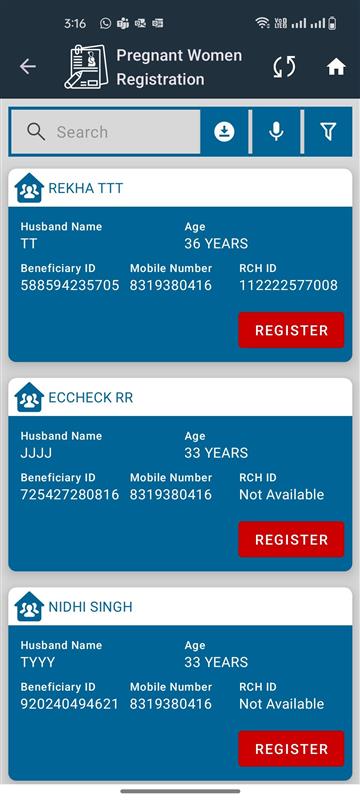
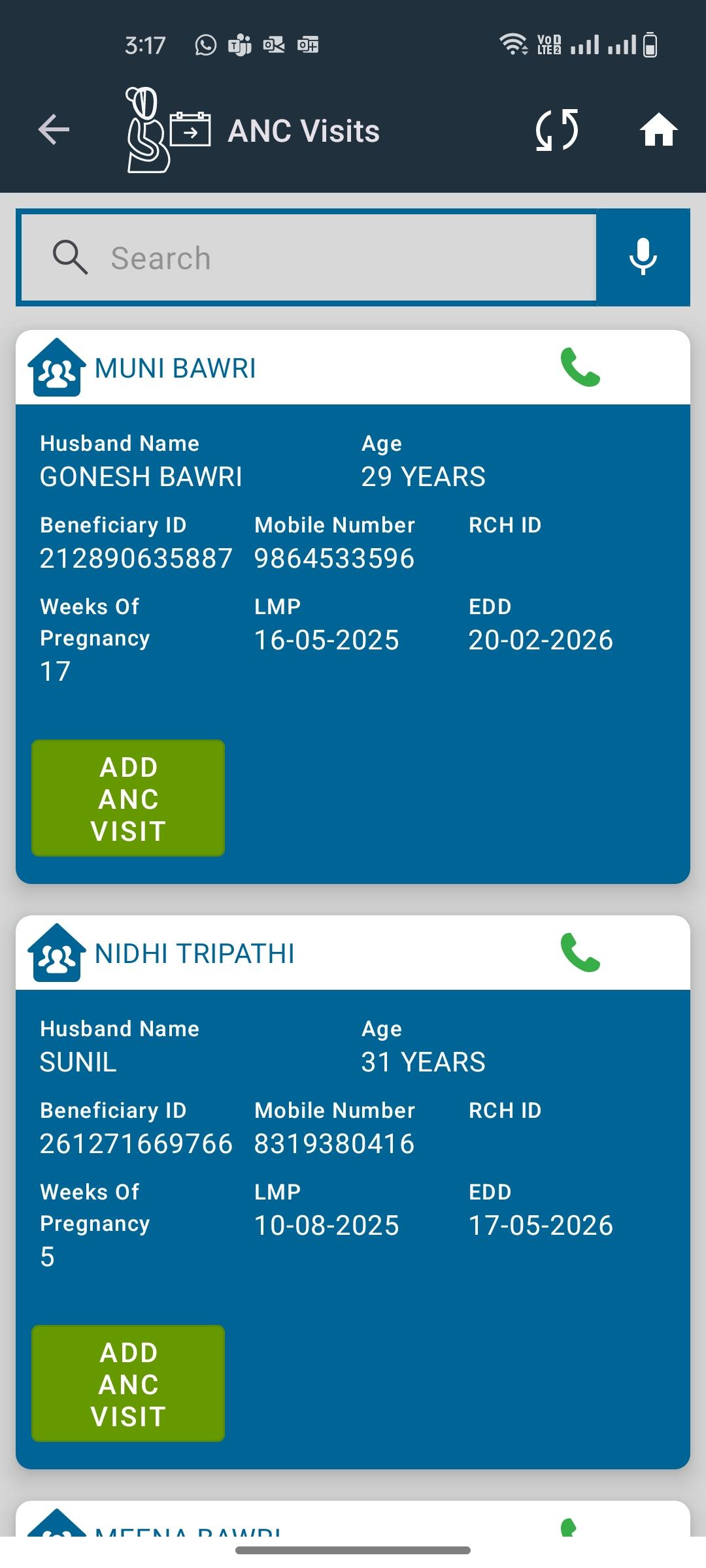
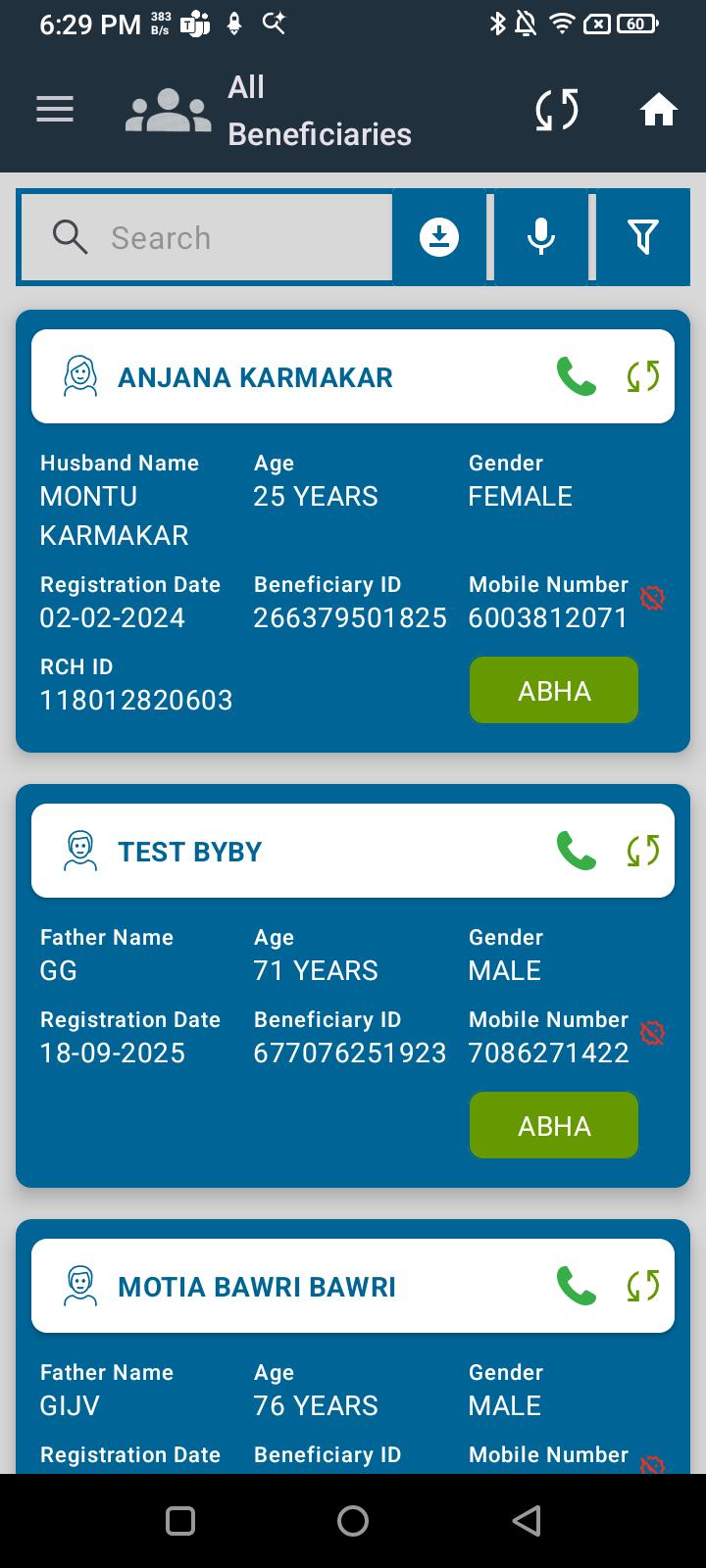
 In the All Beneficiaries section, currently the same icon is displayed for all beneficiaries on their cards. Icons should be updated according to the beneficiary type. (We can take it from mHWC).
Requirements:
- Display different icons for beneficiaries based on their category:
-
- Pregnant Woman → Dedicated pregnancy icon
-
- Female (non-pregnant) → Female icon
-
- Male → Male icon
-
- Child / Infant → Child/infant icon
-
- (Extendable for other categories)
- Ensure icons are visually distinct, intuitive, and consistent with the UI theme.
- Icons should be responsive and properly aligned on beneficiary cards.
Expected Result:
Beneficiary cards should show different icons depending on the beneficiary type, allowing users to quickly identify them.
Actual Result:
Currently, the same icon is used for all beneficiaries regardless of type.