High
High Description:
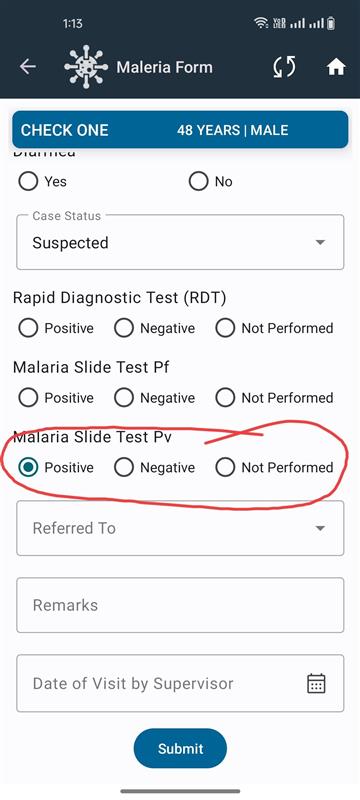
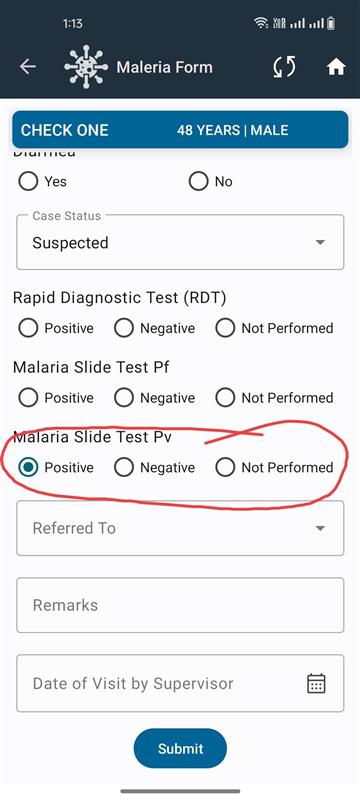
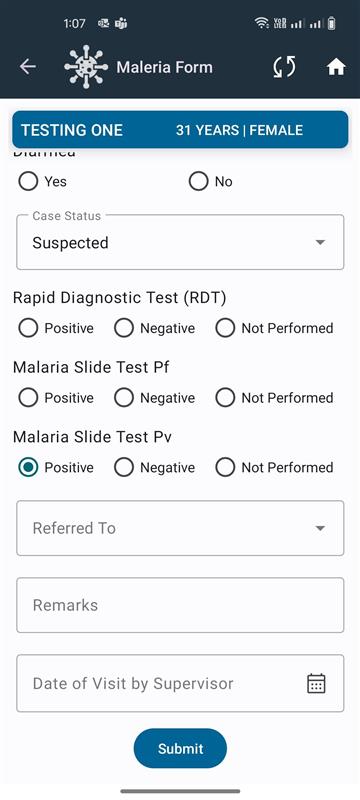
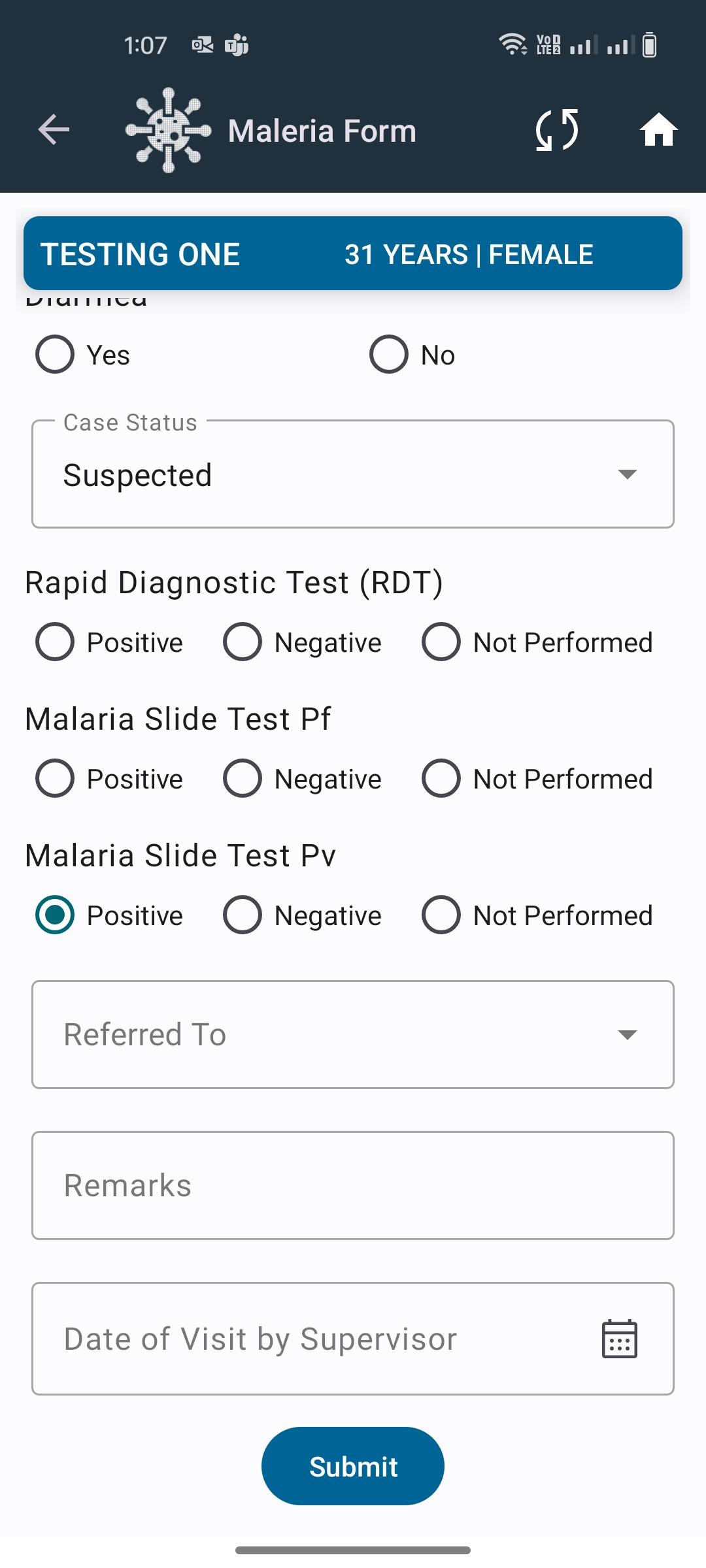
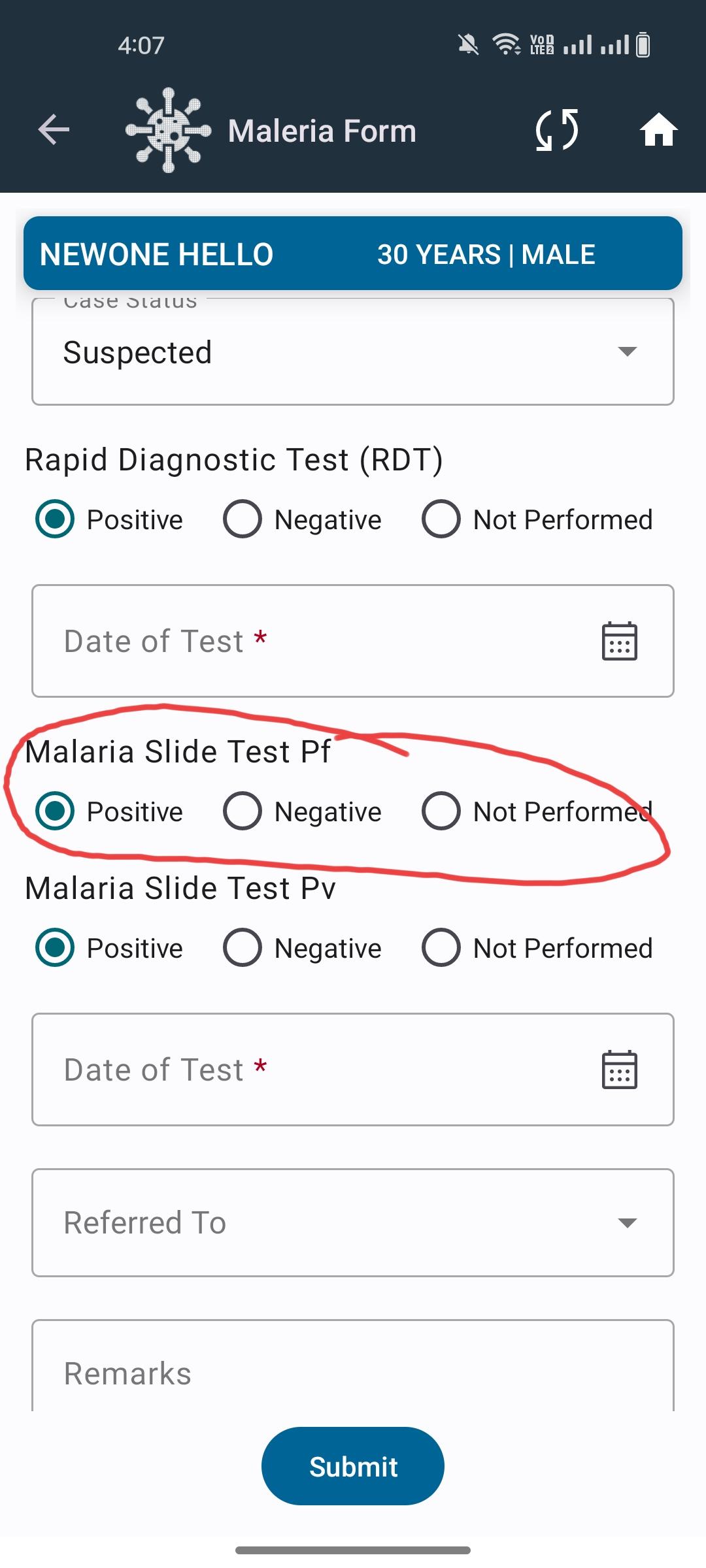
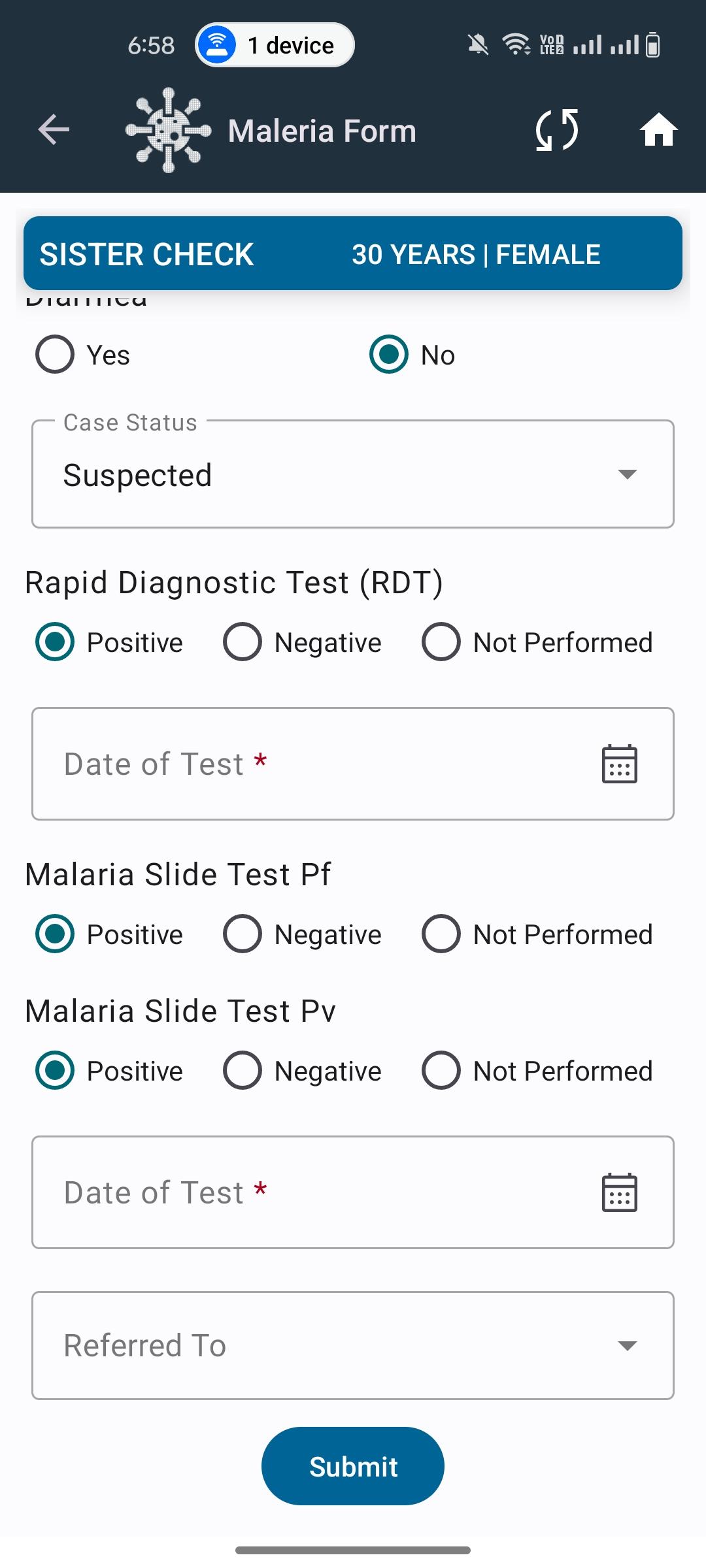
In the Malaria module, when entering data for Slide Test Pv, the calendar date picker does not open upon selection.
Steps to Reproduce:
- Log into the application and navigate to the Malaria submodule.
2. Start a new registration or open an existing record for editing.
3. Go to the Slide Test Pv section.
4. Attempt to select the date field for the test.
5. Observe that the calendar popup fails to appear, preventing date selection.
Expected Result:
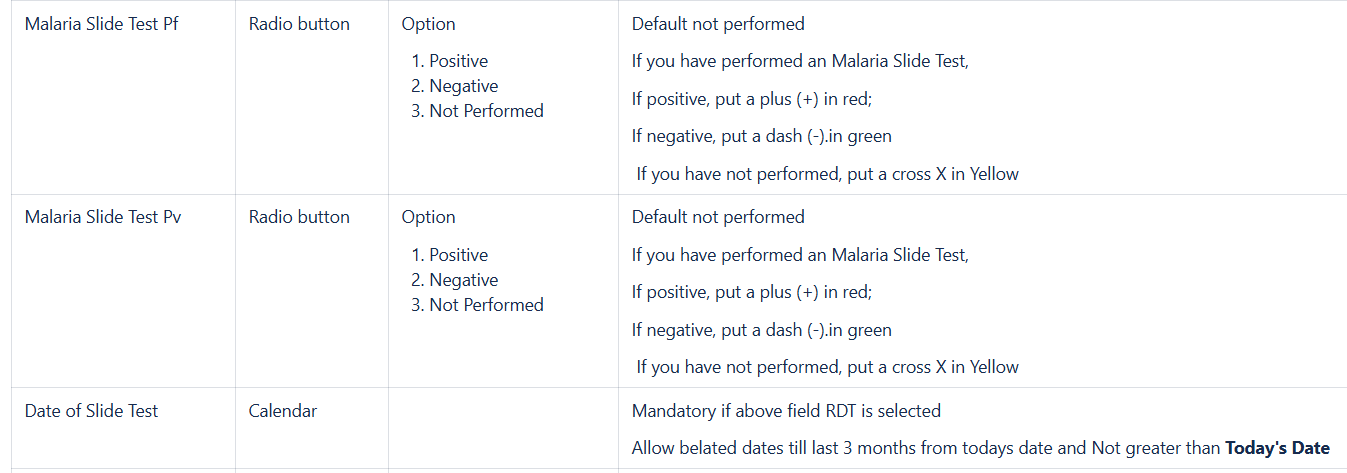
- Clicking or tapping on the Slide Test Pv date field should trigger the calendar date picker.
Actual Result:
- Calendar date picker is not triggered.
- Form submission is blocked because the mandatory date field is empty.