-
Type:
Bug
-
Resolution: Done
-
Priority:
 High
High
-
Affects Version/s: None
-
FLW Mobile App
-
AMRIT Demo
Description:
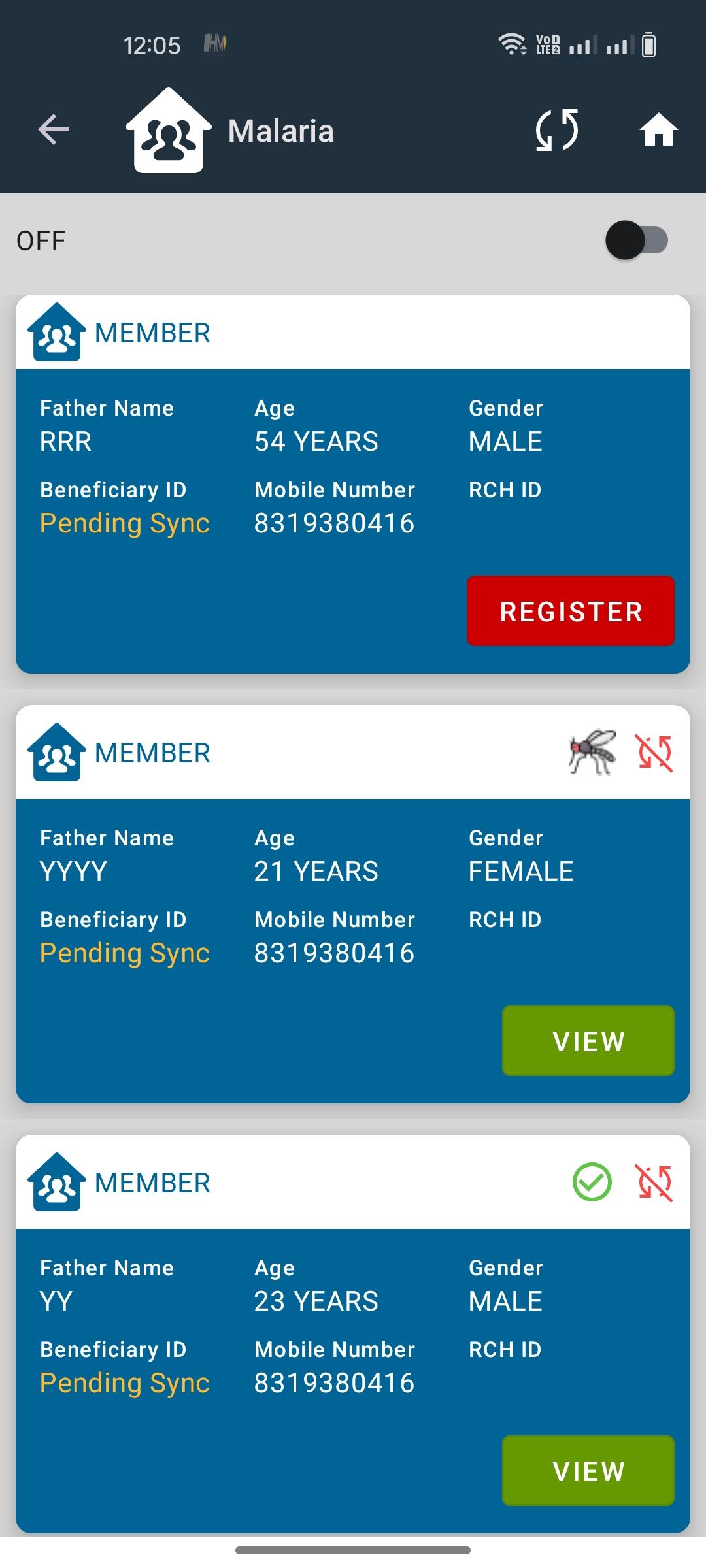
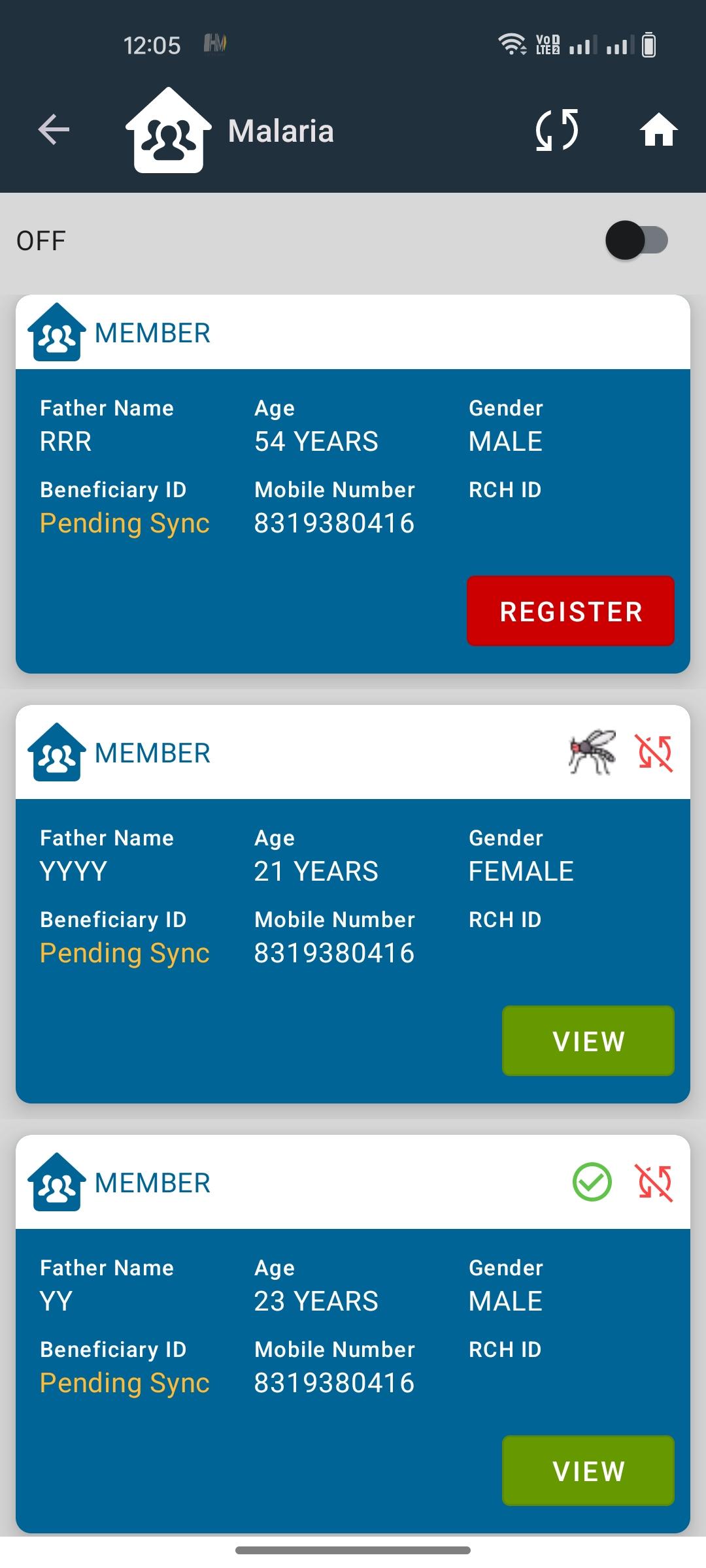
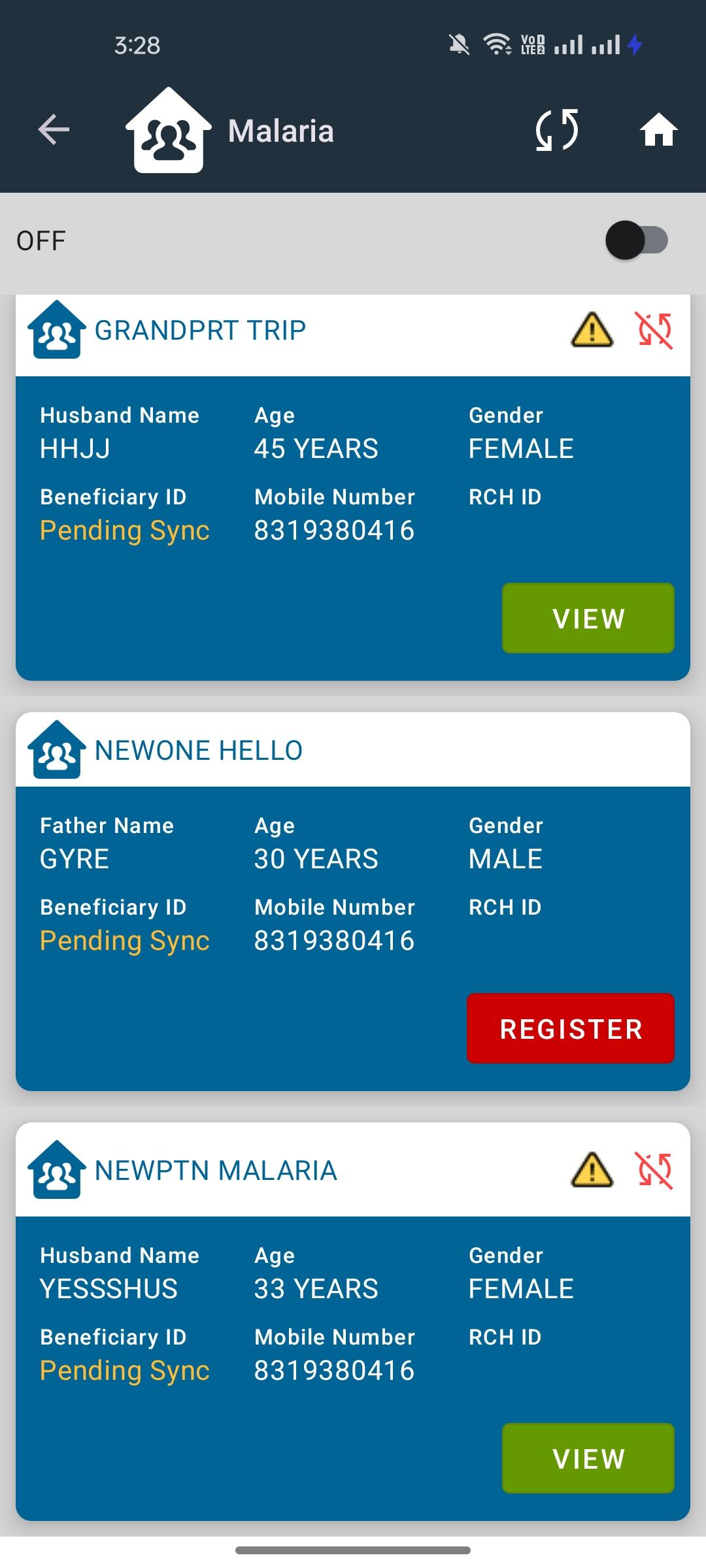
In the application, after a successful sync operation within the submodules for Malaria, Kala Azar, AES/JE, Filaria, and Leprosy, the "Pending sync" label continues to display, even when data has been successfully synchronized.
Steps to Reproduce:
1. Access any of the submodules (Malaria, Kala Azar, AES/JE, Filaria, Leprosy).
2. Perform a sync operation and confirm that data is successfully synchronized.
3. Check if the "Pending sync" label is cleared from the screen.
4. Navigate between submodules and observe that the label persists.
Expected Result:
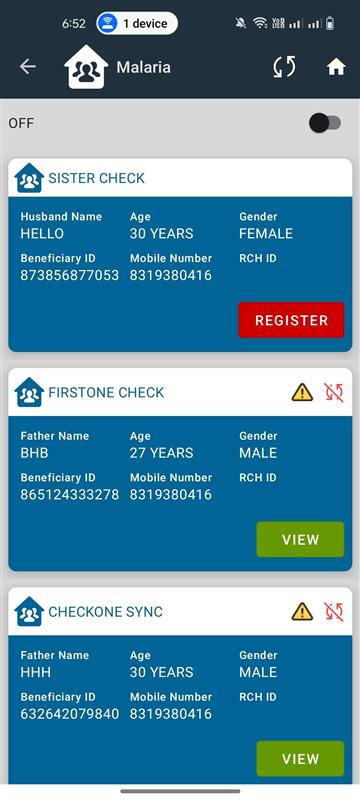
Once data is successfully synced, the "Pending sync" label should be removed for that submodule.
Actual Result:
The label remains displayed even after a successful sync and across module navigation.