-
Type:
Bug
-
Resolution: Done
-
Priority:
 High
High
-
Affects Version/s: None
-
None
-
FLW Mobile App
-
AMRIT Demo
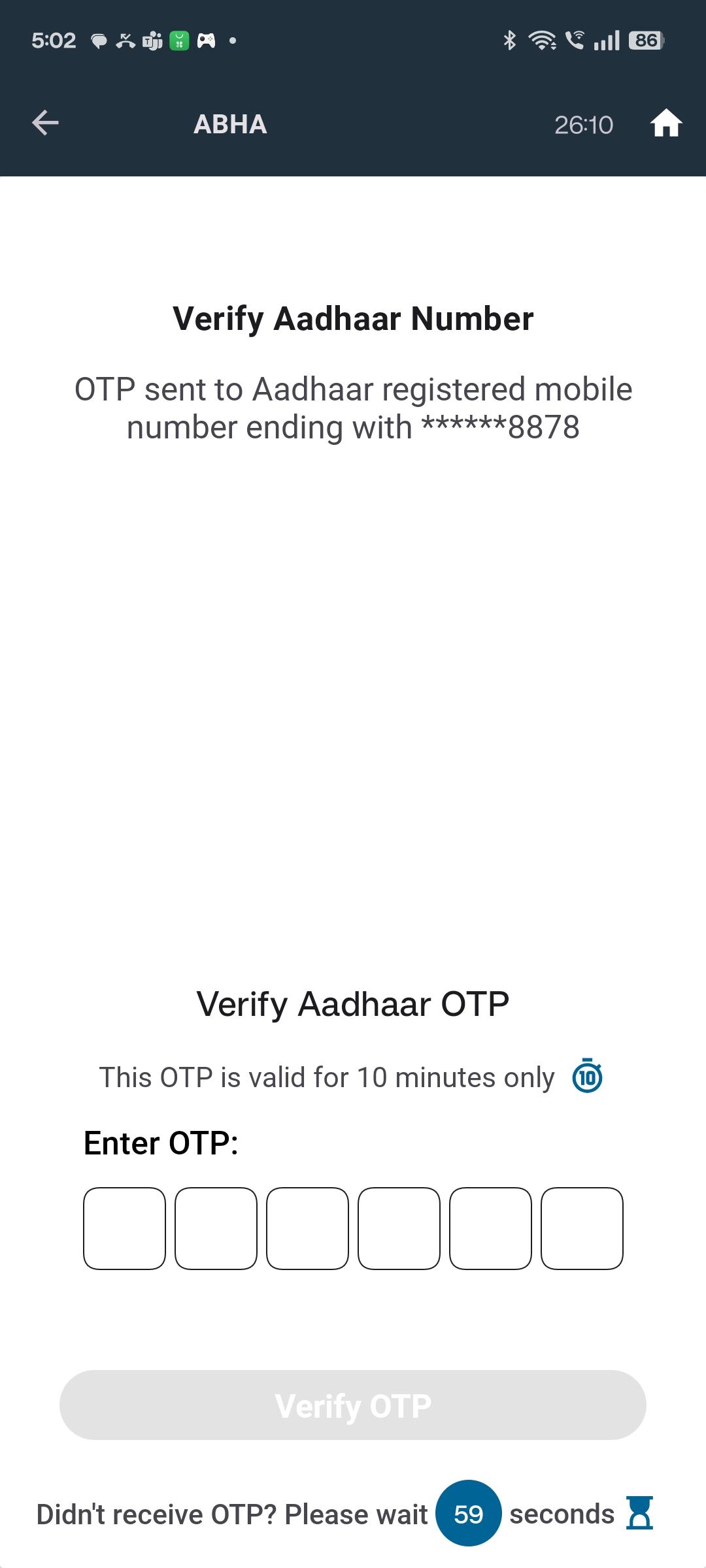
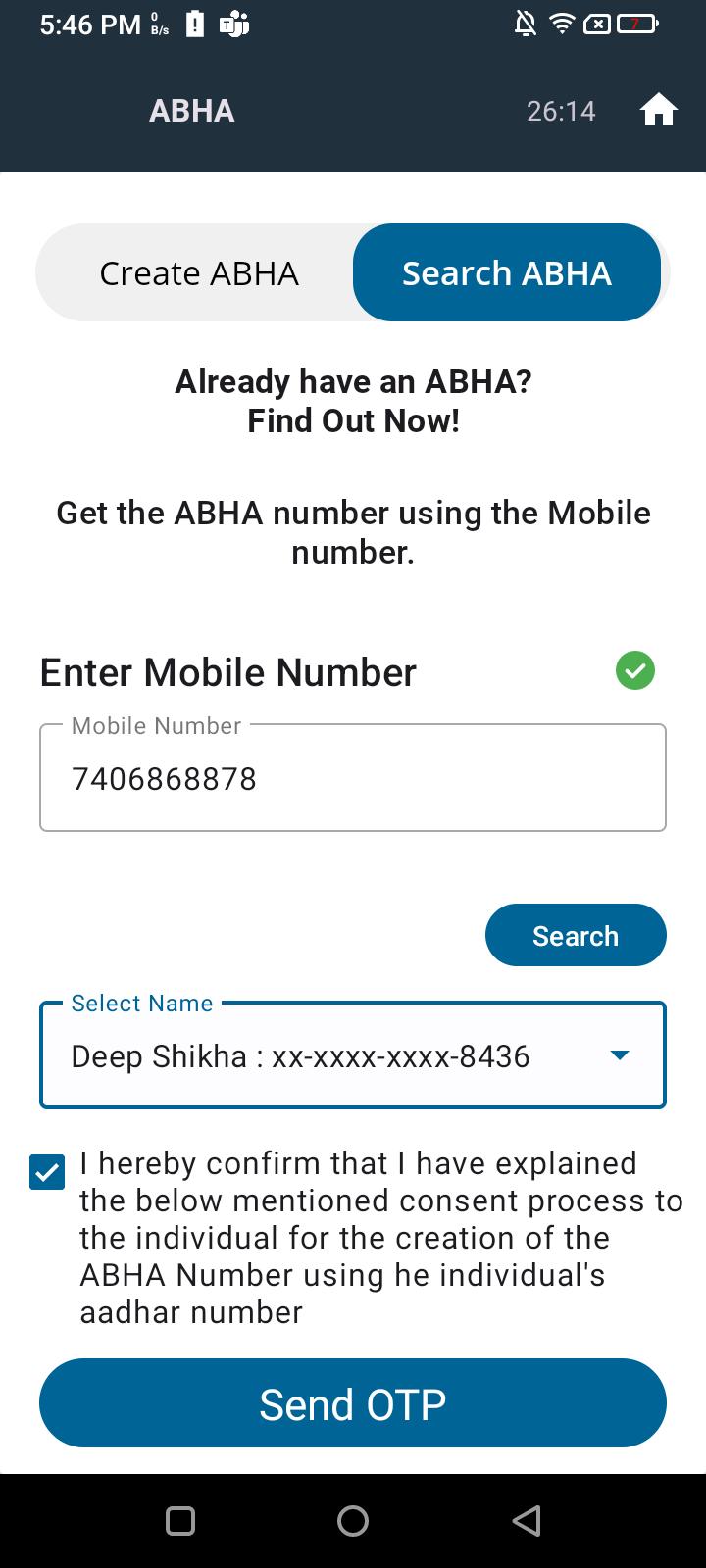
In the ABHA search section, even after entering a valid mobile number and selecting the beneficiary name from the search results, the "Send OTP" button remains disabled.
Steps to Reproduce:
- Go to the ABHA → Search section.
- Enter a valid mobile number.
- Select a beneficiary name from the populated results.
- Observe that the Send OTP button remains disabled, preventing further steps.
Expected Result:
Once a valid mobile number is entered and a name is selected, the Send OTP button should be automatically enabled, allowing the user to proceed.
Actual Result:
- Even with valid input, Send OTP remains greyed out/disabled.
- No error message is shown.