-
Type:
Bug
-
Resolution: Done
-
Priority:
 High
High
-
Affects Version/s: None
-
FLW Mobile App
-
AMRIT Demo
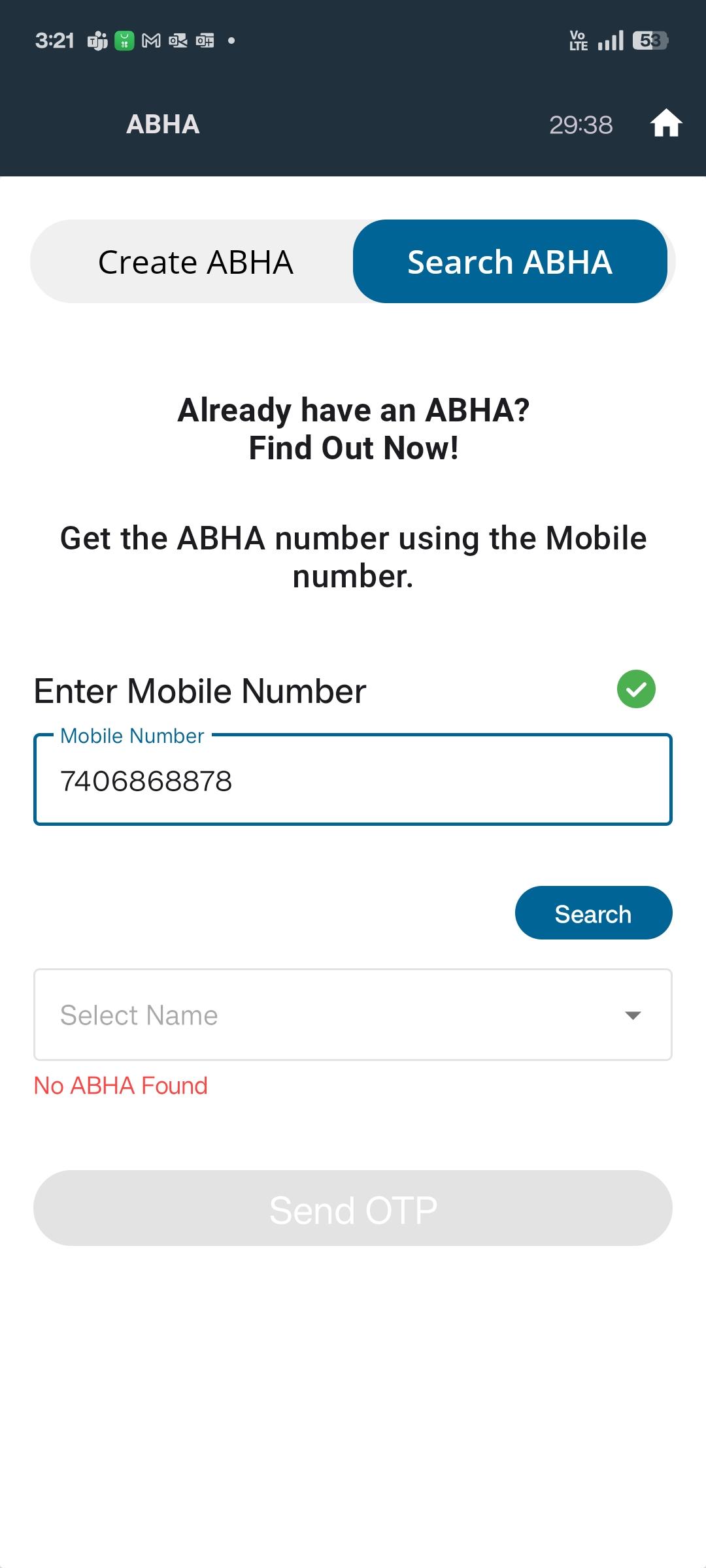
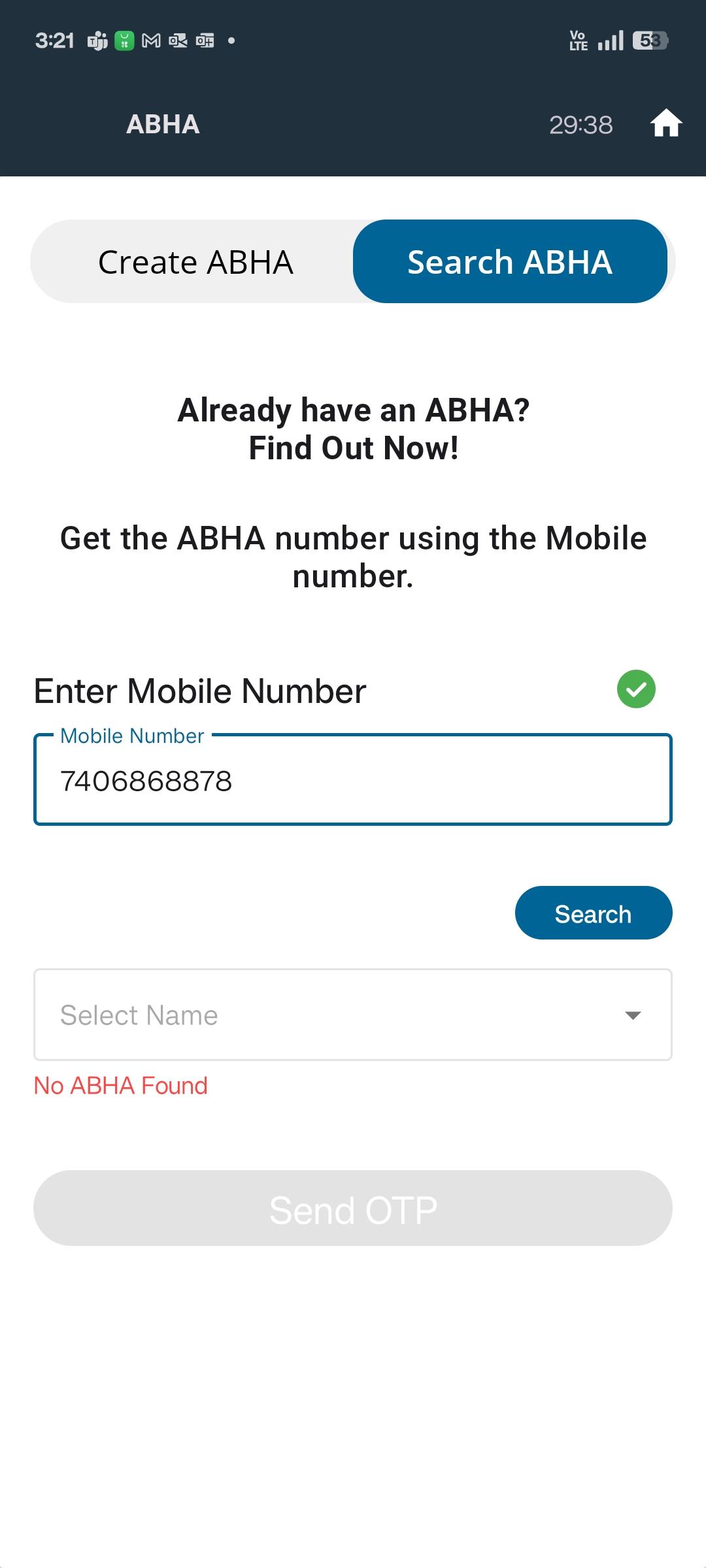
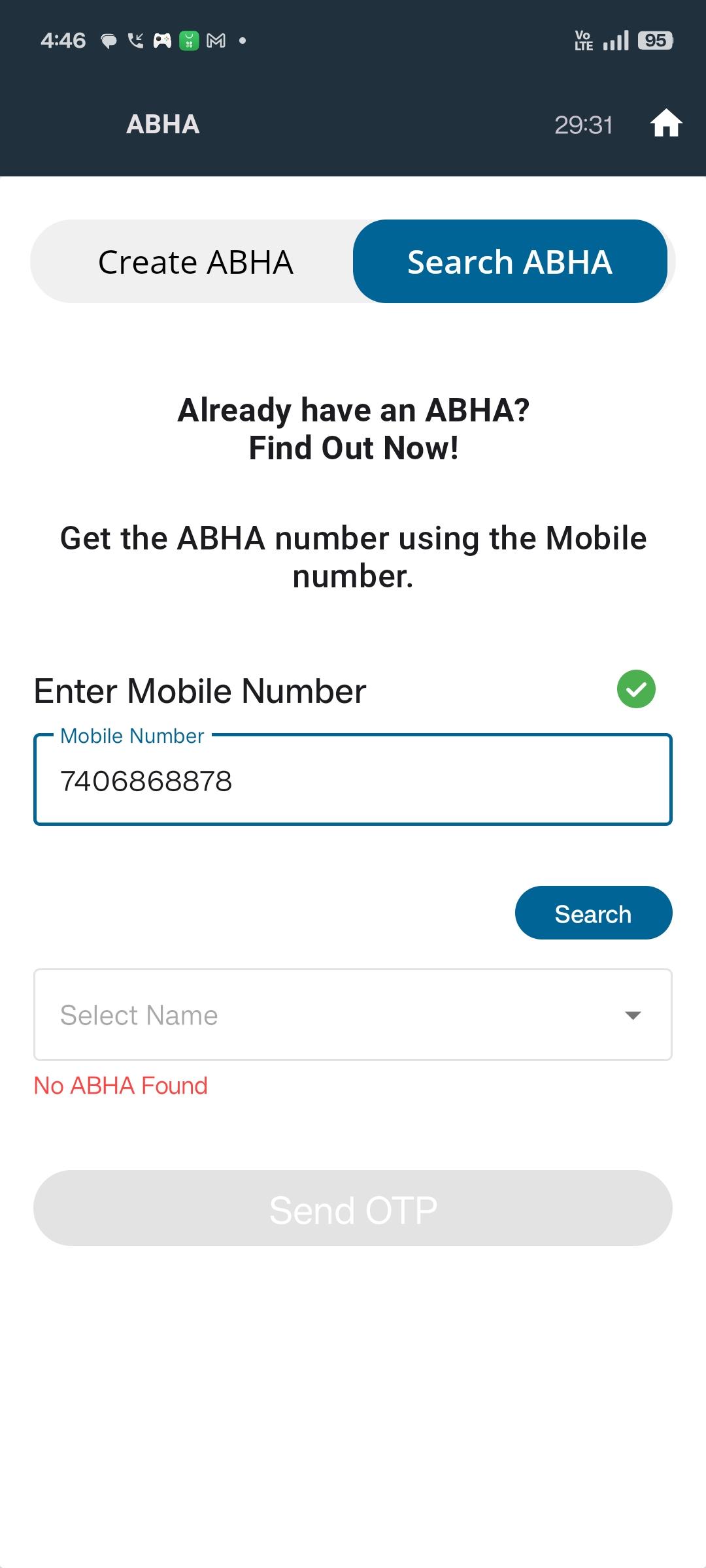
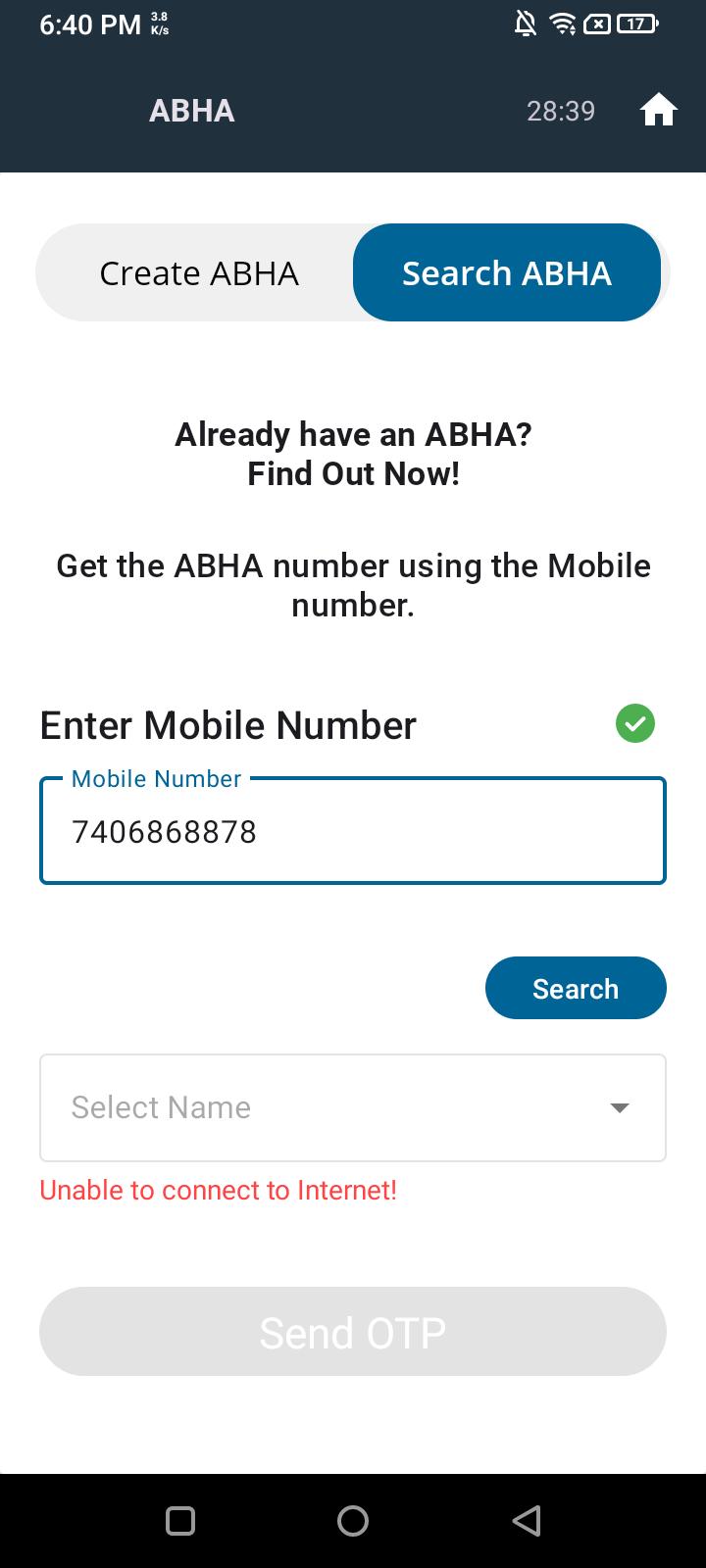
When performing a search using a valid Mobile Number in the Search ABHA section while the device is in offline mode (no internet connection), the system fails to display an appropriate validation or error message indicating lack of connectivity.
Steps to Reproduce:
- Disconnect the device from the internet (simulate offline mode).
- Navigate to Search ABHA section.
- Enter a valid Mobile Number and attempt to search.
- Observe that no validation message or proper feedback is shown.
Expected Result:
A clear validation message should be displayed such as:
“No internet connection. Please check your network and try again.”
Actual Result:
The system does not show any message