Story
Story
 Medium
 As an ASHA worker, I want to view and update my profile details, including personal, family, and professional information, so that my records are accurate and up-to-date in the system.
Acceptance Criteria:
1.Hamburger Menu Update:
-
- Add a new button labeled ASHA Profile to the hamburger menu.
- Redirect users to the ASHA Profile Screen upon clicking the button.
2.ASHA Profile Screen:
-
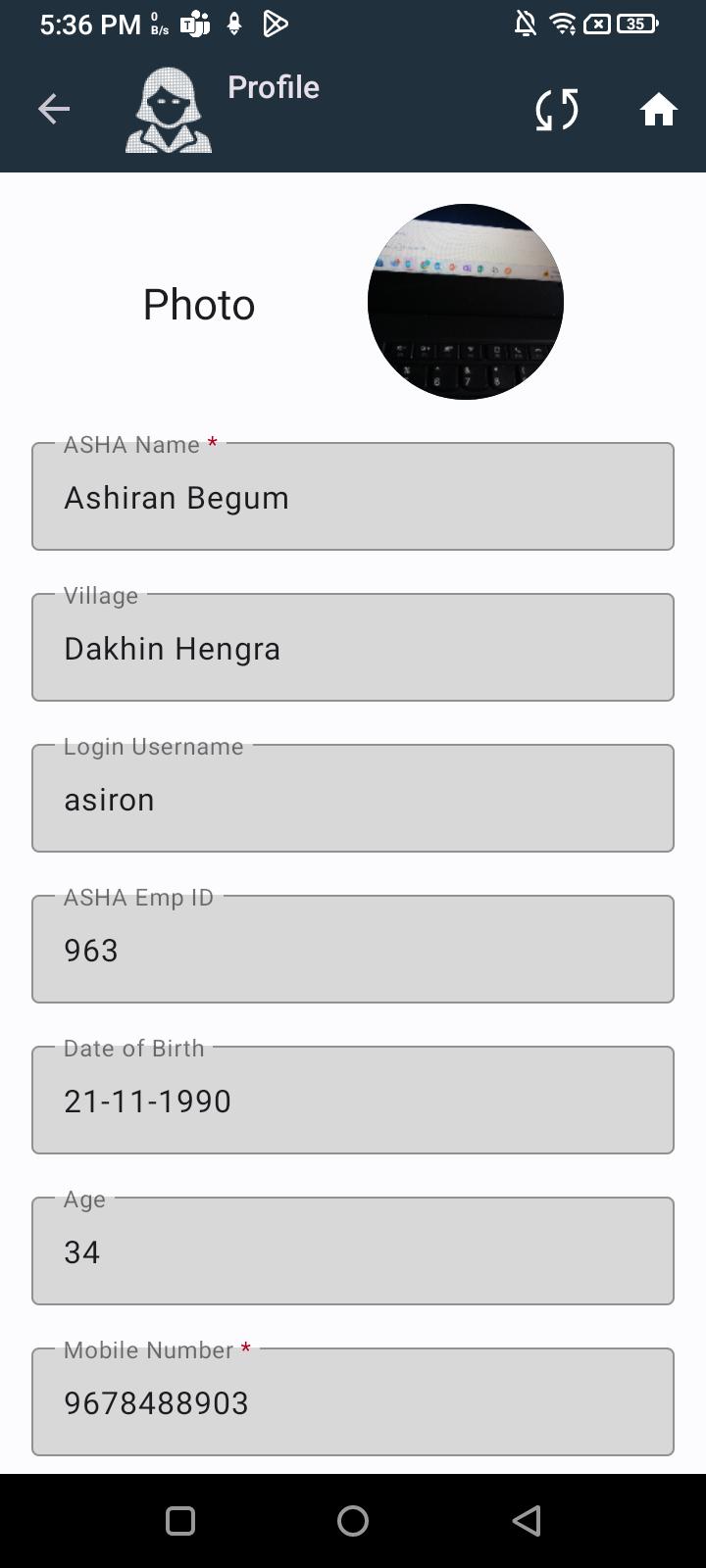
- Display the following information:
- Name of the ASHA worker.
- Village the ASHA worker belongs to.
- Employee ID.
- Contact Information (mobile number, alternate mobile number).
- Family Details (husband's name, number of children, spouse information).
- Bank Details (bank account number, IFSC code).
- Name and Contact Information of CHO, ANM, AWW.
- Display the following information:
3.Edit Profile Option:
-
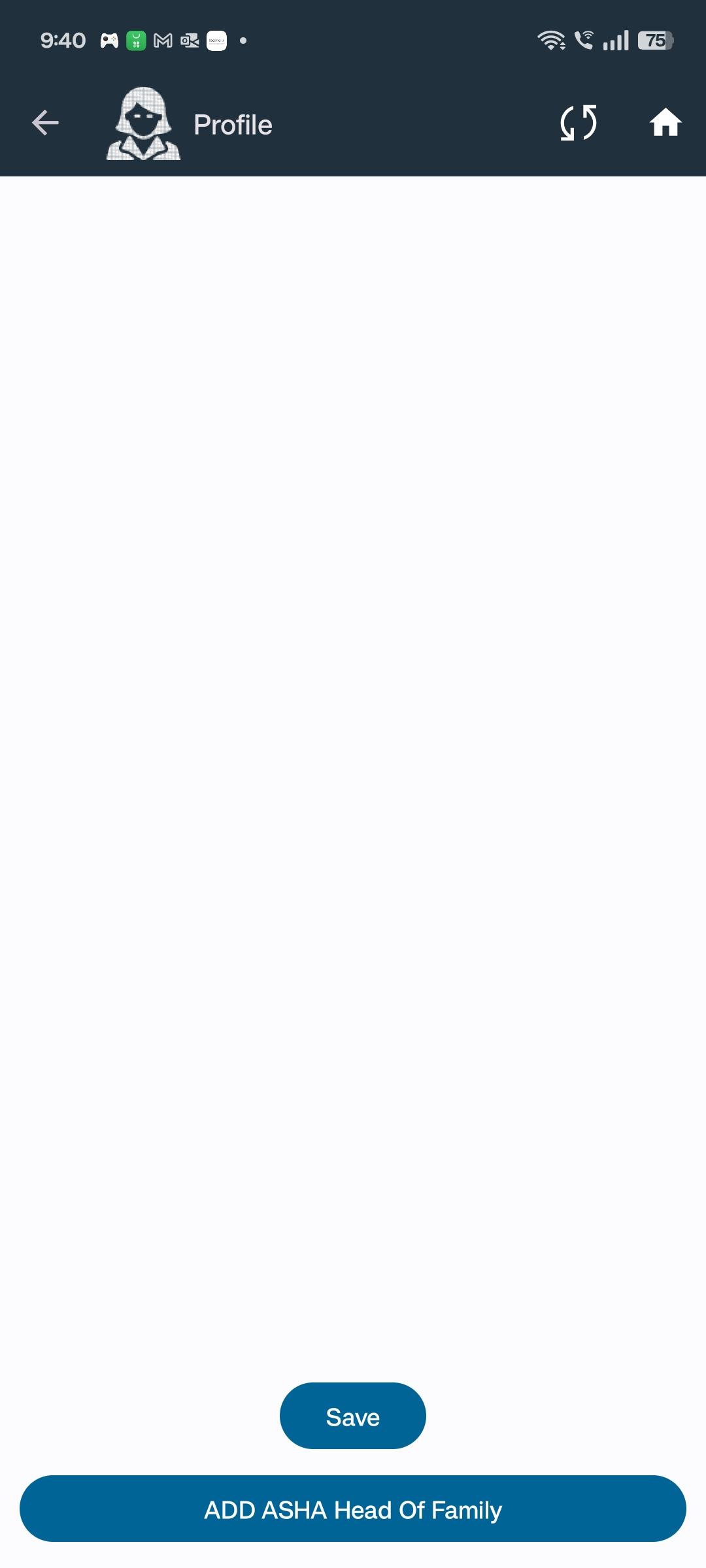
- Include an Edit Profile button on the ASHA Profile Screen.
- Include a Save button to store changes.
4.ASHA Photo:
-
- Allow uploading and displaying of the ASHA worker’s photo.