-
Type:
Bug
-
Resolution: Done
-
Priority:
 High
High
-
Affects Version/s: None
-
None
-
FLW Mobile App
-
UAT
Description:
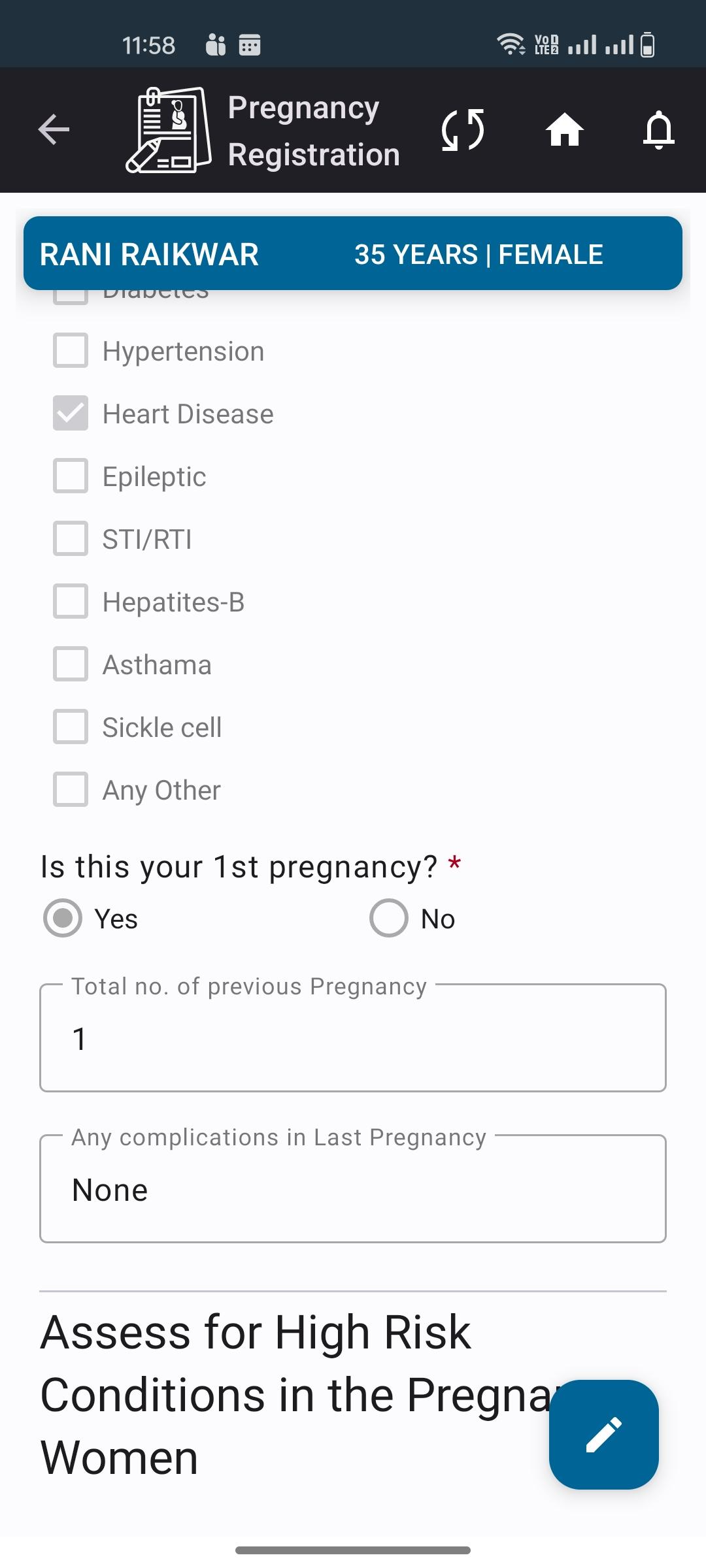
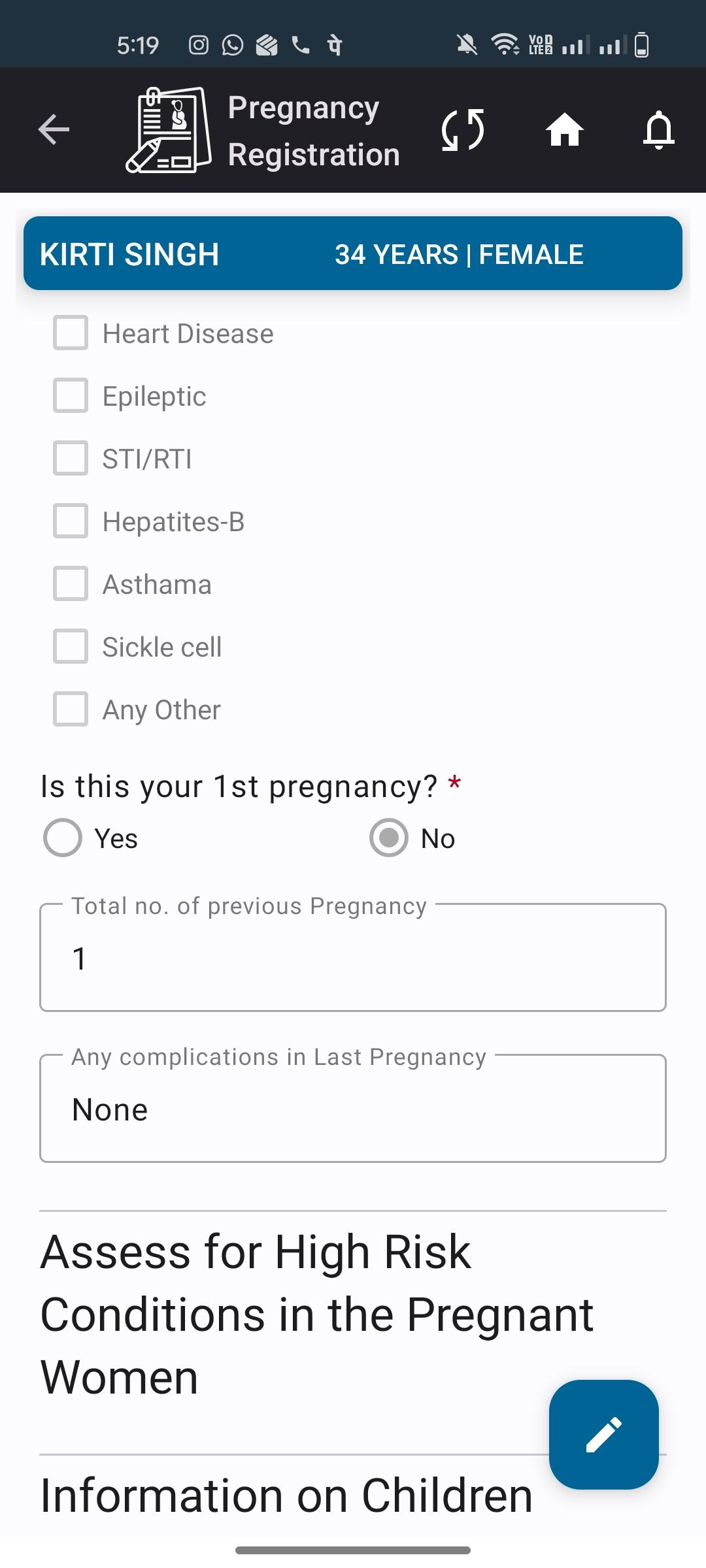
In the Pregnant Women Registration module, when the “Your First Pregnancy” option is selected as “No” and the Total Pregnancies field is entered as 1, the selected option is displayed incorrectly while viewing the registration details.
Steps to Reproduce:
- Navigate to the Pregnant Women Registration module.
- Select “No” for the “Your First Pregnancy” option.
- Enter 1 in the Total Pregnancies field.
- Save the registration.
- Open/View the registered details.
Actual Result:
While viewing the registration details, the “Your First Pregnancy” option is displayed as “Yes”, even though “No” was selected during registration.
Expected Result:
The “Your First Pregnancy” option should display the same value that was selected during registration, i.e., “No.”