-
Type:
Bug
-
Resolution: Done
-
Priority:
 High
High
-
Affects Version/s: None
-
None
-
FLW Mobile App
-
UAT
Description:
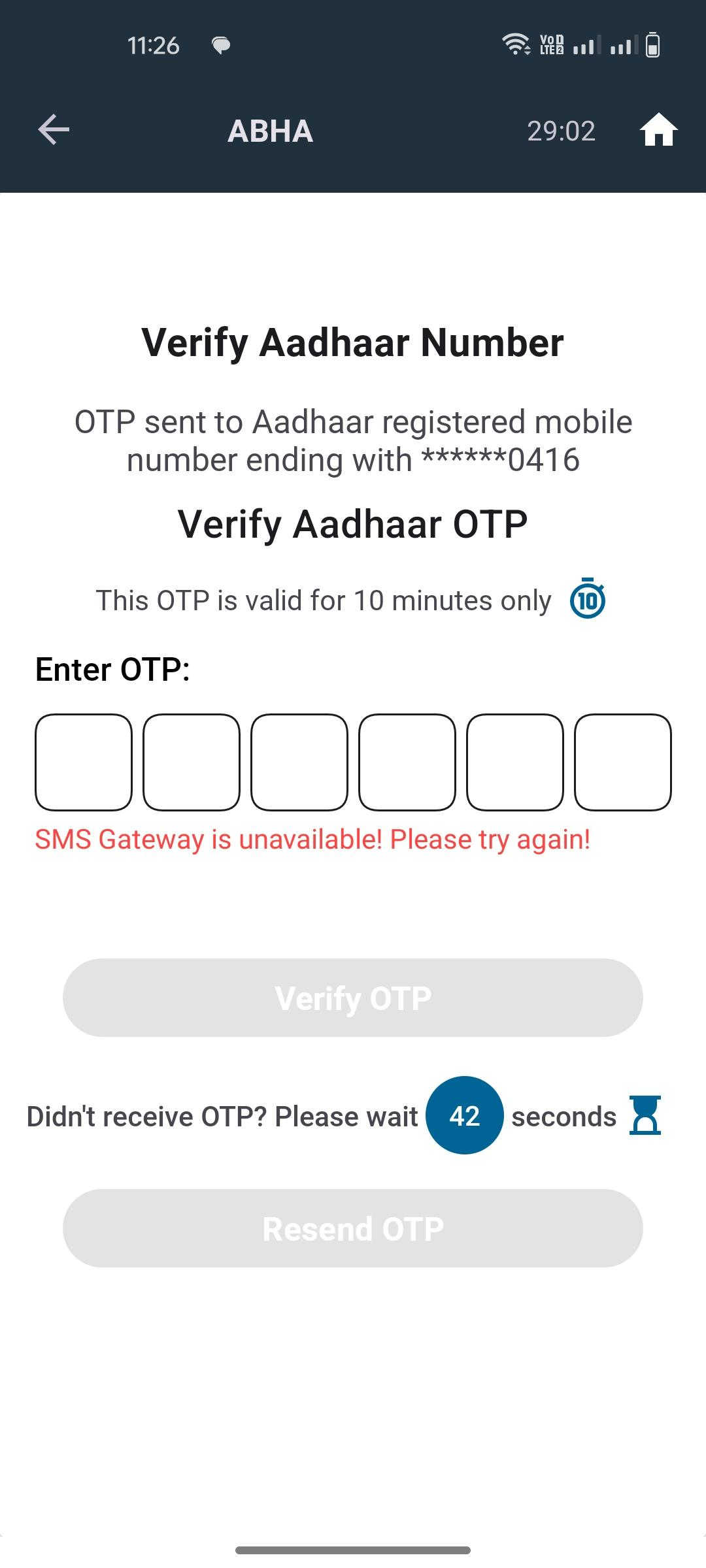
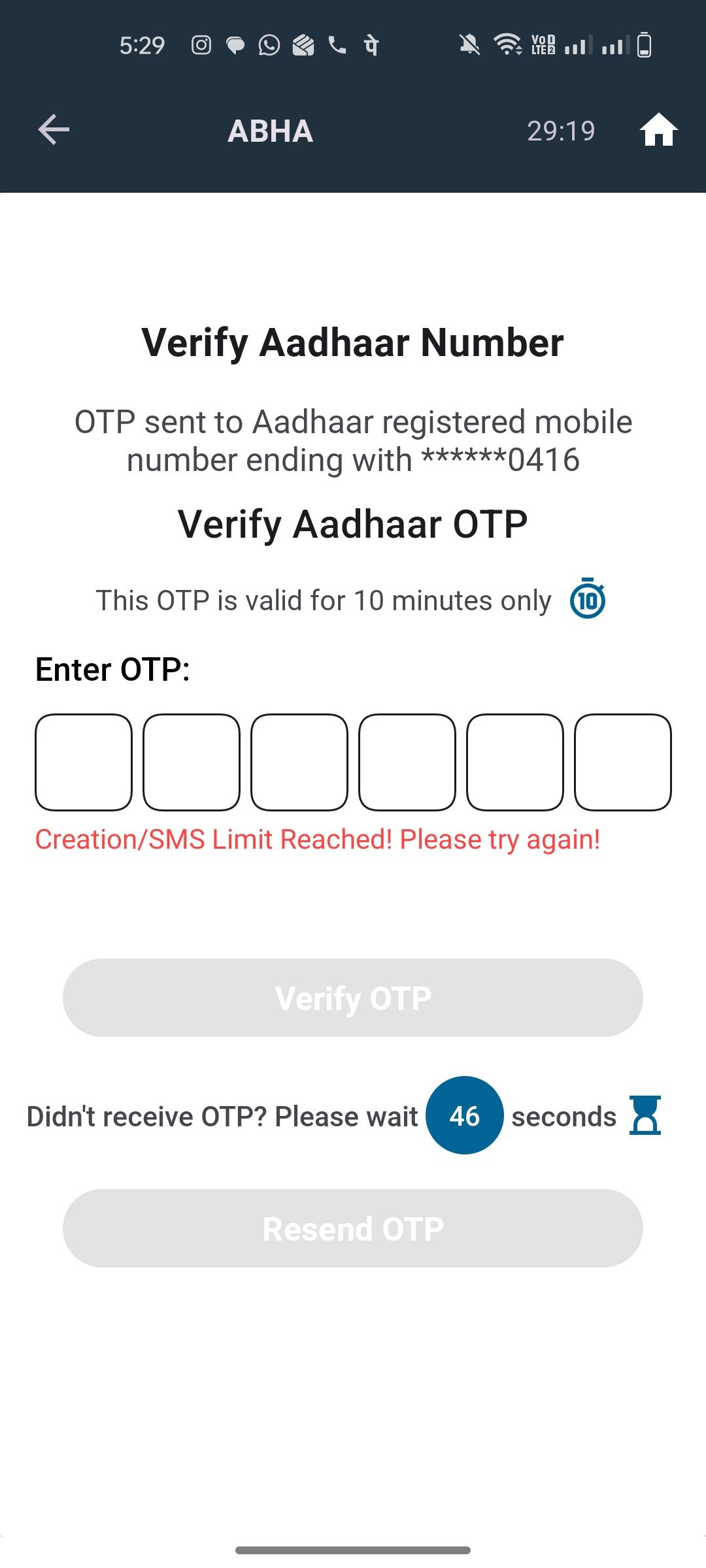
While verifying the Aadhaar number, after entering the OTP, the system is showing an “SMS Gateway Unavailable” error.
Steps to Reproduce:
- Navigate to the Aadhaar verification process.
- Enter a valid Aadhaar number.
- Request and enter the OTP.
- Click on Verify/Submit.
Actual Result:
The system displays the error message: “SMS Gateway Unavailable.”
Expected Result:
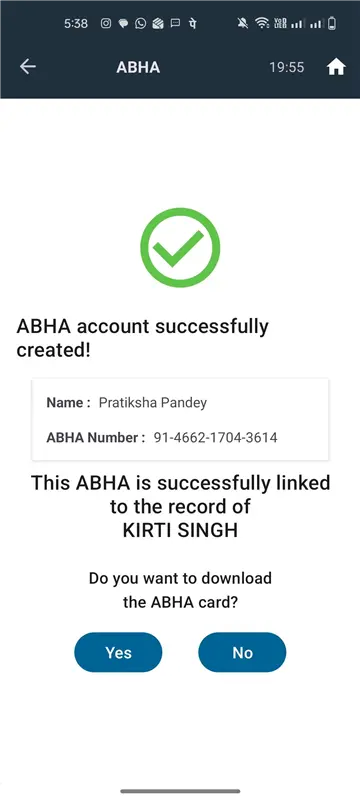
The OTP should be verified successfully, and the Aadhaar verification process should proceed without any error.