-
Type:
Bug
-
Resolution: Done
-
Priority:
 Medium
-
Affects Version/s: None
-
None
-
FLW Mobile App
-
UAT
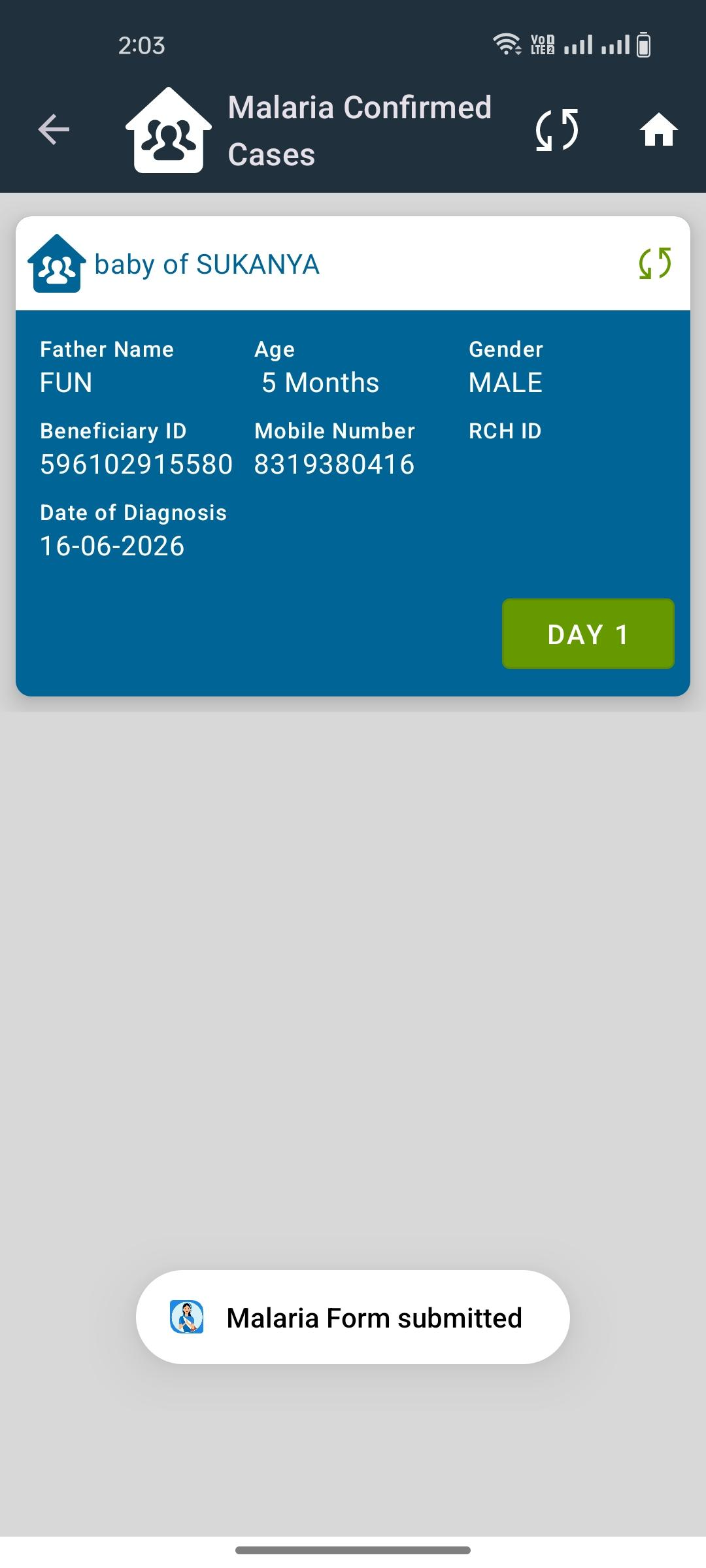
In the Malaria Confirmed Cases module, the data is successfully syncing to the backend; however, the UI continues to display the sync icon in red color, indicating that the record has not been synced.
Steps to Reproduce:
- Login to the application.
- Navigate to the Malaria Confirmed Cases module.
- Create or update a confirmed malaria case record.
- Perform synchronization.
- Verify that the data is available in the backend/database.
- Check the sync status icon in the UI.
Actual Result:
- Data is successfully synced to the backend.
- Sync icon remains red, indicating pending or failed synchronization.
Expected Result:
- Once the data is successfully synced to the backend, the sync icon should change to green to indicate successful synchronization.