-
Type:
Bug
-
Resolution: Done
-
Priority:
 Highest
-
Affects Version/s: None
-
None
-
STOP TB Sprint 5
-
STOP TB
-
All
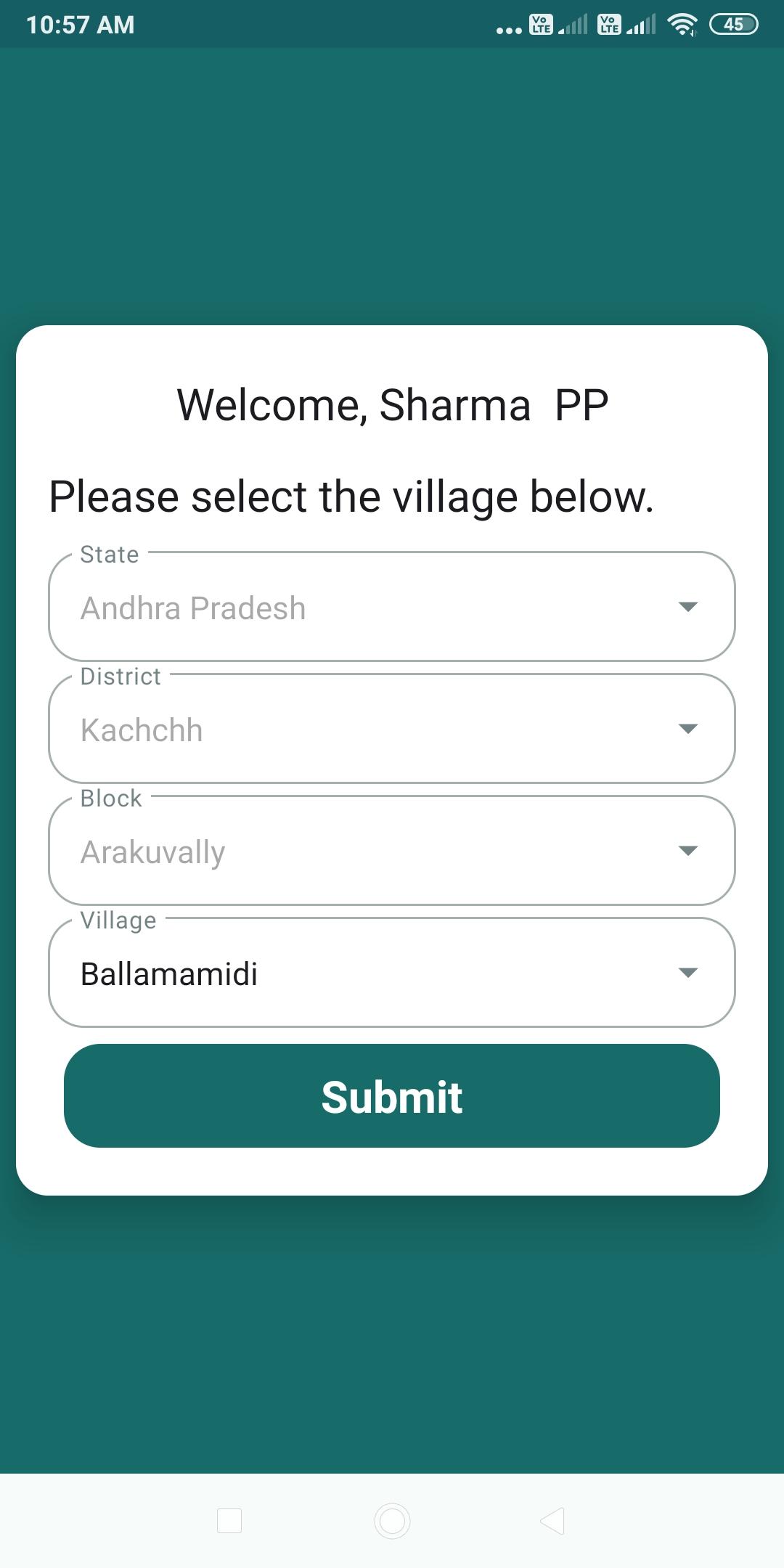
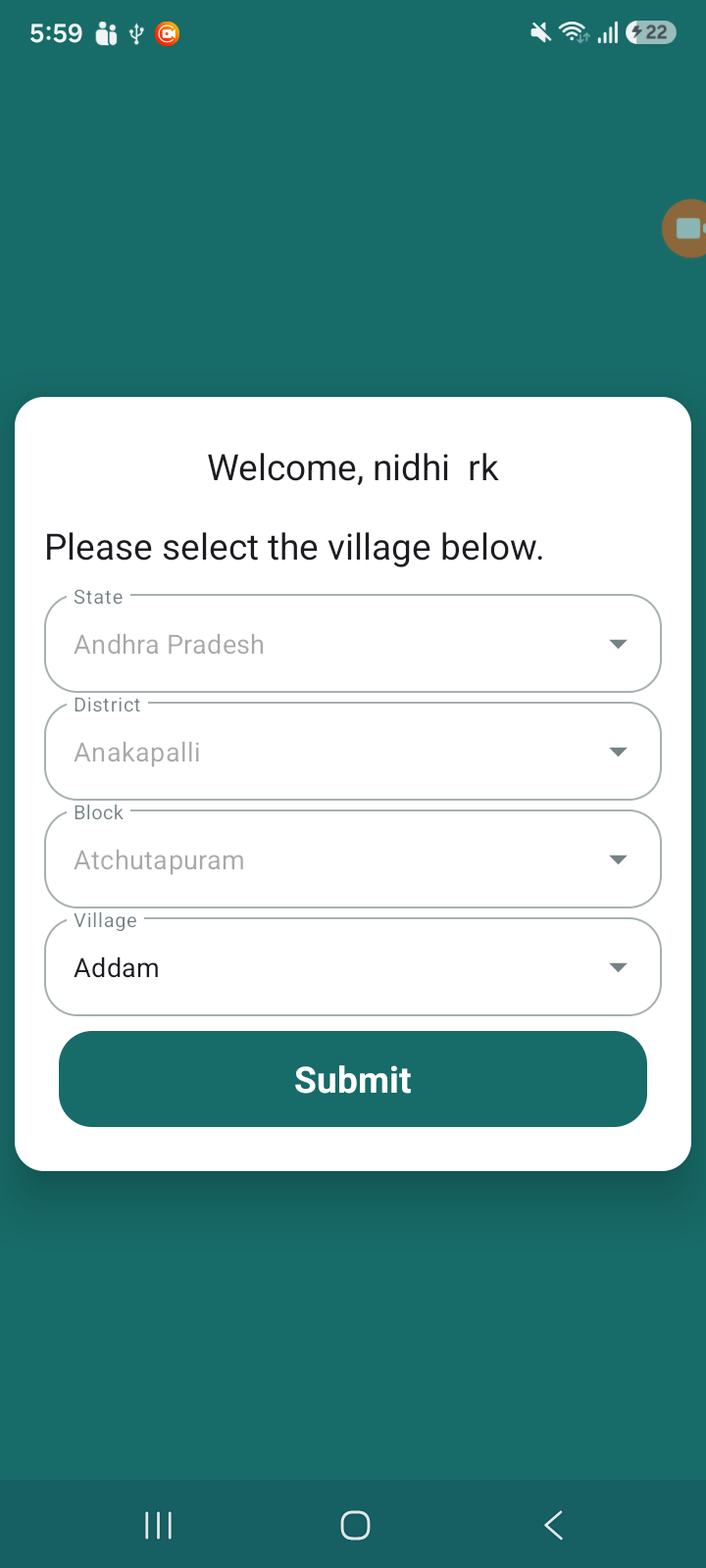
1. District mapped is showing wrong in the Stop TB App:
In Admin, under work location mapping: User is mapped to a State >> District >> Block >> TU (s)>> Facility (s) & Villages
After User is log-in app District mapped is showing wrong.
Refer to attached screenshot
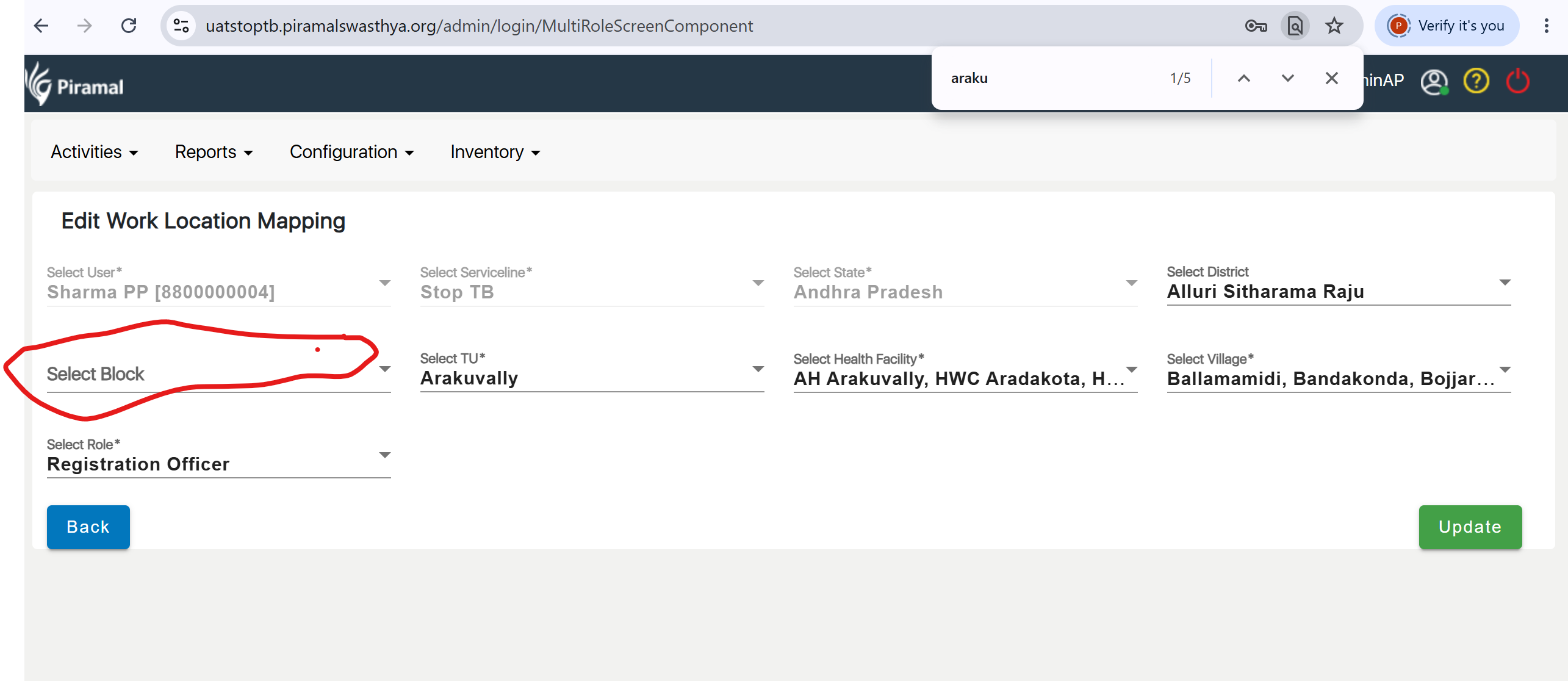
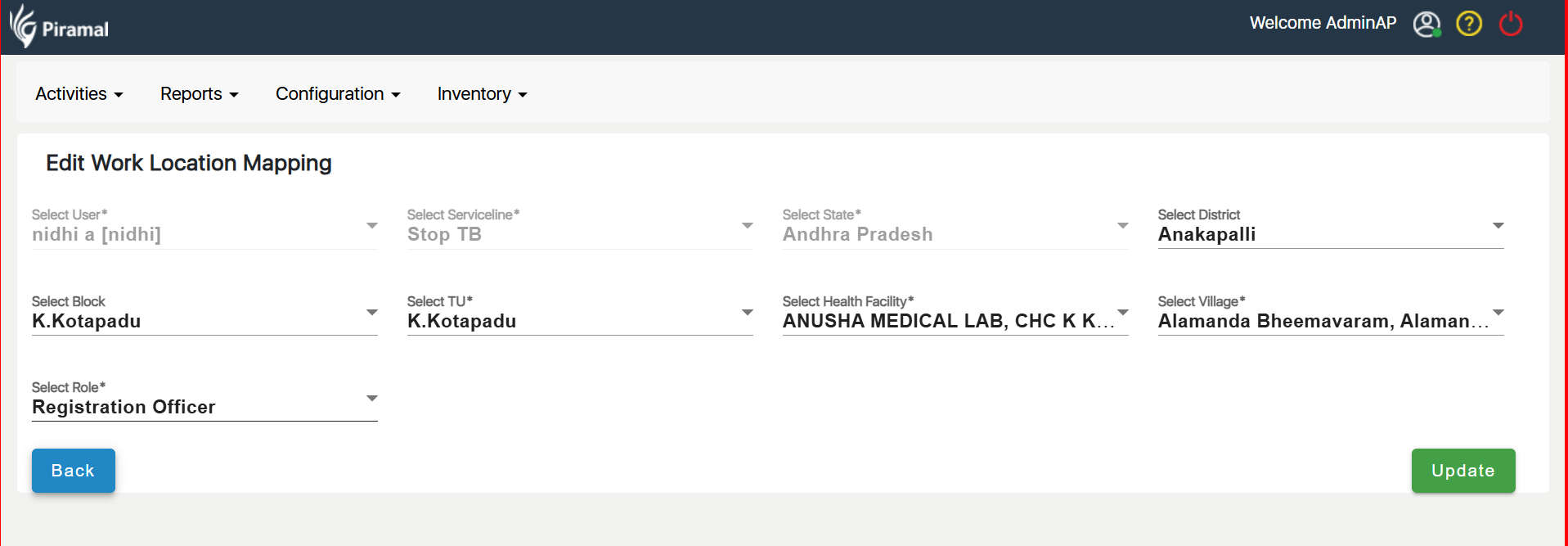
2. After edit and submit, again edit existing Block is missing:
In Admin, under work location mapping: Edit location and submit, changes block is not reflecting.
Refer to attached screenshot
- relates to
-
AMM-2386 Facility Mapping in AMRIT as per NIKSHAY master data
-

- Closed
-

