-
Type:
Bug
-
Resolution: Unresolved
-
Priority:
 Medium
-
None
-
Affects Version/s: None
-
Admin
-
UAT
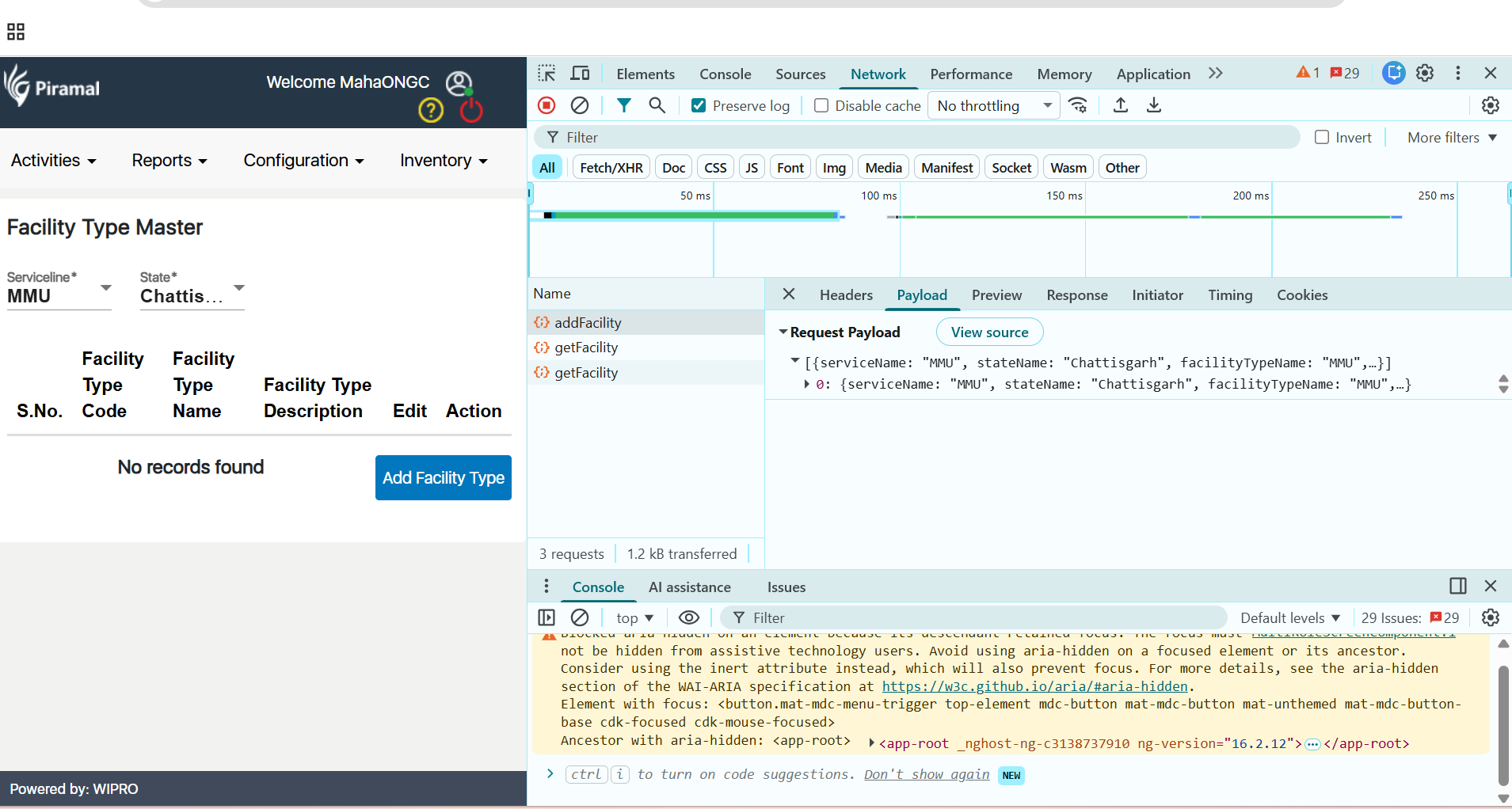
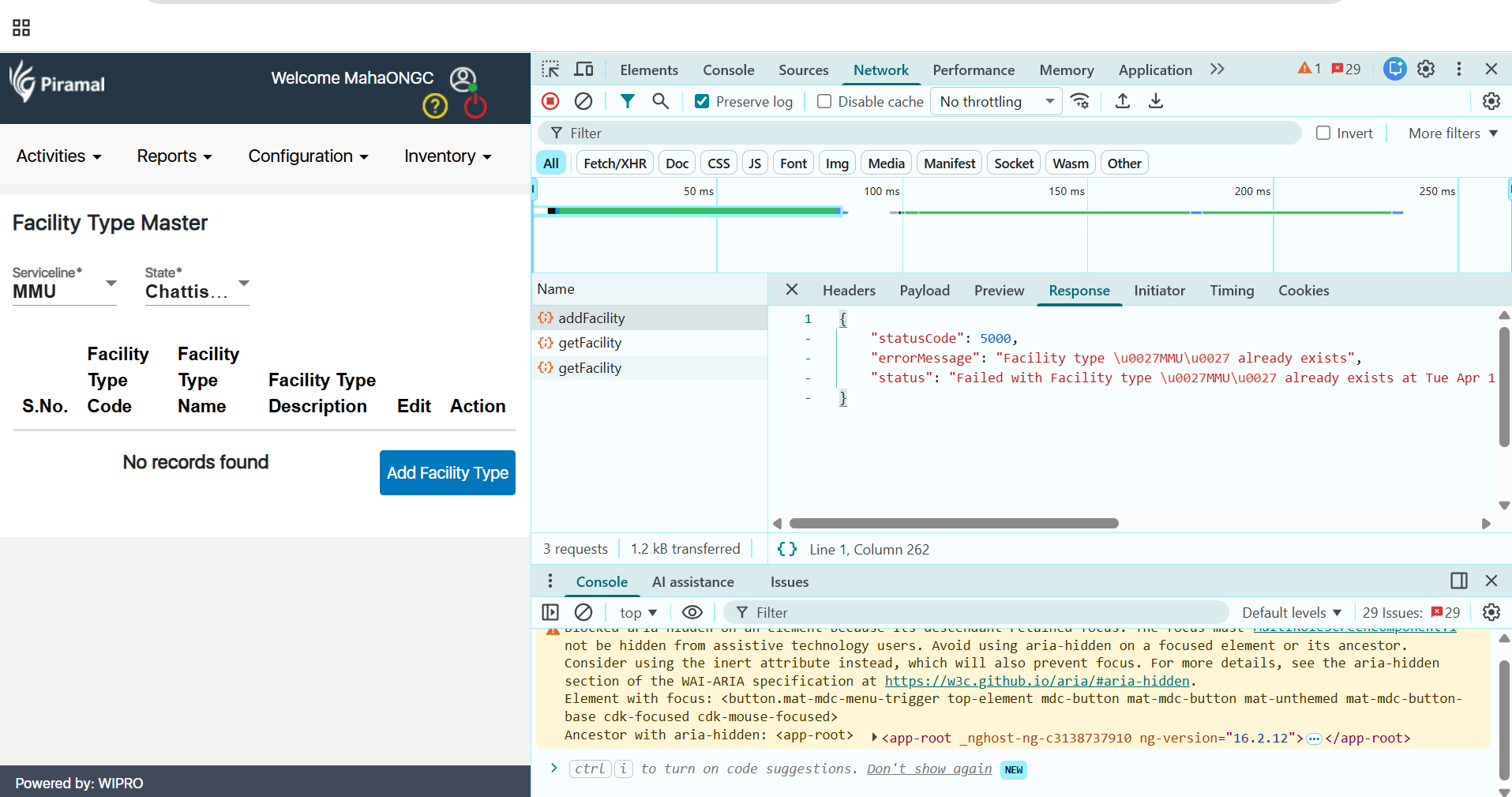
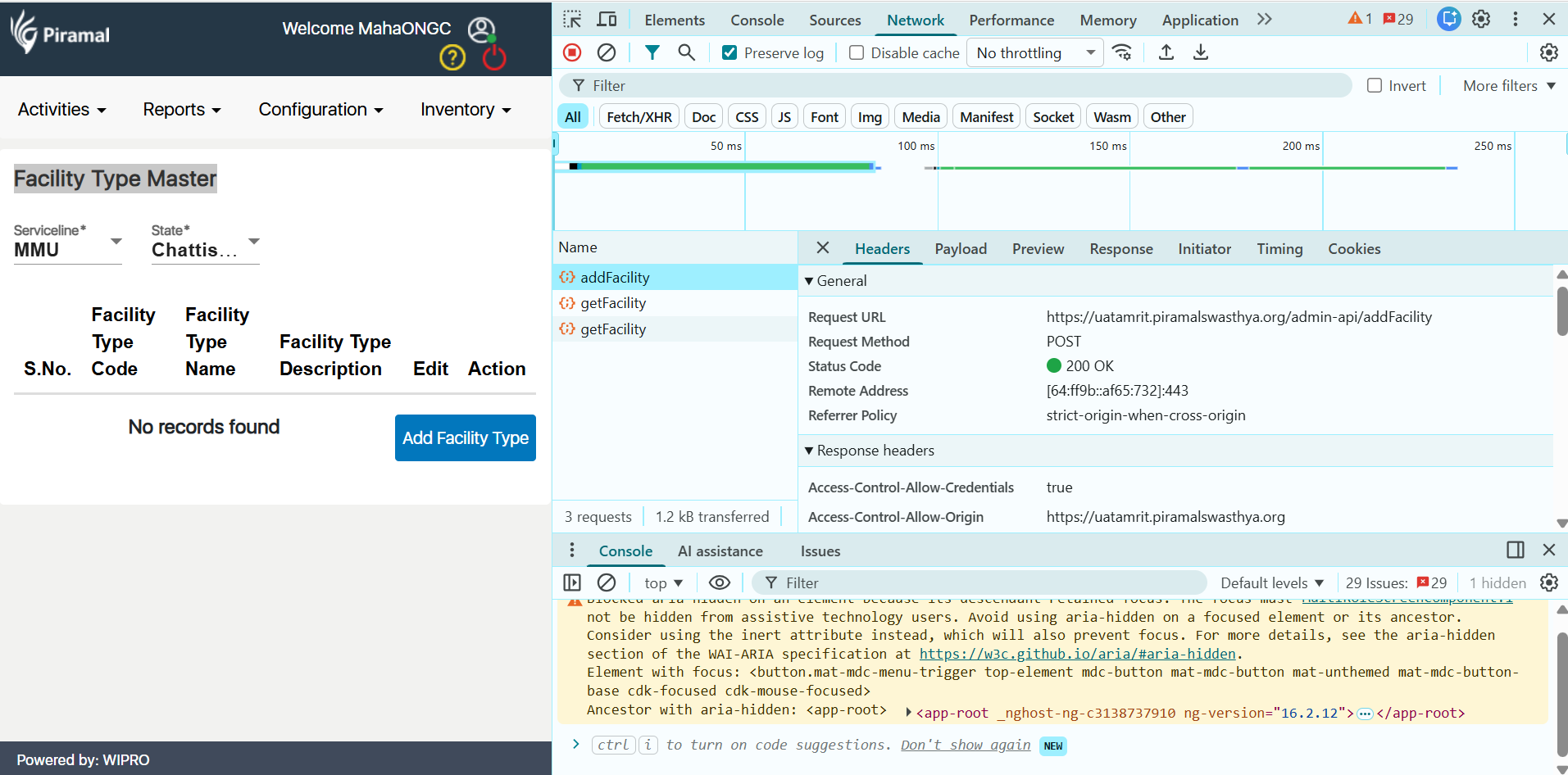
While adding a new Facility Type Master in the Admin Module, the system shows a success alert message ("Facility Type Master created successfully"). However, the newly added facility type is not visible in the list after submission.
Steps to Reproduce:
- Navigate to Admin Module
- Go to Facility Type Master
- Click on Add New Facility Type
- Enter all required details
- Click on Submit
Expected Result:
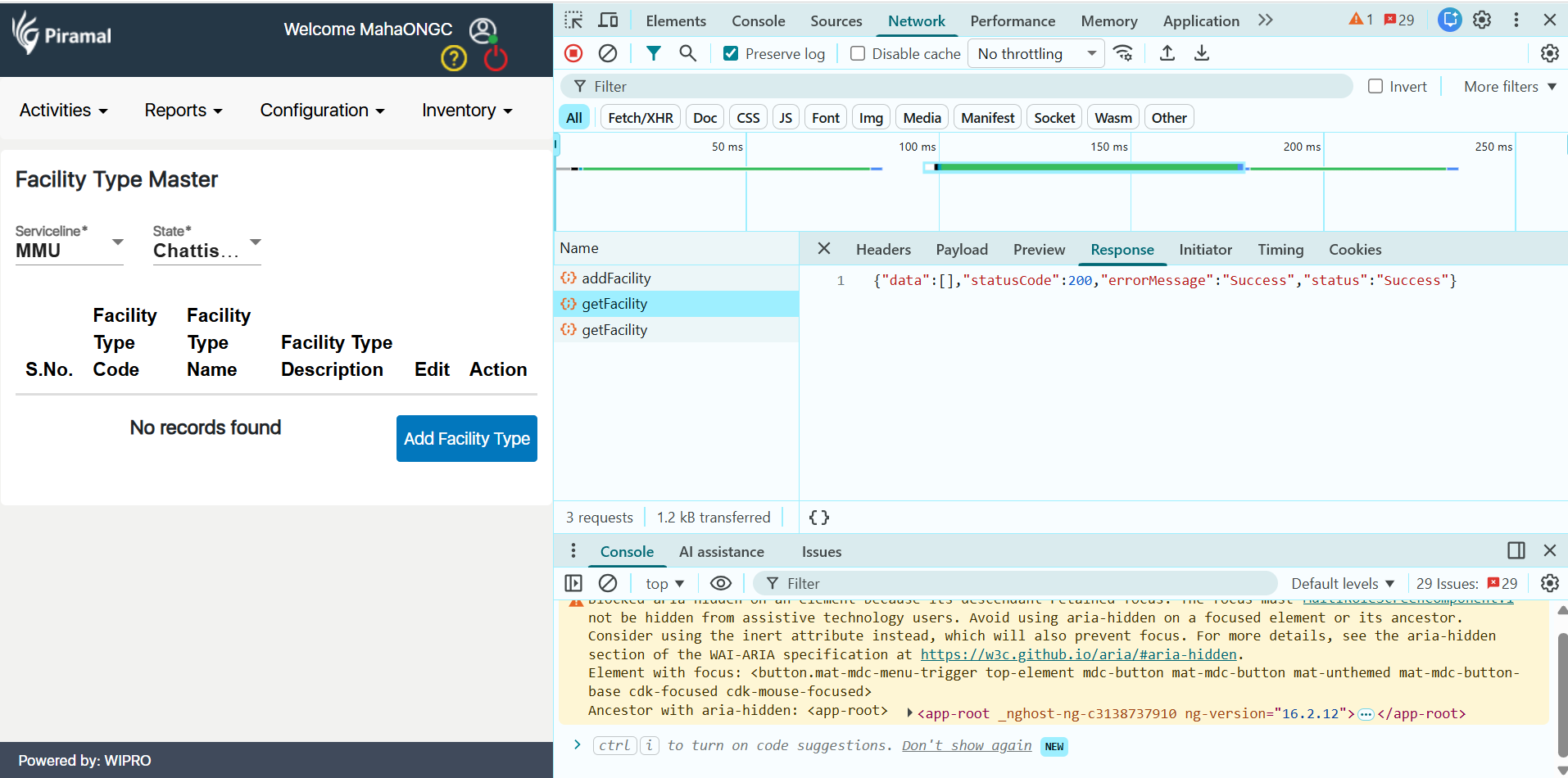
After successful submission the newly created Facility Type Mester should be visible in the list.
Result:
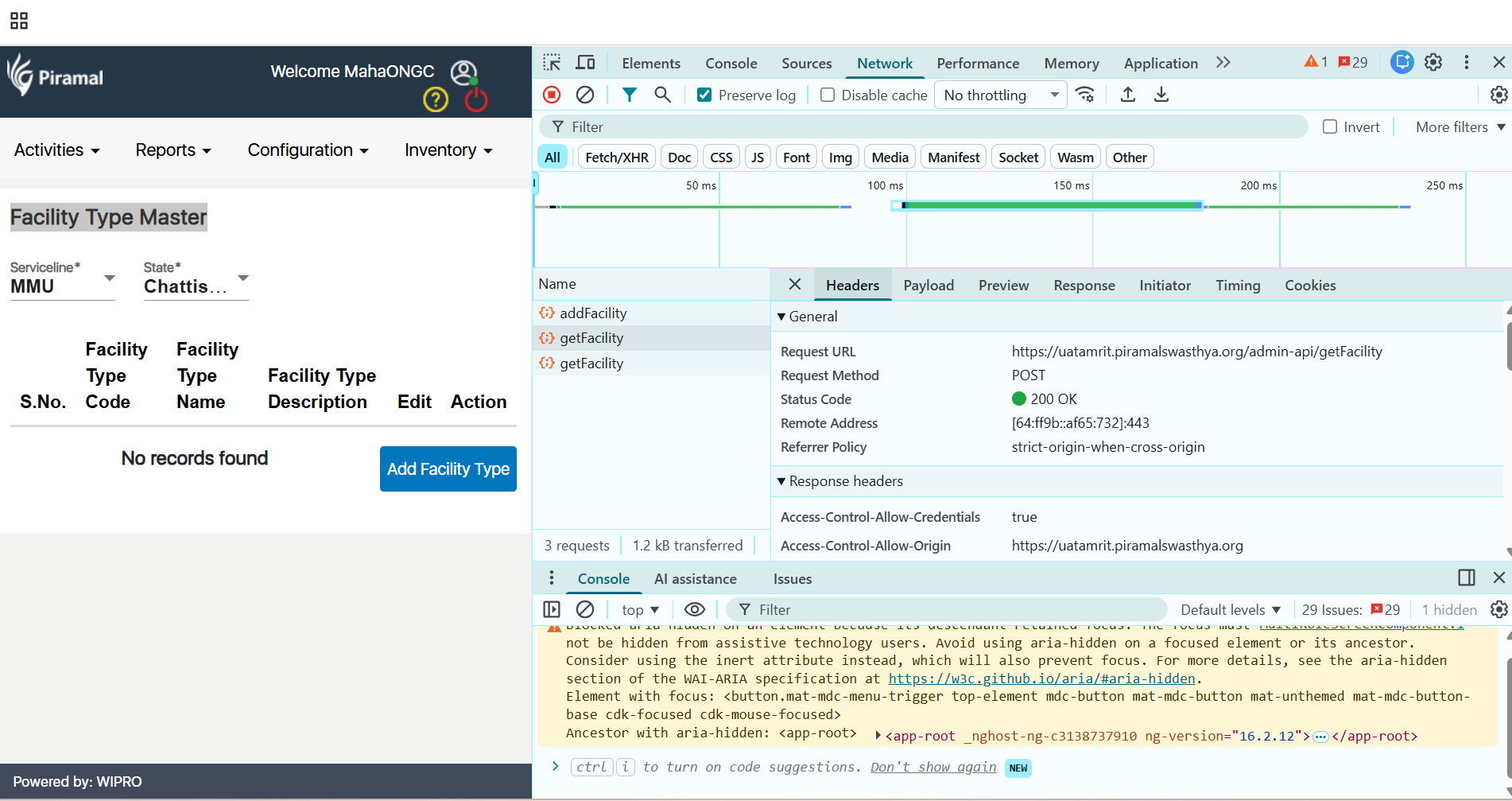
A success alert message is displayed but the data is not appearing in the Facility Type Mester list