-
Type:
Bug
-
Resolution: Done
-
Priority:
 High
High
-
Affects Version/s: None
-
HWC Web App
-
UAT
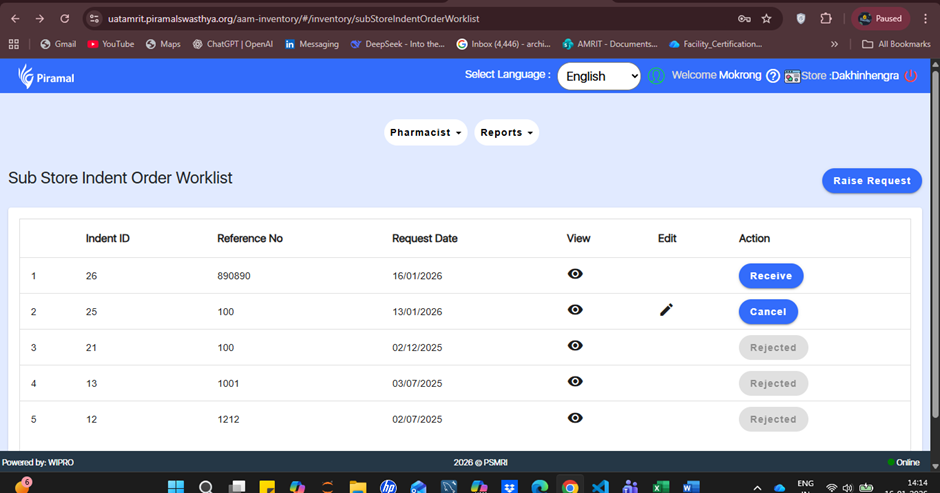
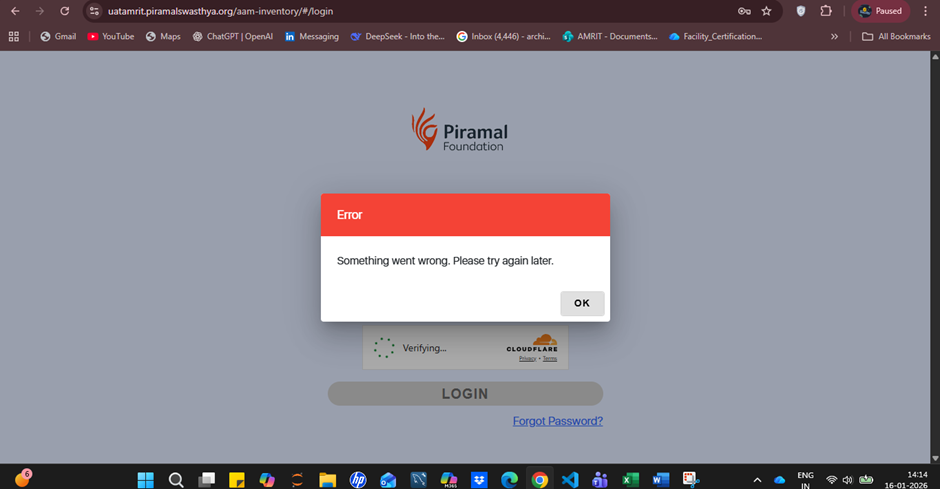
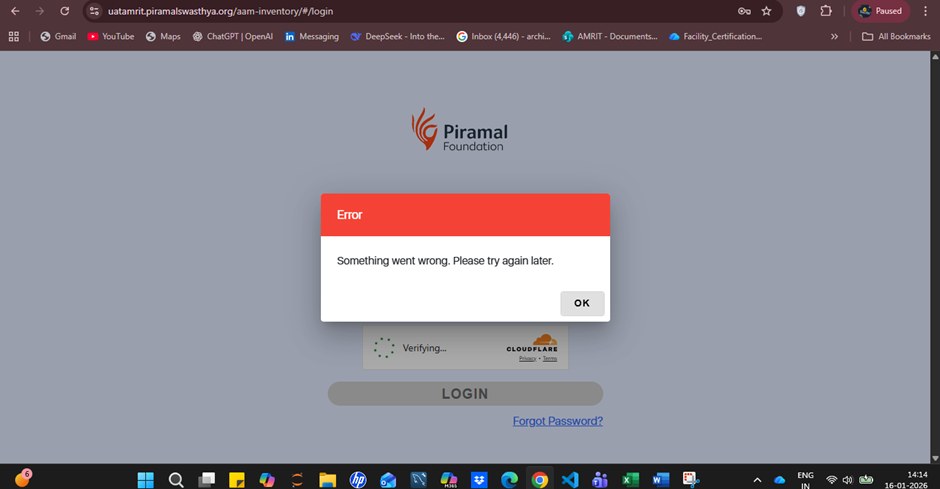
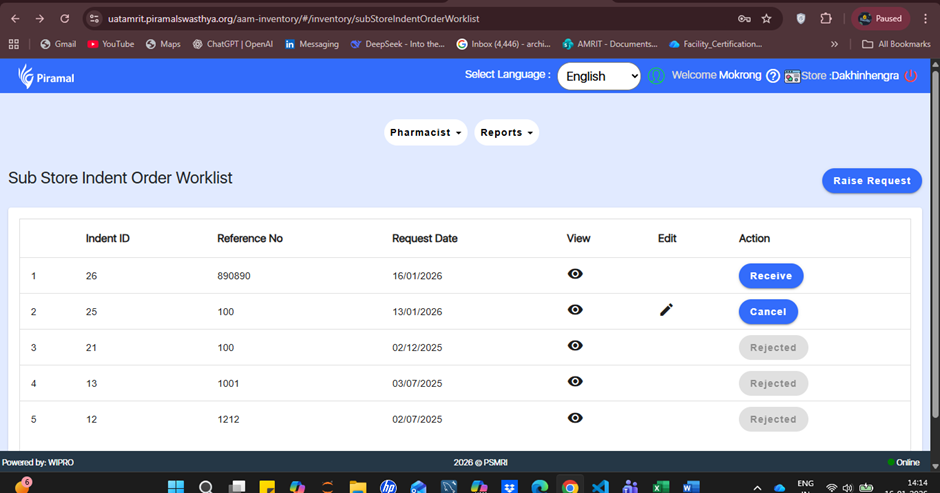
Under the Sub Store , after an indent request is approved, the Action column displays the Receive option. When the user clicks on Receive, an error pop-up is displayed and the user is automatically logged out of the system.
This behavior disrupts the indent receiving process and impacts sub store operations.
Steps to Reproduce:
- Log in to the application.
- Navigate to Sub Store → Indent.
- Raise request and save.
- Navigate to Main Store → Indent.
- Approve indent request.
- Again , navigate to Sub Store → Indent.
- In the Action column of the approved indent, click on Receive.
Expected Result:
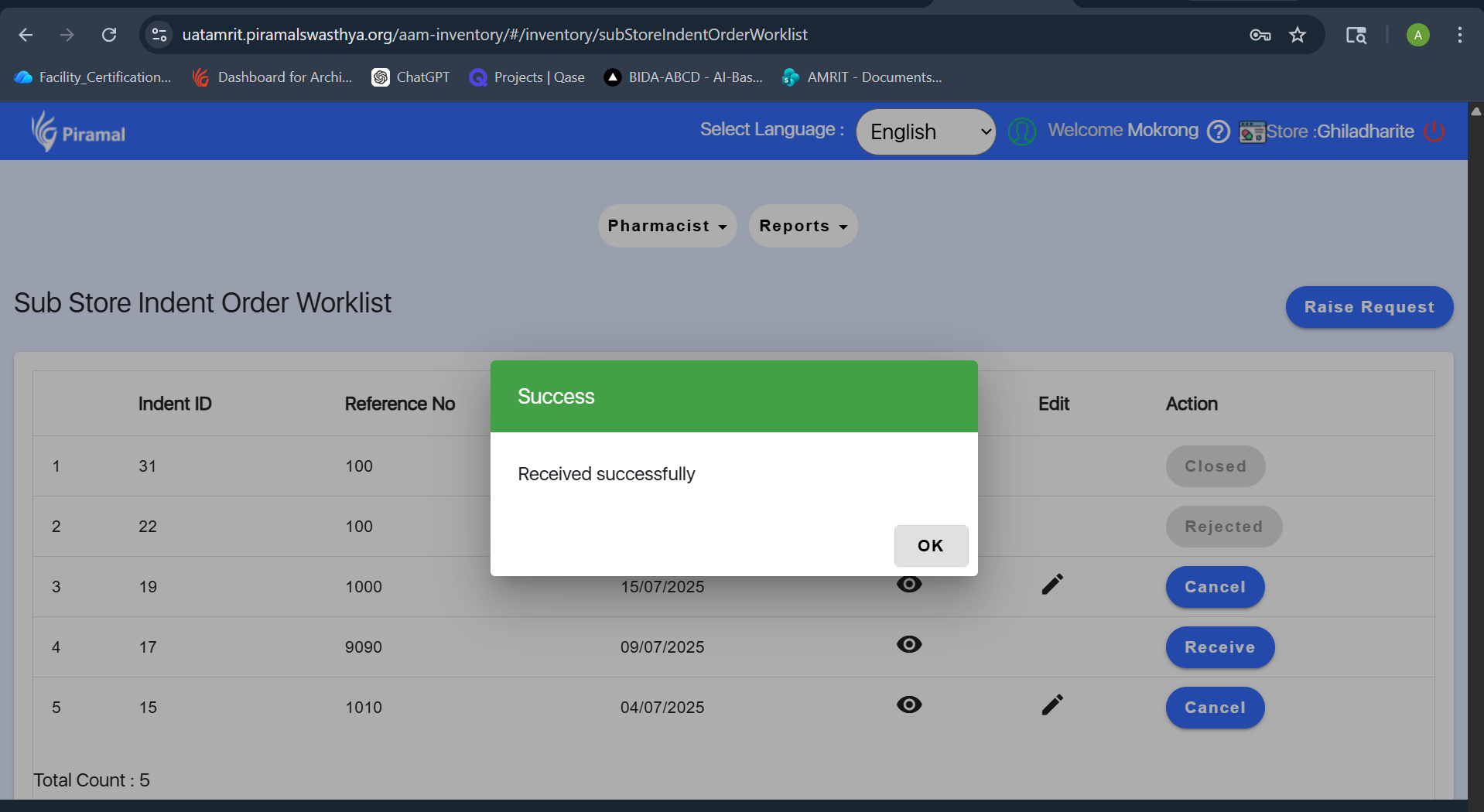
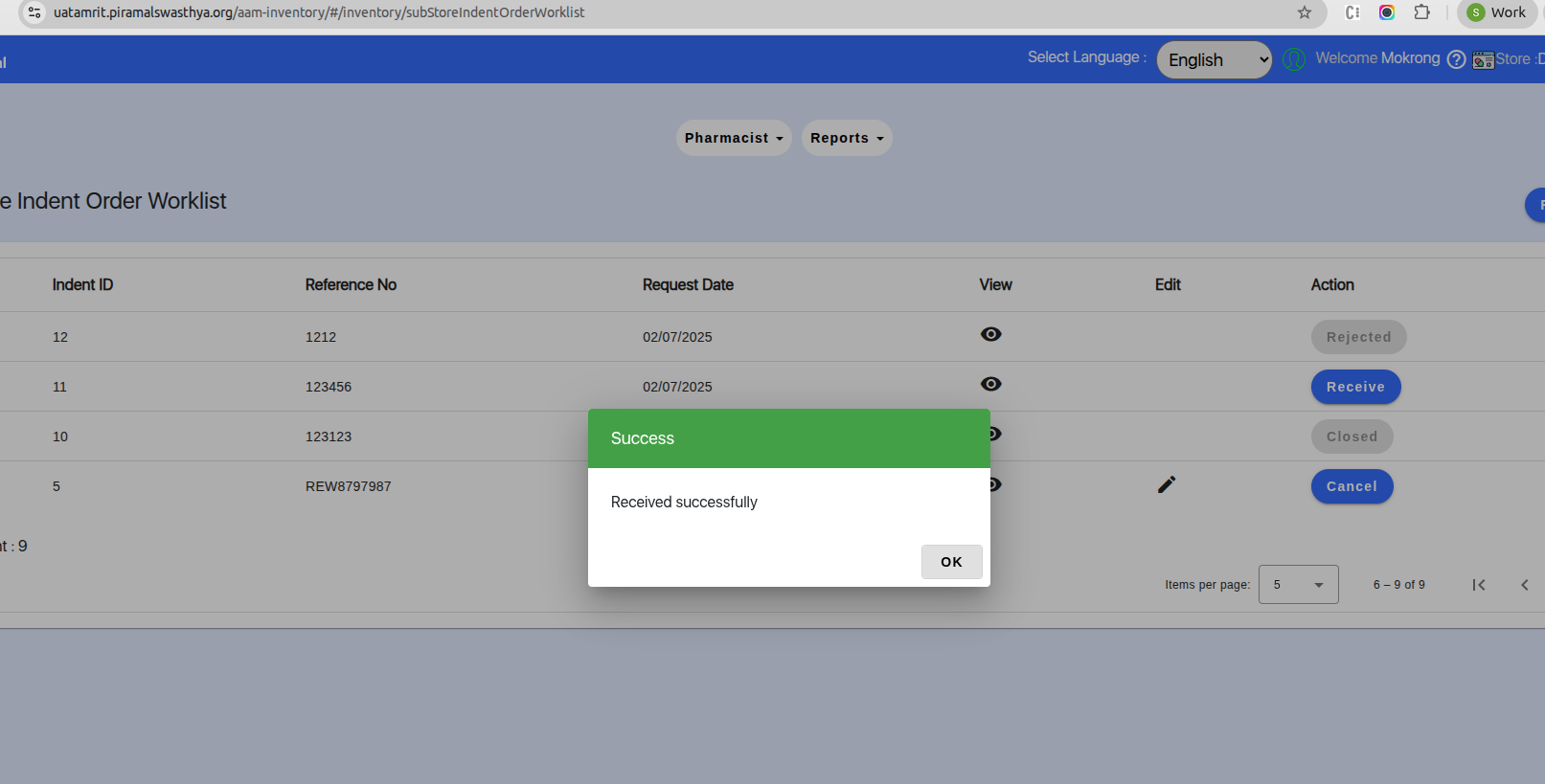
The Receive option should either open the Receive screen successfully to complete the process, or remain disabled/not clickable if no further action is required.
Actual Result:
An error pop-up appears and the user is logged out of the application.