-
Type:
Bug
-
Resolution: Done
-
Priority:
 High
High
-
Affects Version/s: None
-
None
-
ECD
-
UAT
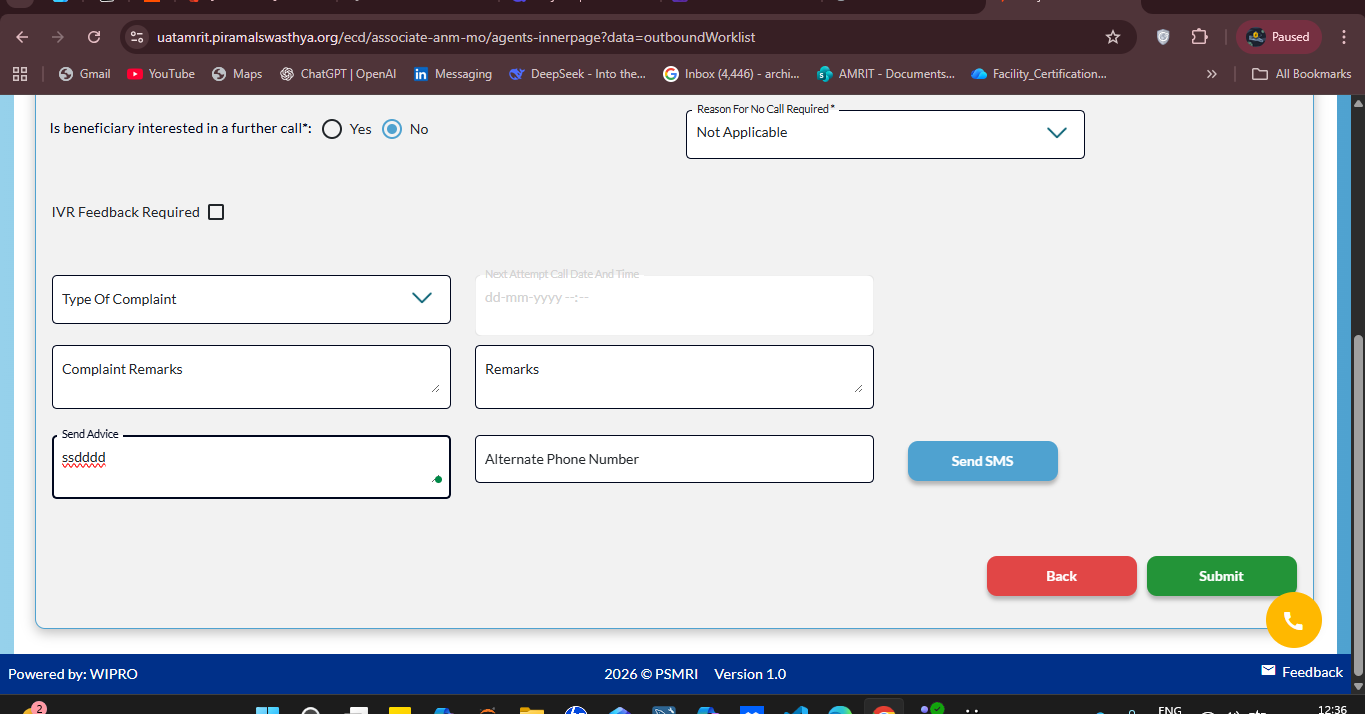
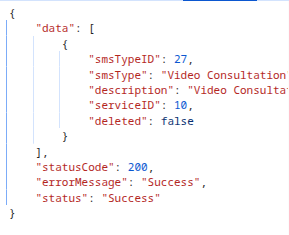
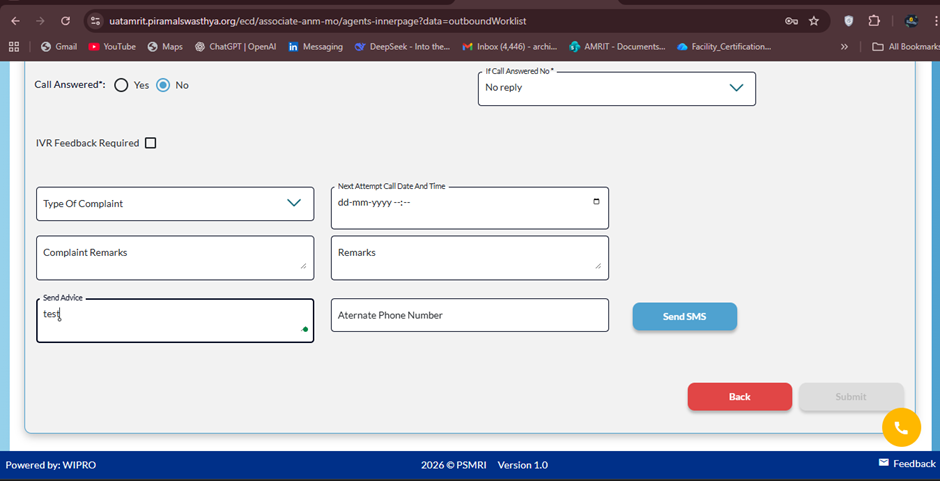
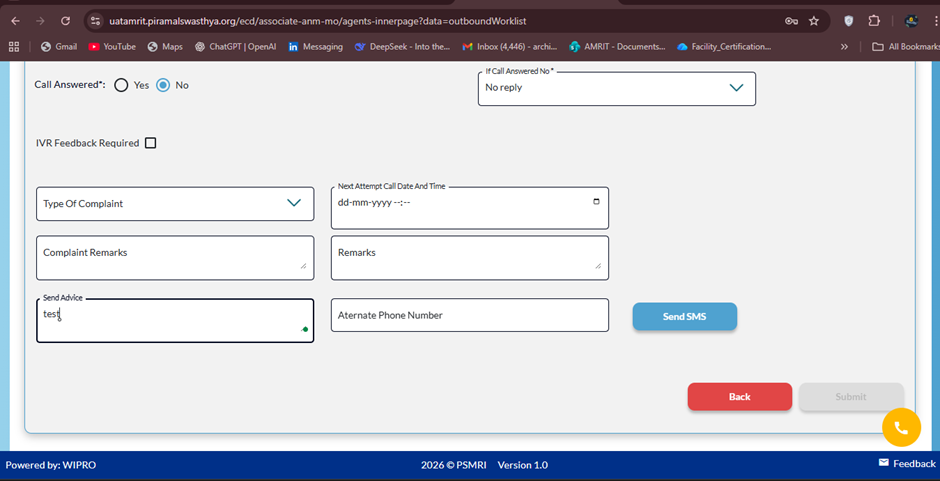
On entering any text in the Send Advice field and clicking Send SMS, the Submit button becomes disabled and the SMS is not sent. And call cannot be closed.
Steps to Reproduce:
1. Login as MO.
2. Under Outbound worklist.
3. Call any beneficiary and fill details.
4. Write any advice ,click send sms and observe the *Submit *button.
Actual Result:
After entering text in the Send Advice field and clicking Send SMS, the Submit button gets disabled and the SMS is not sent.
Expected Result:
After entering text in the Send Advice field and clicking Send SMS, the Submit button should remain enabled and the SMS should be sent successfully.