-
Type:
Bug
-
Resolution: Done
-
Priority:
 High
High
-
Affects Version/s: None
-
None
-
ECD
-
UAT
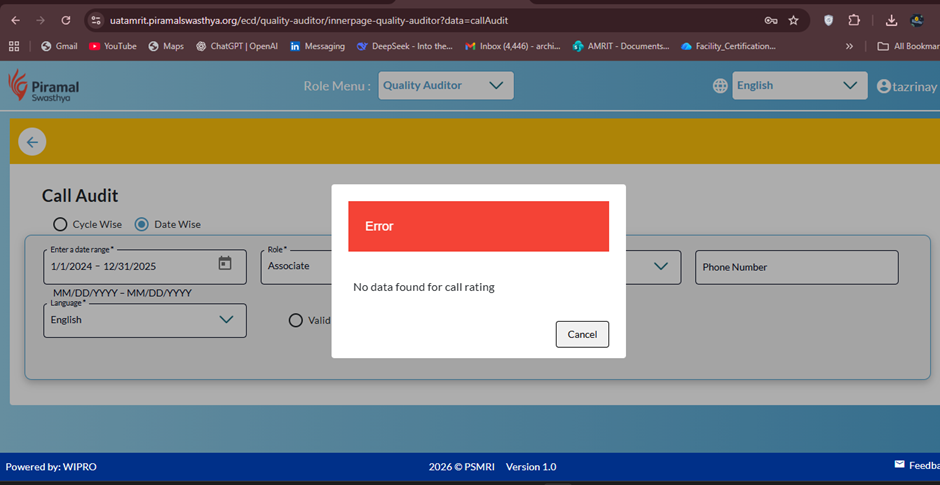
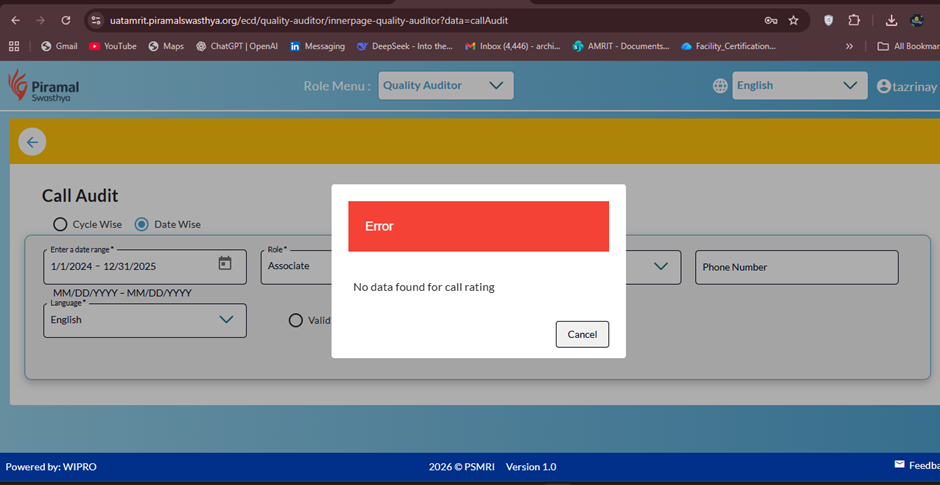
Under Quality Auditor login, in the Call Audit section, selecting any date range results in an error message “No data found”, even when data is expected to be available.
Steps to Reproduce:
- Login with Quality Auditor credentials(tazrinay).
- Navigate to Call Audit section.
- Select any valid date range.
- Click on Search / Submit.
Expected Result:
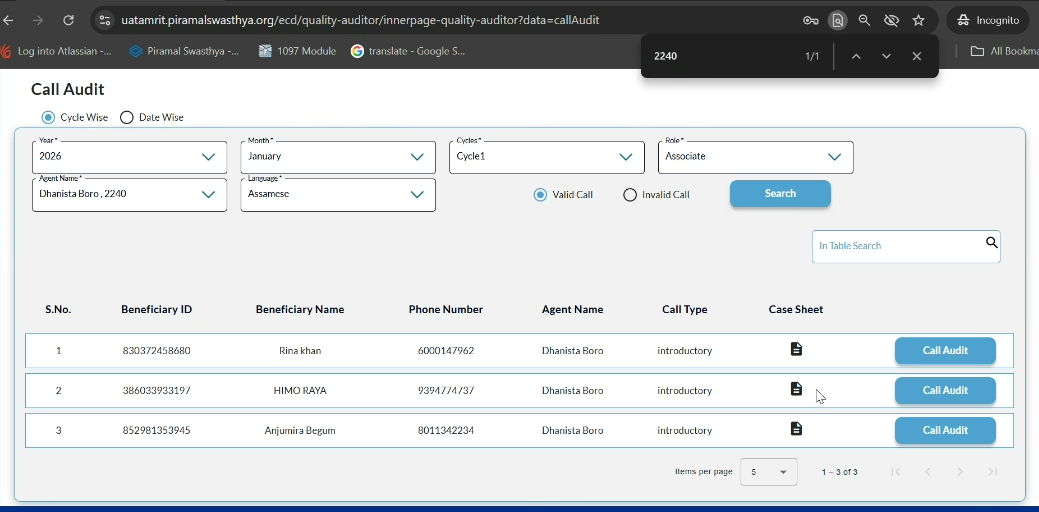
Call audit data should be displayed for the selected date range if records exist.
Actual Result:
System displays “No data found” for all selected date ranges.