-
Type:
Bug
-
Resolution: Done
-
Priority:
 High
High
-
Affects Version/s: None
-
None
-
ECD
-
UAT
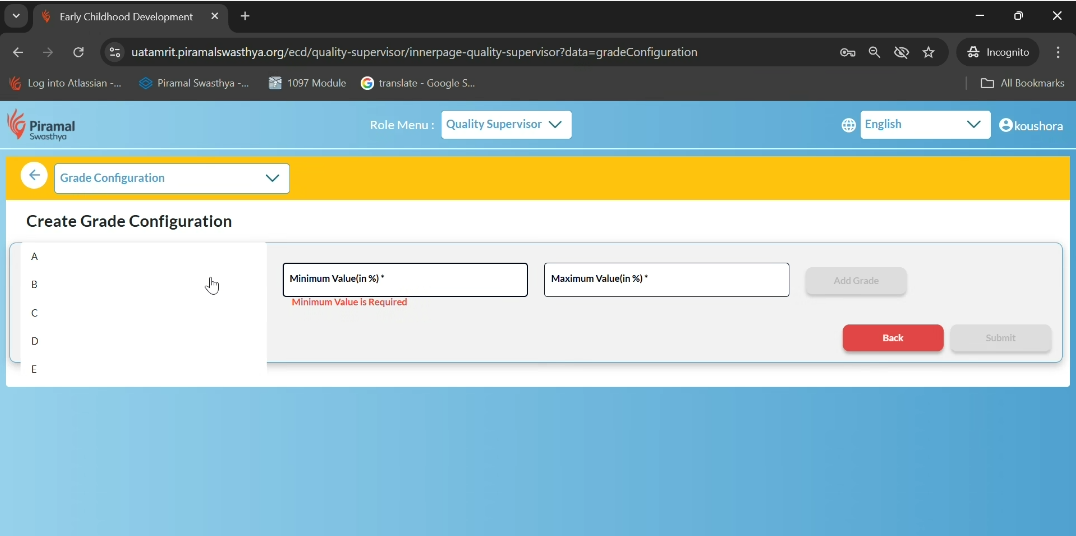
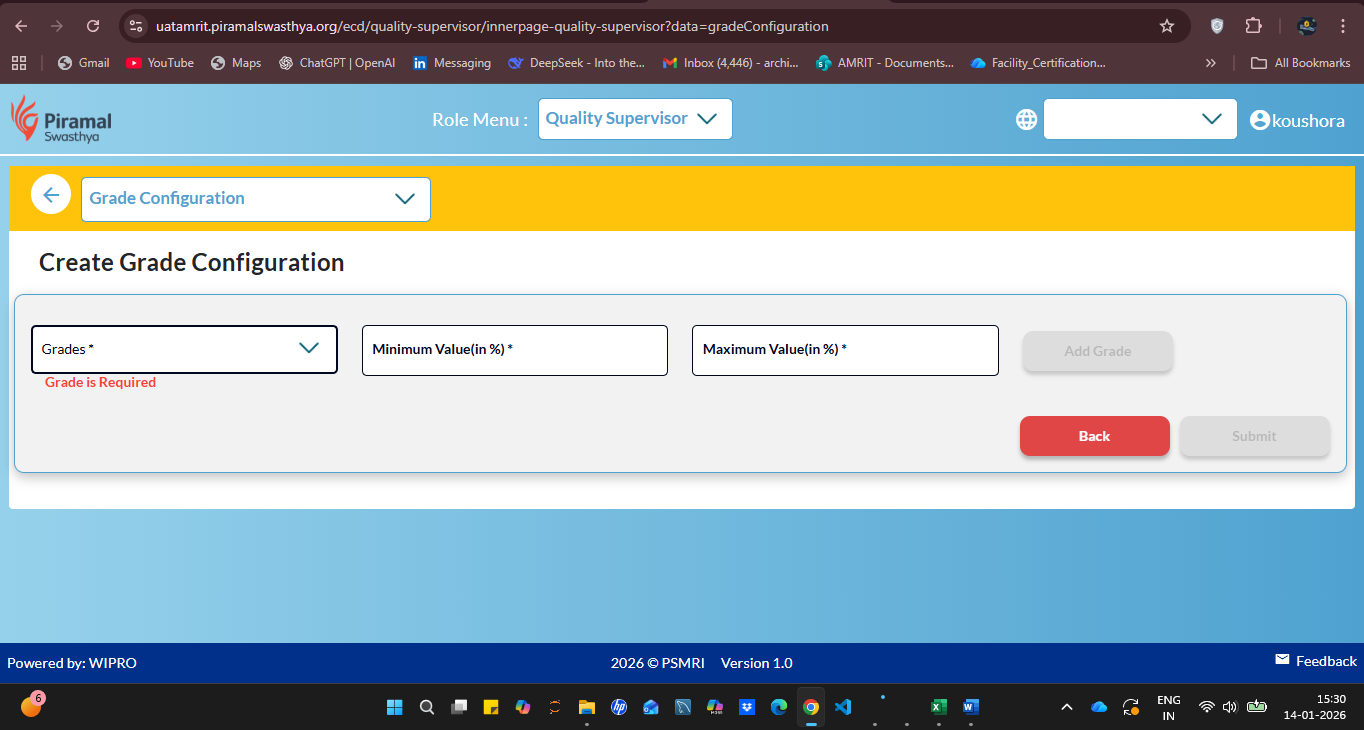
Under Quality Supervisor login, in the Grade Configuration module, the Grades dropdown under Create Grade Configuration section is not responding. On clicking the dropdown, no values are displayed and no selection can be made.
Steps to Reproduce:
- Login with Quality Supervisor credentials.
- Navigate to Grade Configuration.
- Under Create Grade Configuration.
- Click on the Grades dropdown.
Expected Result:
Grades dropdown should open and display the list of available grades for selection.
Actual Result:
Grades dropdown does not open or display any values on click.