-
Type:
Bug
-
Resolution: Done
-
Priority:
 Medium
-
Affects Version/s: 3.6.0
-
None
-
104
-
UAT
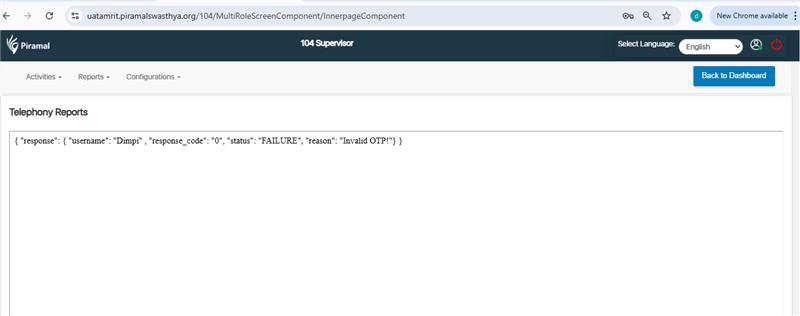
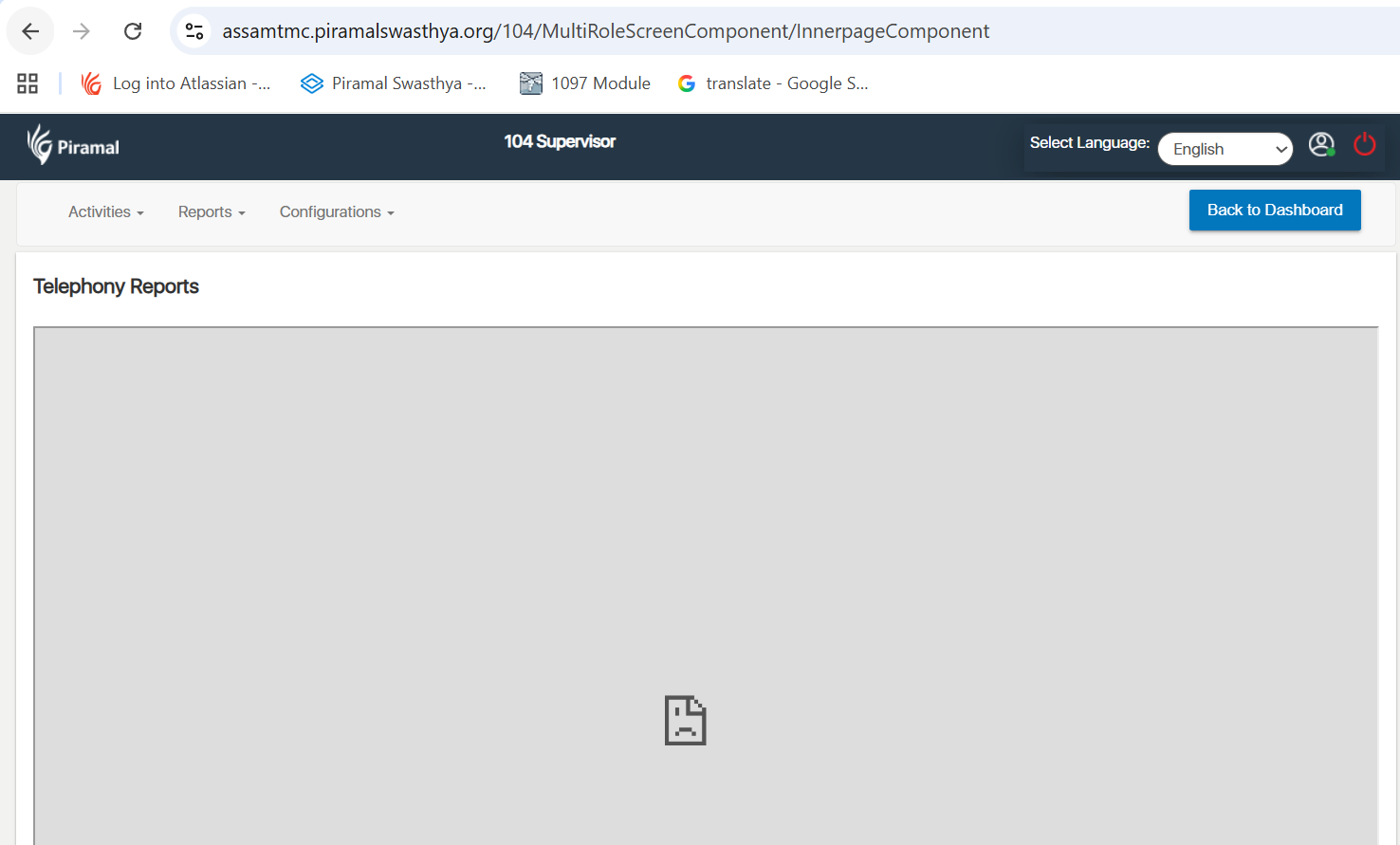
When attempting to fetch the telephony report from the Supervisor 104 module, the system throws an error and the report cannot be retrieved.
Steps to Reproduce:
- Login as a Supervisor with privileges to access Supervisor 104.
- Navigate to Supervisor 104 module.
- Go to Telephony Reports (or the specific report screen).
- Select required filters (date range, team/agent, etc.) and click Fetch / Generate / View Report.
- Observe that an error is shown and the report is not returned.
Expected Result:
Telephony report should be fetched and displayed (or downloadable) without errors, according to selected filters.
Actual Result:
An error is displayed and the report fails to load.