-
Type:
Bug
-
Resolution: Done
-
Priority:
 High
High
-
Affects Version/s: None
-
None
-
ECD
-
UAT
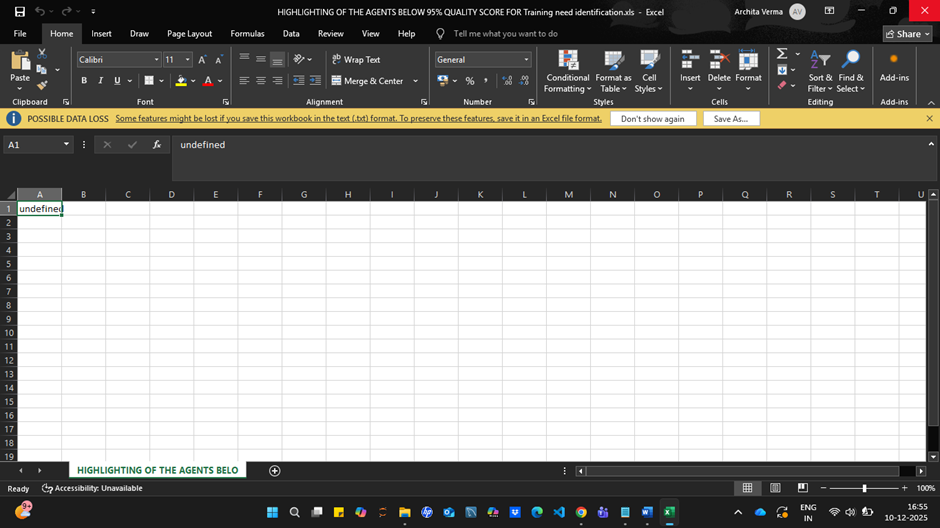
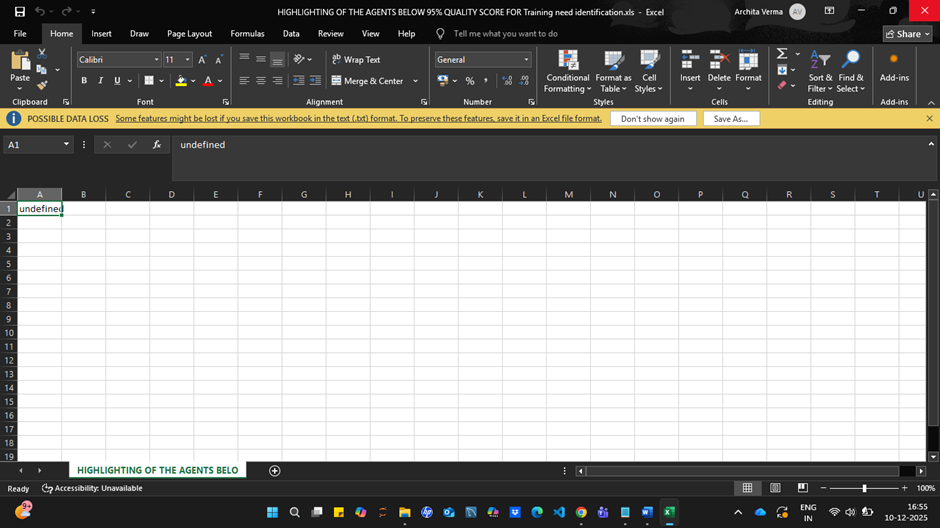
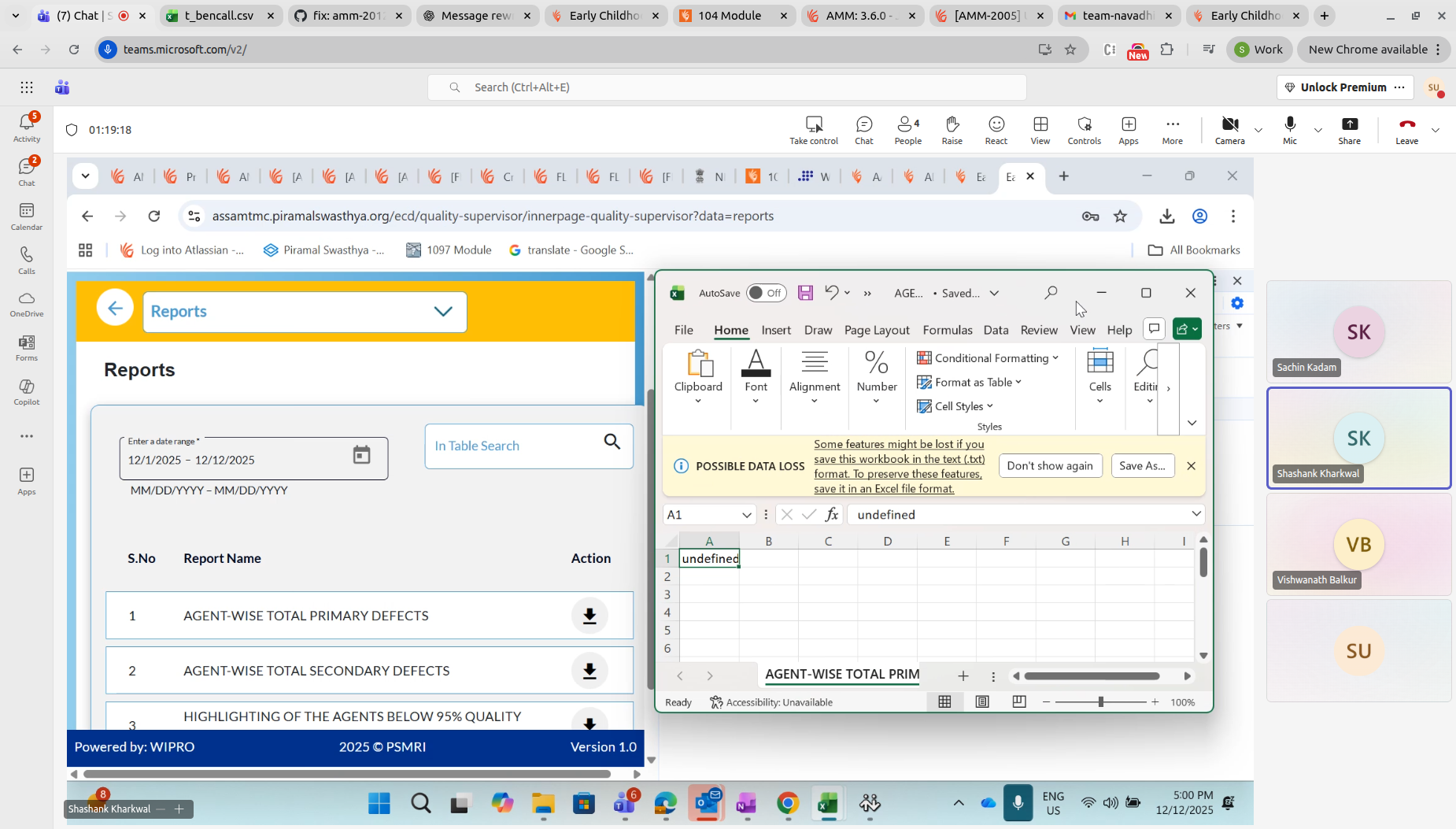
When exporting the report from the Quality Supervisor → Reports section, the downloaded Excel file is empty and contains only the text “undefined” in cell A1. No report data is populated.
Steps to Reproduce:
- Log in as a Quality Supervisor (credential - koushora).
- Navigate to the Reports section.
- Select and export the required report.
- Open the downloaded Excel file.
Actual Result:
- Excel file contains only the word “undefined” in cell A1.
- No data is exported.
Expected Result:
- Excel file should contain complete report data in a structured format.
- No “undefined” values should appear.