-
Type:
Bug
-
Resolution: Done
-
Priority:
 Lowest
-
Affects Version/s: None
-
None
-
AMRIT Sprint 51
-
ECD
-
UAT
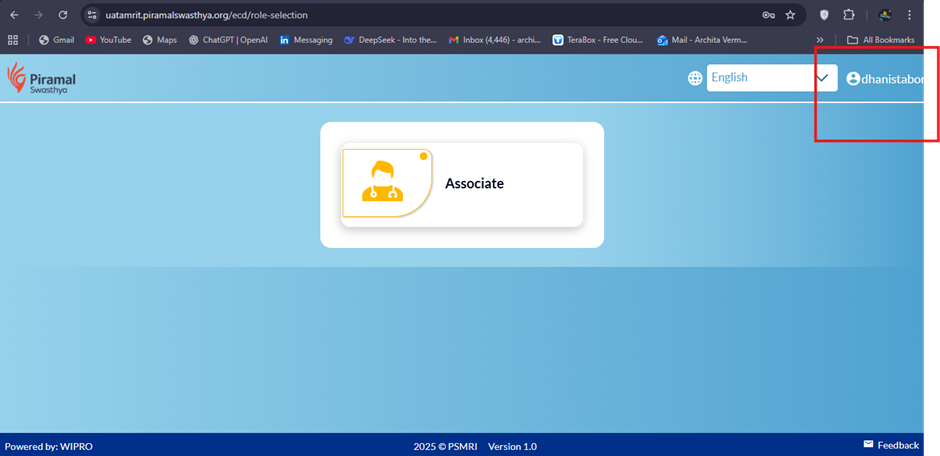
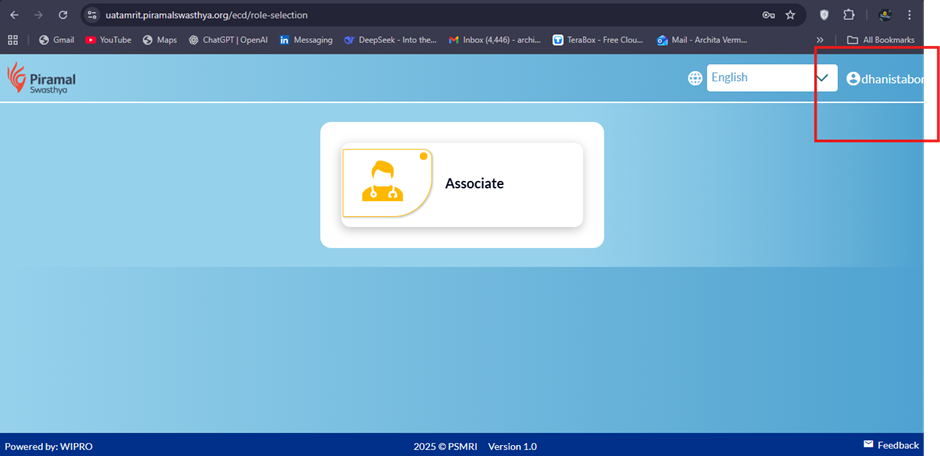
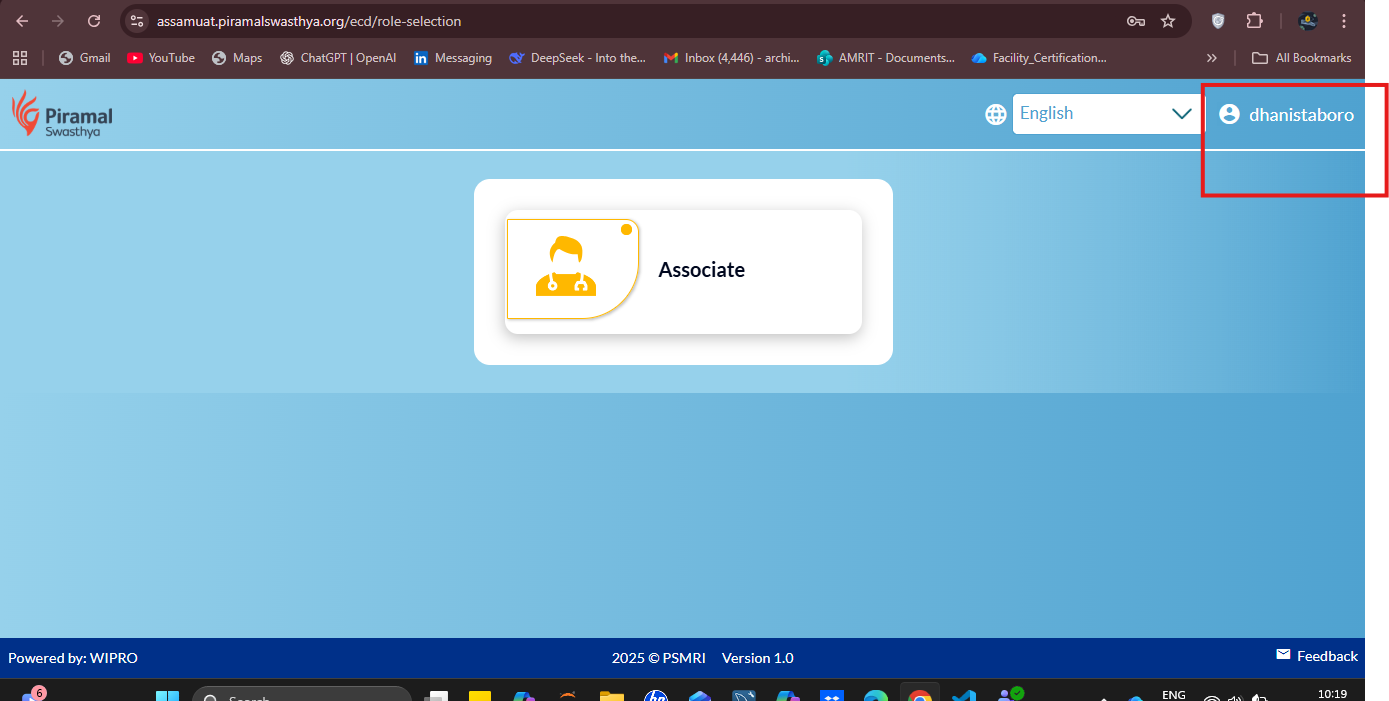
After logging into the application , the logged-in username displayed in the top-right corner is truncated. The full username does not appear due to insufficient space or improper UI alignment.
Steps to Reproduce:
- Open the application URL.
- Enter valid credentials (dhanistaboro) and click Login.
- Observe the username displayed on the top-right side of the header.
Expected Result:
- Full username should be clearly visible without truncation.
- UI layout should dynamically adjust (responsive) for long usernames.
Actual Result:
- Username is cut off and not fully visible (refer attached screenshot).
- UI layout is not adjusting to accommodate longer usernames.