-
Type:
Bug
-
Resolution: Done
-
Priority:
 Medium
-
Affects Version/s: None
-
None
-
ECD
-
UAT
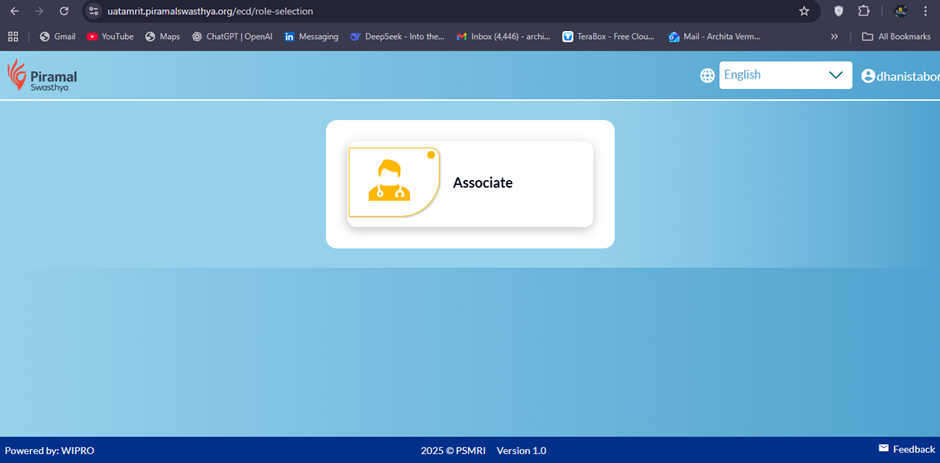
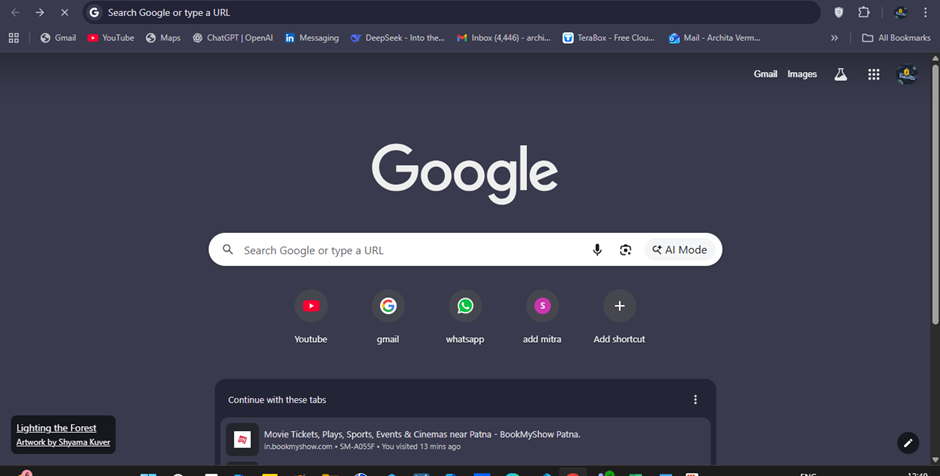
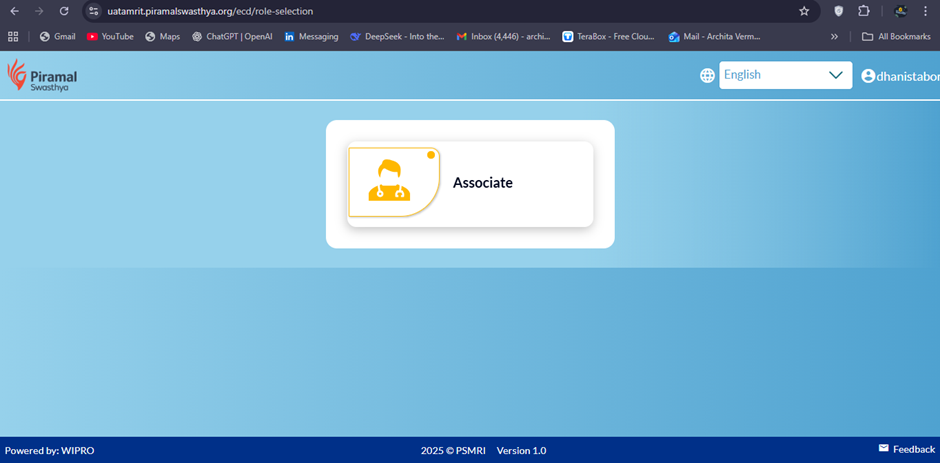
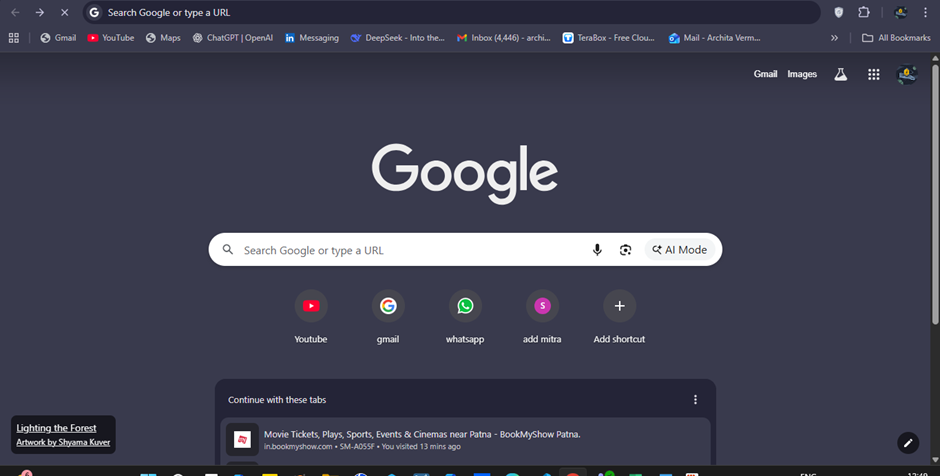
When a user logs into the application and presses the browser back button, the system does not redirect the user to the login page. Instead, the user is taken back to the previous browser page. After a few seconds, the session is terminated and the user is logged out automatically. This behavior is inconsistent with expected login session handling and may lead to confusion regarding user session security.
Steps to Reproduce:
- Open the application URL in a browser.
- Enter a valid username (dhanistaboro) and password.
- Click on the Login button.
- Once successfully logged in, press the browser back button.
Expected Result:
- On clicking the browser back button after login, the user should be redirected to the login page or retained within the authenticated session as per defined session management rules.
- User should not see the previous browser page while still authenticated.
Actual Result:
- Application does not redirect the user to the login page.
- Browser navigates back to the previous page.
- User is forcefully logged out after a few seconds.