-
Type:
Bug
-
Resolution: Done
-
Priority:
 Medium
-
Affects Version/s: None
-
None
-
HWC Web App
-
UAT
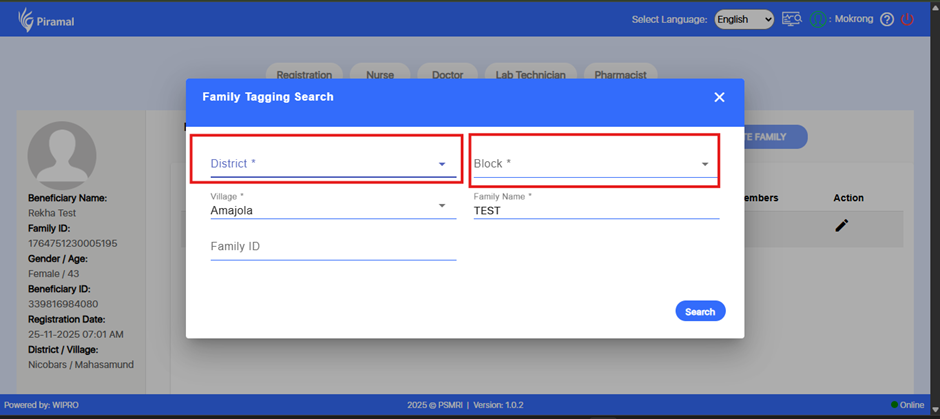
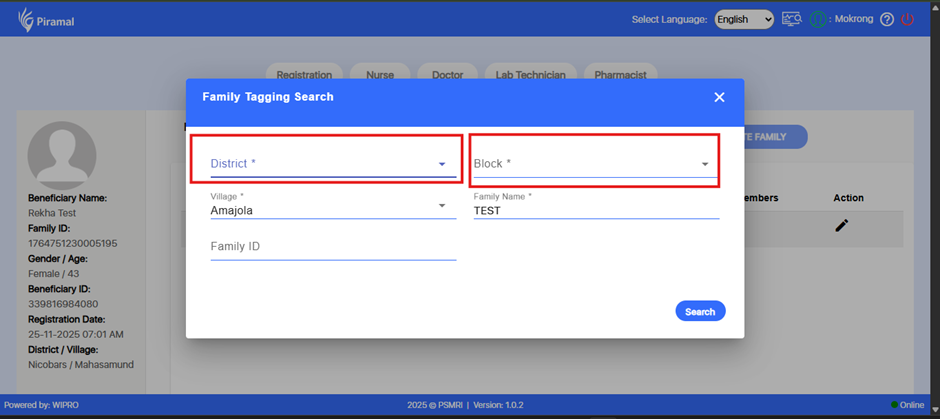
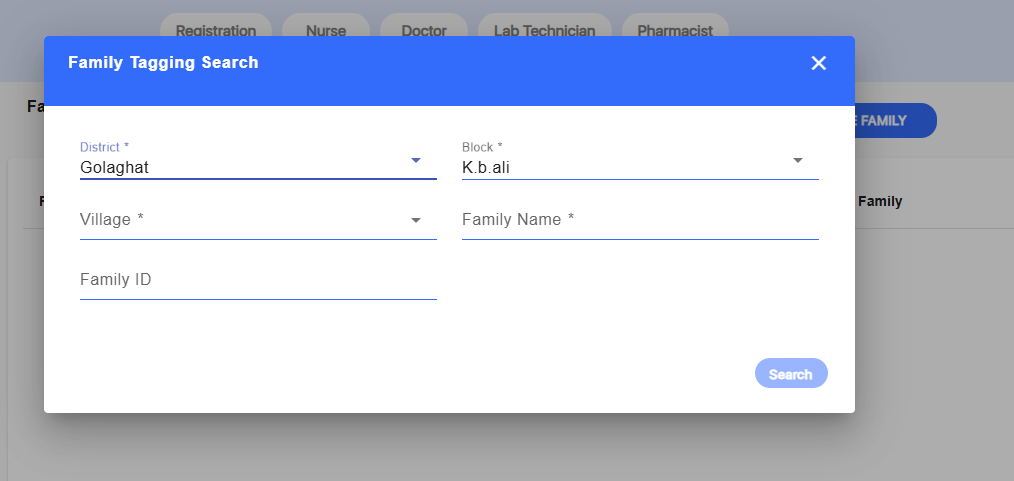
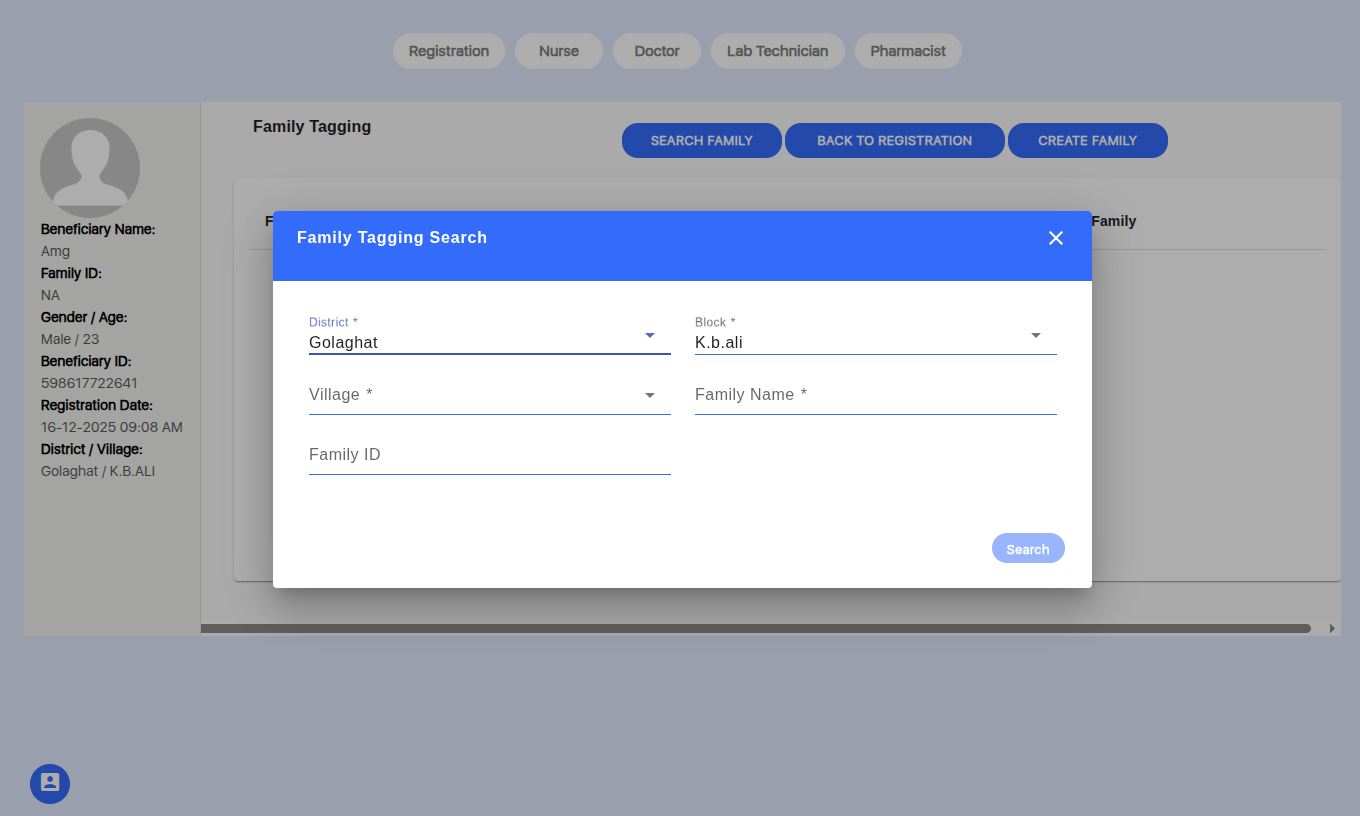
In the Family Tagging Search window, the District and Block fields are marked as mandatory.
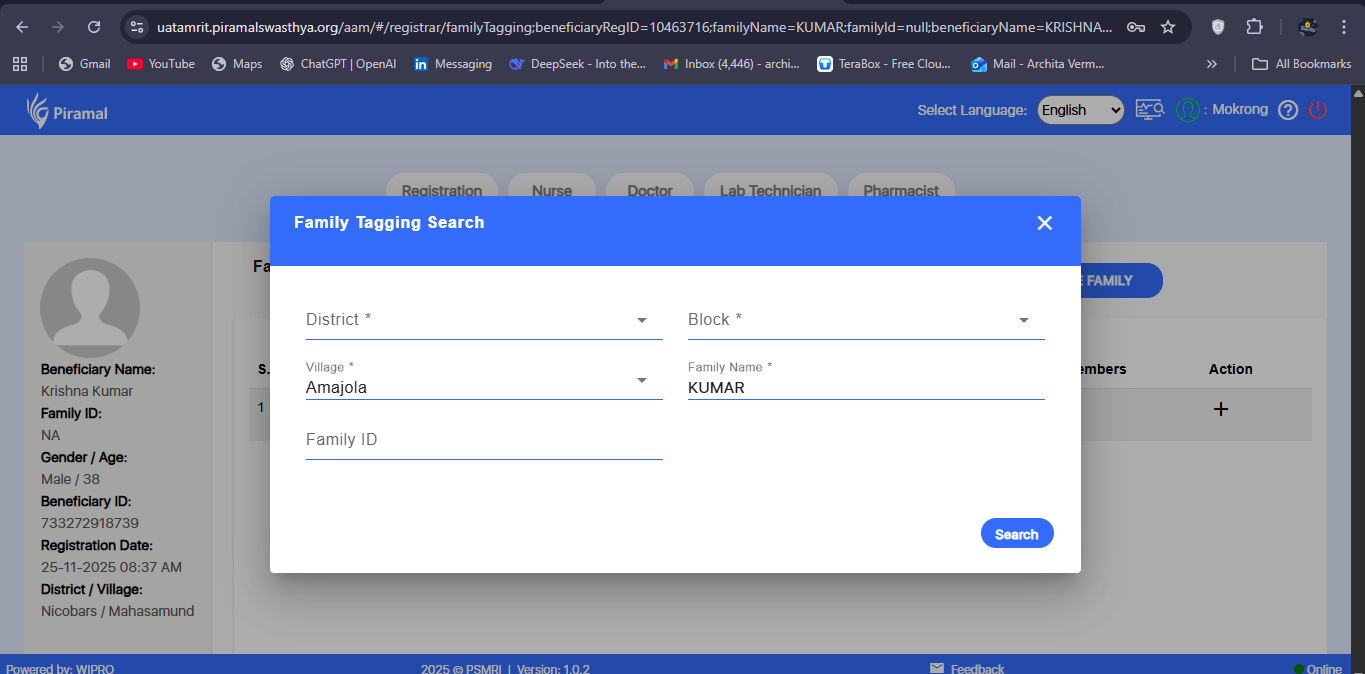
However, the system allows the user to perform a search and displays family details even when both mandatory fields are left blank.
This leads to inconsistent validation behavior and allows incomplete or unintended searches.
Steps to Reproduce:
- Login to the application.
- Navigate to Registration.
- Open any beneficiary record.
- Click on Family Tagging to open the Family Tagging Search.
- Leave District and Block fields blank (both marked mandatory).
- Click the Search button.
- Observe the search results.
Expected Result:
The system should prevent the search from executing and display a validation message prompting the user to fill the mandatory fields District and Block.
Actual Result:
The system allows the search to execute and displays family details even when the mandatory fields are blank.