-
Type:
Bug
-
Resolution: Done
-
Priority:
 Medium
-
Affects Version/s: None
-
None
-
HWC Web App
-
UAT
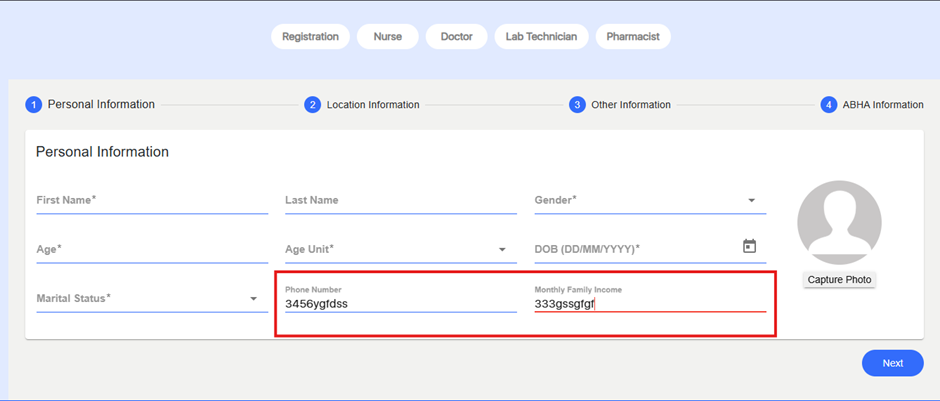
In the Registration module, fields such as Phone Number and Family Income are expected to accept numeric input only.
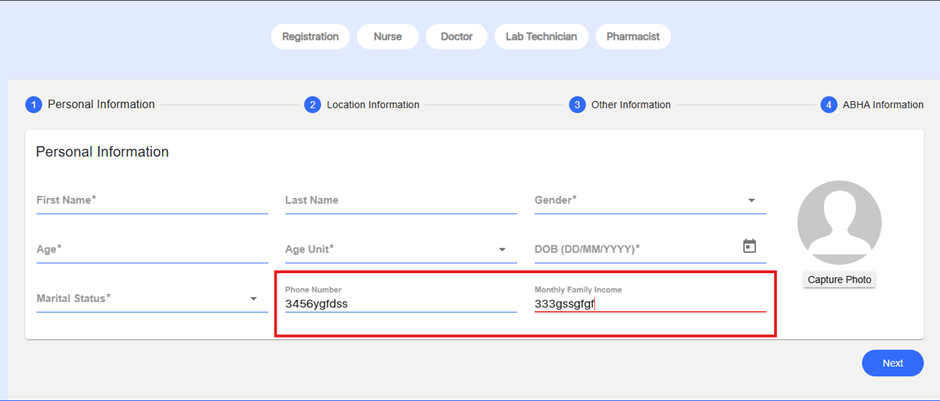
However, the system currently allows users to enter alphabetic characters and special symbols in these fields, resulting in invalid data entry and inconsistent validation behavior.
Steps to Reproduce:
- Login to the application.
- Navigate to Registration.
- In the Phone Number or Family Income field, attempt to type alphabetic characters or symbols.
- Observe that the field accepts characters other than numbers.
Expected Result:
Numeric-only fields (Phone Number, Family Income) should restrict input to digits (0–9) and prevent entry of alphabetic characters or special symbols.
Actual Result:
Fields accept alphabetic characters and symbols, leading to invalid data input.