-
Type:
Bug
-
Resolution: Done
-
Priority:
 Medium
-
Affects Version/s: None
-
None
-
AMRIT Sprint 52, AMRIT Sprint 53, Sprint 54, Sprint 55
-
HWC Web App
-
UAT
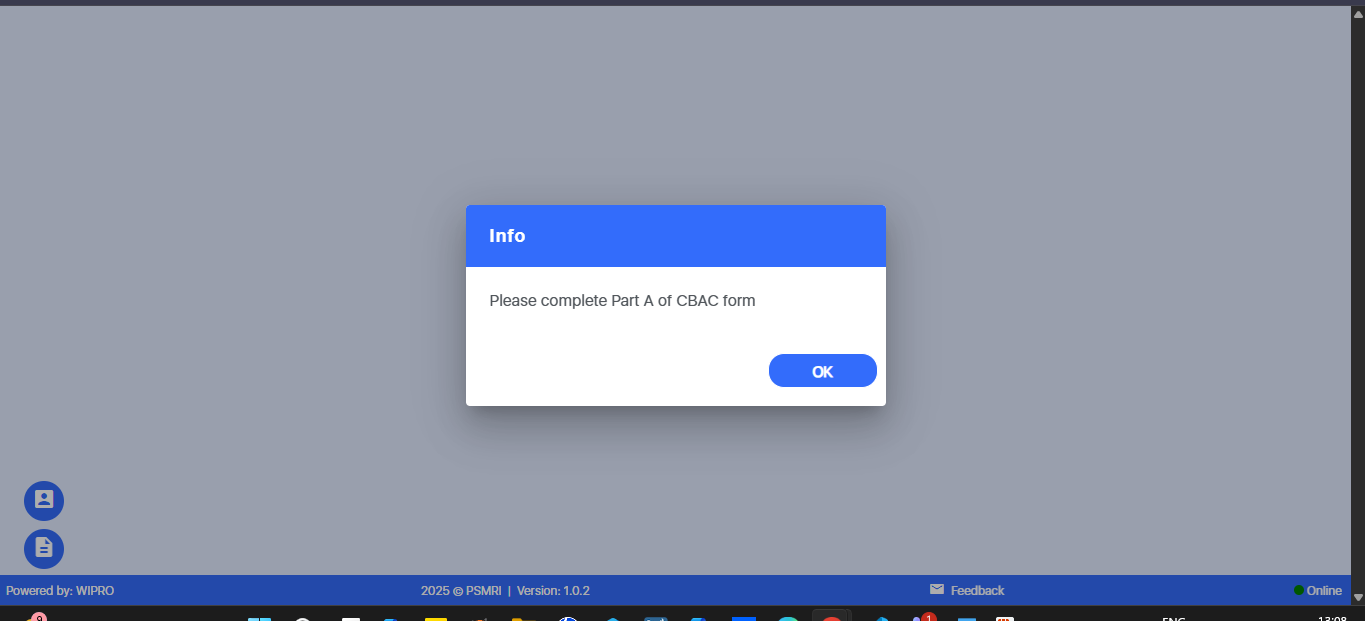
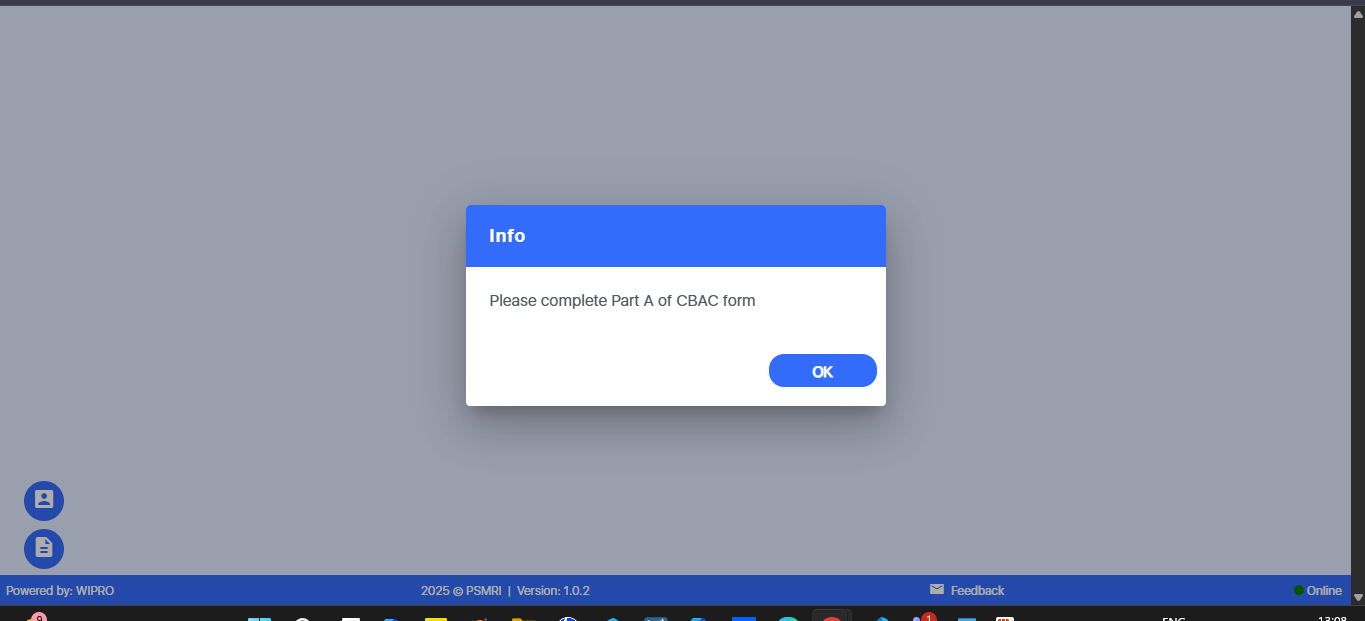
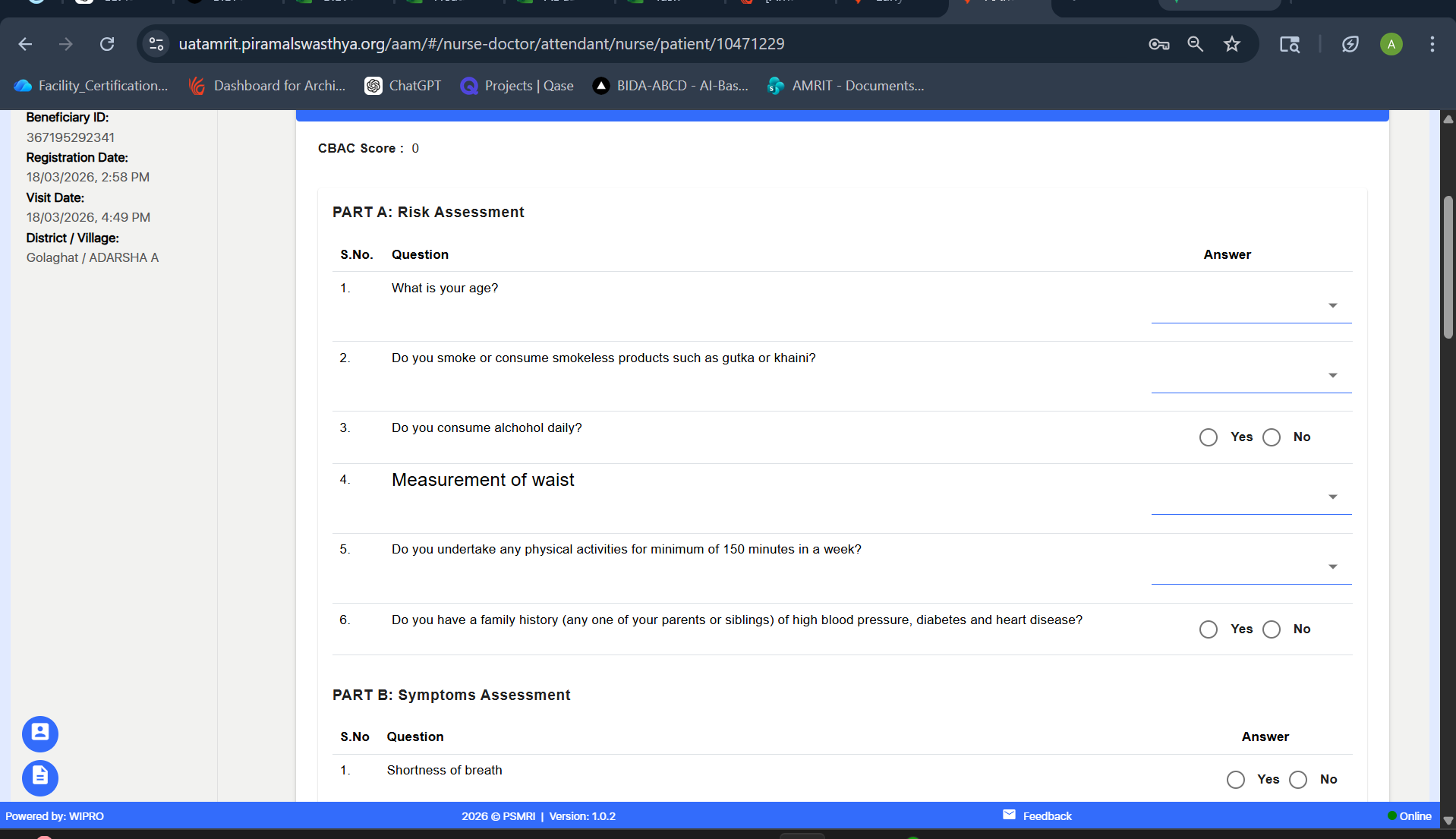
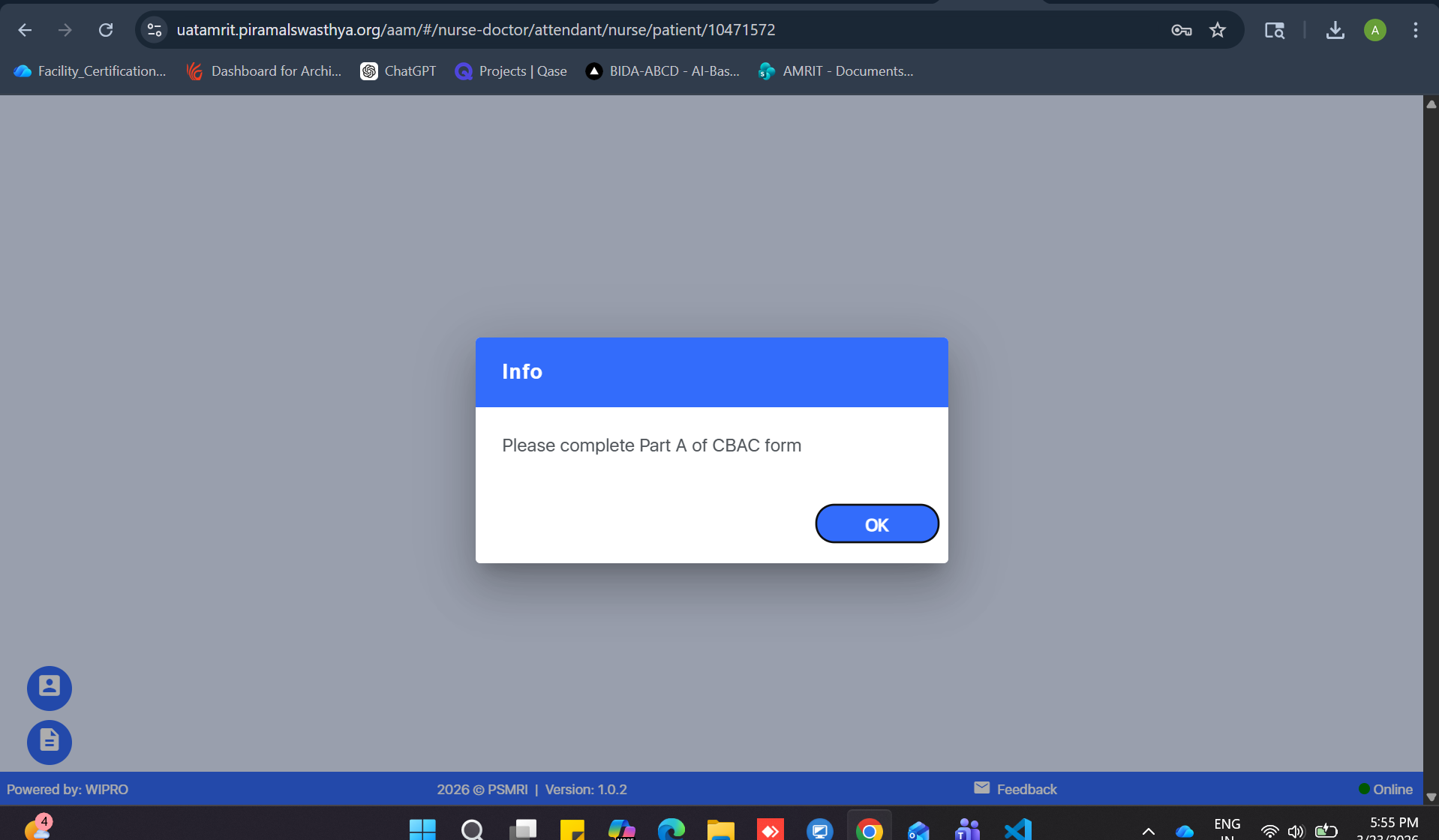
While filling the CBAC form, if the user attempts to proceed without completing Part A, a popup message is displayed stating “Please complete Part A of CBAC form”.
However, after clicking OK, the system incorrectly navigates the user to the next section, instead of redirecting them back to Part A to complete the missing fields.
This results in incorrect workflow navigation and allows users to skip mandatory sections.
Steps to Reproduce:
- Login to the application.
- Open the CBAC Form.
- Leave mandatory fields in Part A incomplete.
- Click Next or attempt to proceed.
- On the popup message, click OK.
- Observe the navigation behavior.
Expected Result:
After clicking OK, the user should be redirected back to Part A to complete the mandatory fields.
Actual Result:
After clicking OK, the user is incorrectly taken to the next section instead of returning to Part A.