-
Type:
Bug
-
Resolution: Done
-
Priority:
 Medium
-
Affects Version/s: None
-
None
-
AMRIT Sprint 52, AMRIT Sprint 53, Sprint 54
-
HWC Web App
-
UAT
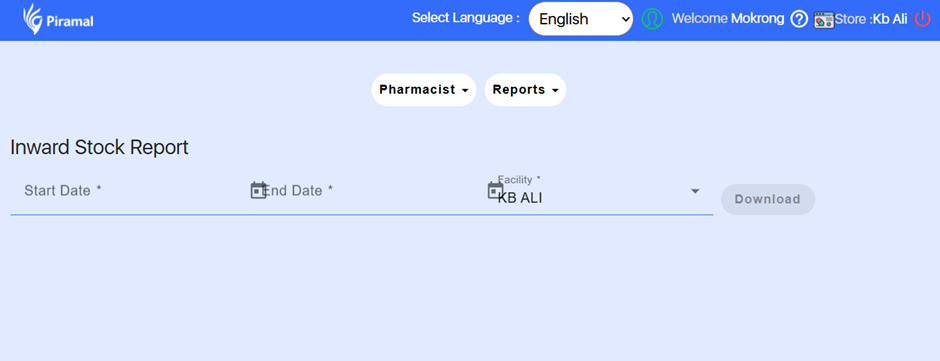
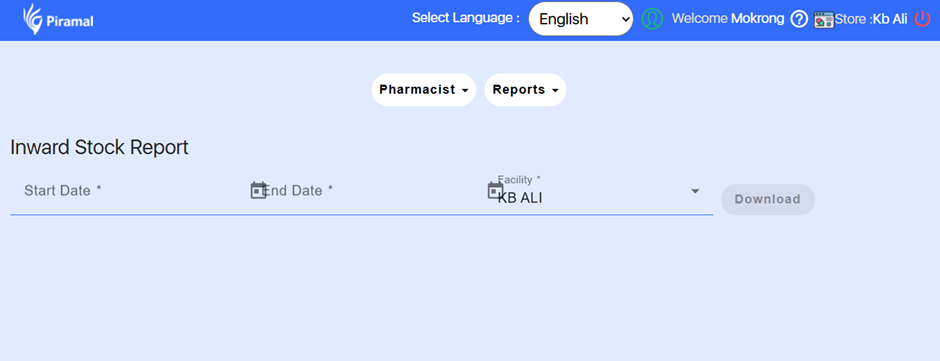
When the user views the Inward Stock Report and the browser zoom level is set to 125%, the icons on the page overlap. This distorts the screen layout and affects accessibility at higher zoom levels.
Steps to Reproduce:
- Login to the application.
- Navigate to: Inventory → Inward Stock Report.
- Increase browser zoom to 125%.
- Observe overlapping of icons.
Expected Result:
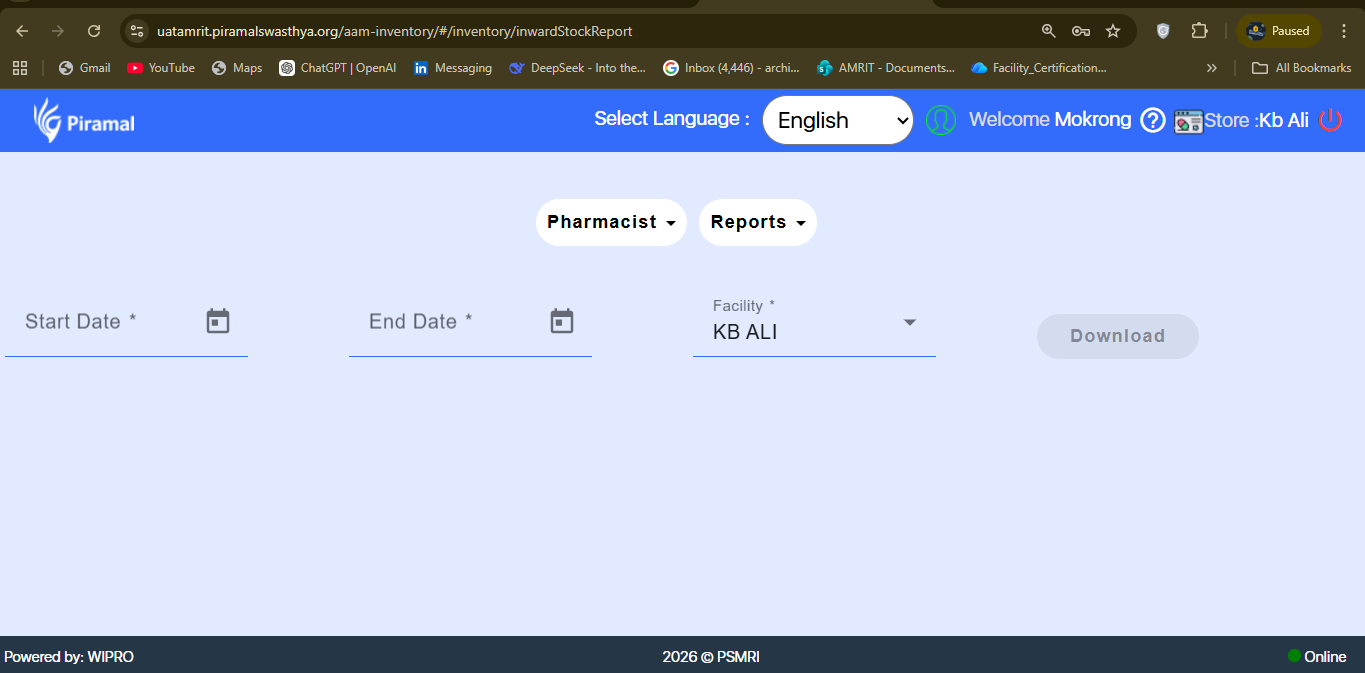
Icons and UI elements should remain properly aligned and responsive at standard zoom levels (100–150%).
Actual Result:
Icons overlap when zoomed to 125%.