-
Type:
Bug
-
Resolution: Done
-
Priority:
 Medium
-
None
-
Affects Version/s: None
-
None
-
AMRIT Sprint 52, AMRIT Sprint 53, Sprint 54
-
HWC Web App
-
UAT
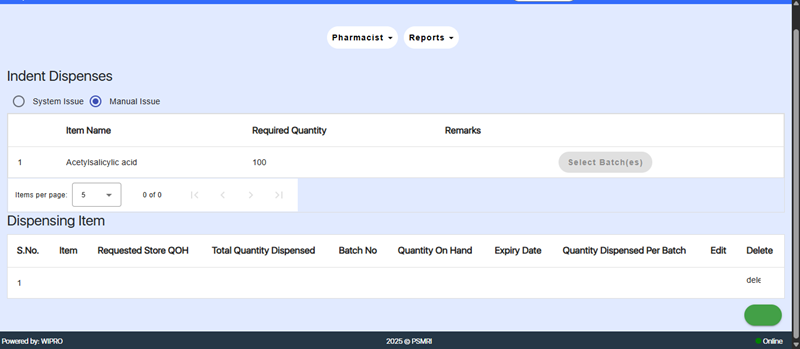
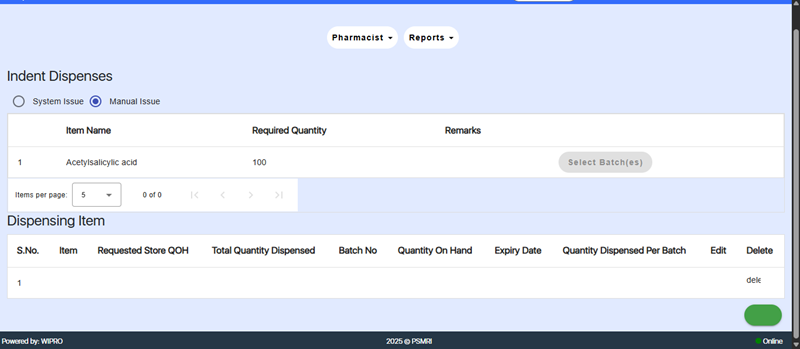
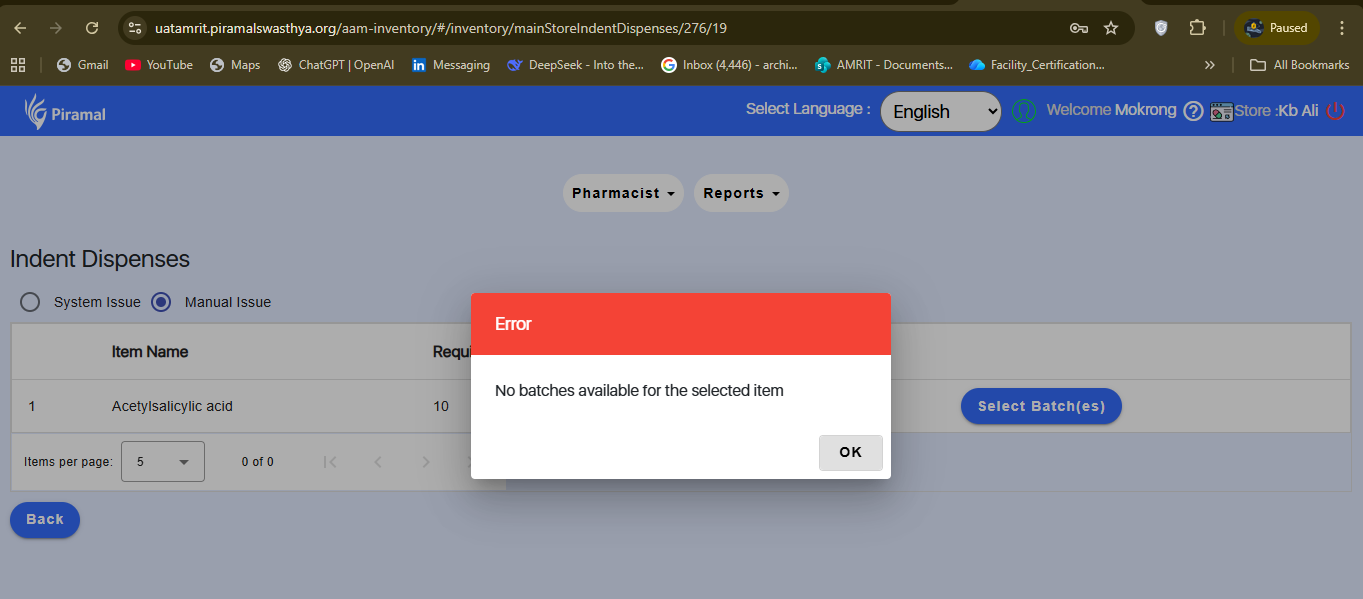
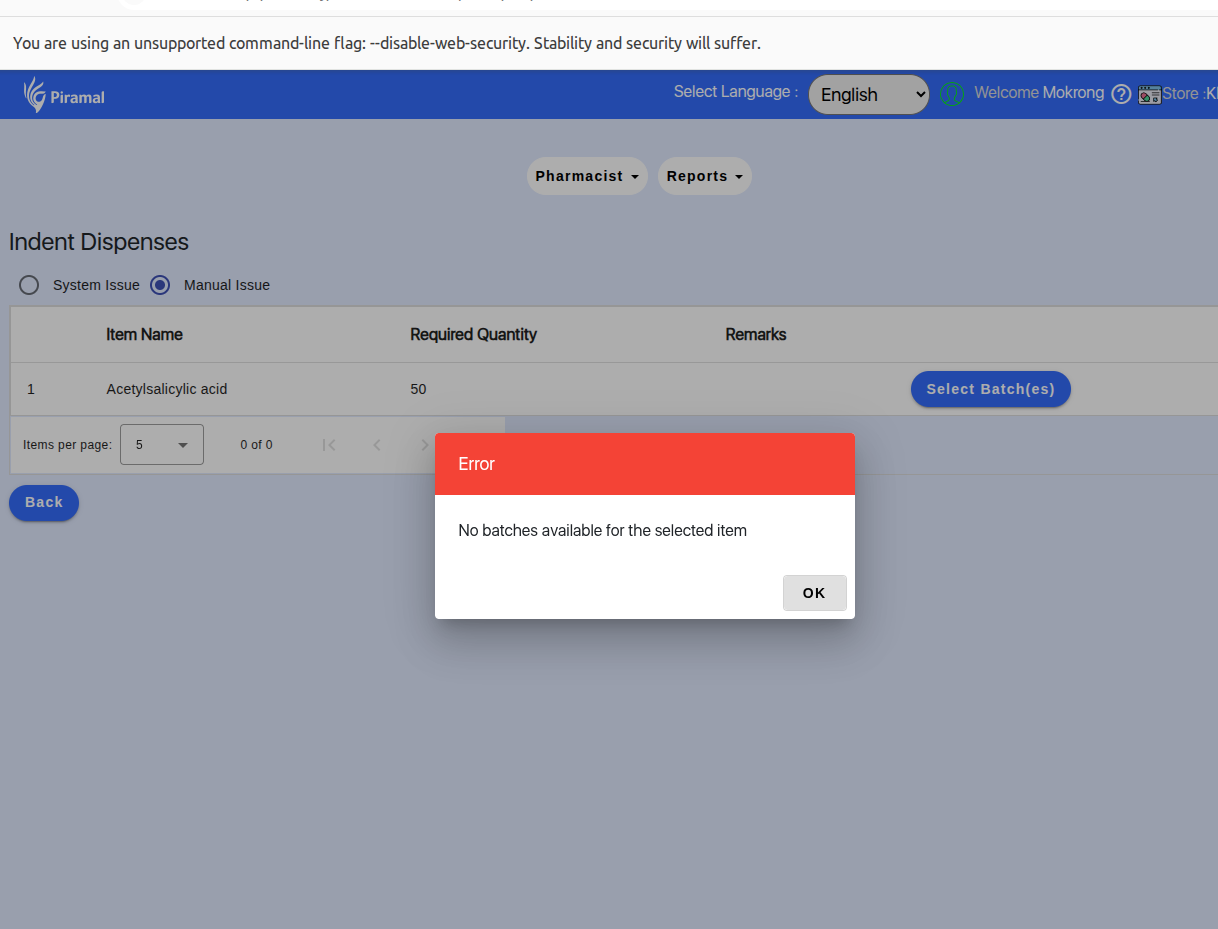
In the Indent section of the Inventory module, after the user approves the batch, the batch details do not display on the screen. Due to this missing batch information, the indent cannot be saved, blocking the completion of the indent processing workflow.
Steps to Reproduce:
- Login to the application.
2. Navigate to: Inventory → Indent.
3. Approve a batch.
4. Observe that the approved batch does not appear in the list or table.
5. Attempt to save the indent.
6. Save fails due to missing batch details.
Expected Result:
Approved batch should appear immediately in the list, allowing the user to save the indent.
Actual Result:
Batch does not appear, and the indent cannot be saved.