-
Type:
Bug
-
Resolution: Done
-
Priority:
 Medium
-
None
-
Affects Version/s: None
-
None
-
AMRIT Sprint 52, AMRIT Sprint 53, Sprint 54
-
HWC Web App
-
UAT
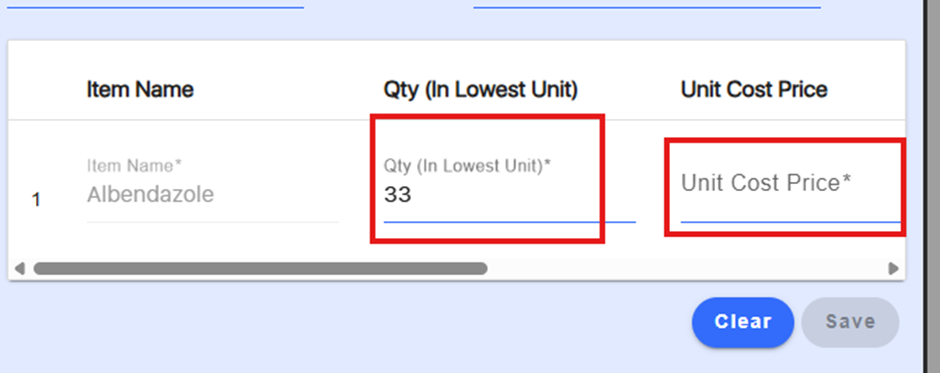
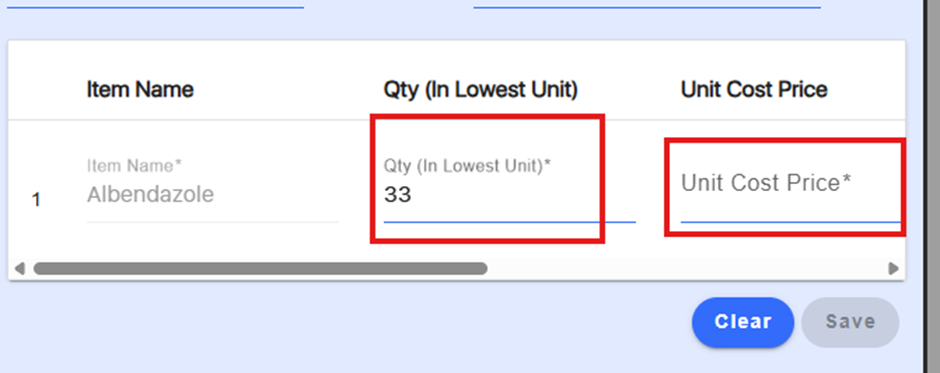
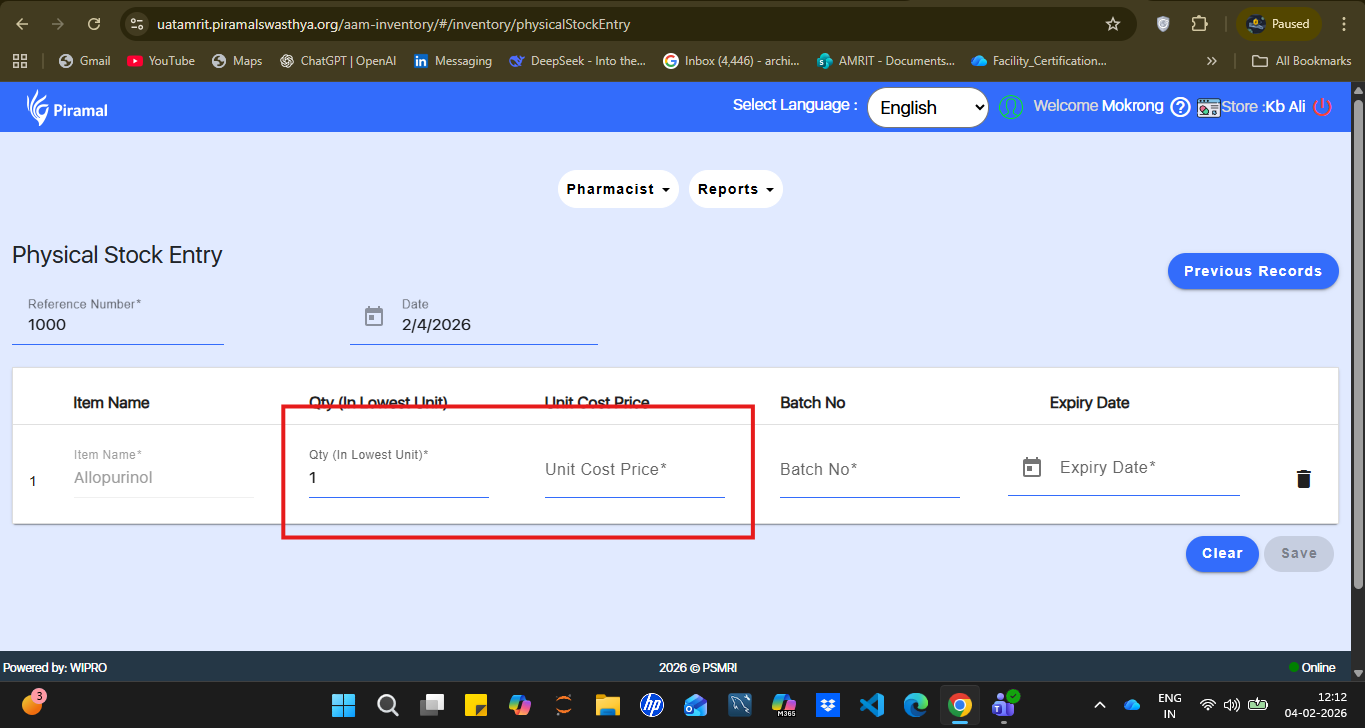
In the Inventory module under the Pharmacist section, field labels in the “Physical Stock Entry” screen initially appear clearly in grey. However, once the user enters a value in any input field, the label becomes blurred and difficult to read, affecting usability and visual clarity.
Steps to Reproduce:
- Login to the application.
- Navigate to: Inventory → Pharmacist → Physical Stock Entry.
- Observe the field labels.
- Enter a value in any input field.
- Notice that the label text becomes blurred.
Expected Result:
Field labels should retain clear and readable font styling throughout user input.
Actual Result:
Labels become blurred after entering values in the fields.