-
Type:
Bug
-
Resolution: Done
-
Priority:
 Medium
-
Affects Version/s: 3.1.0
-
None
-
AMRIT Sprint 37
-
104
-
UAT
The system currently displays the same logout restriction message for all scenarios, regardless of whether the call is ongoing or has already ended.
Steps to Reproduce:
- Start a call in any role(HAO,MO,CO).
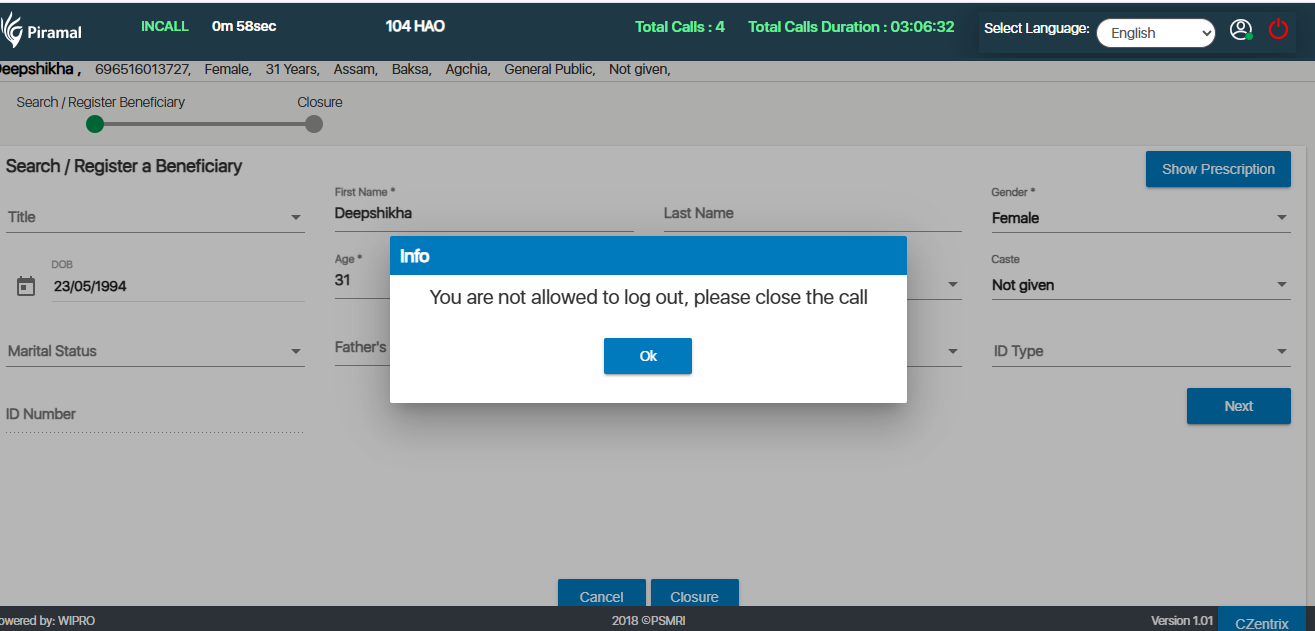
- Try to logout while the conversation is ongoing – You are the allowed to log out, close the call message appears.
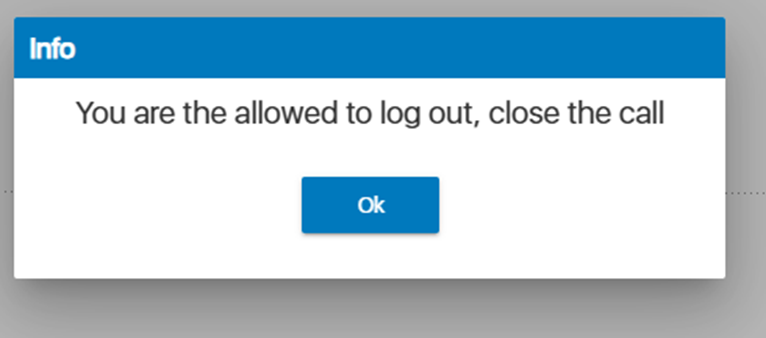
- End the call and then try to logout from the application - same message appears, which is incorrect.
Expected Behavior:
- Scenario 1: User attempts to log out during an active call
Pop-up message: “You are not allowed to log out, close the call.”
- Scenario 2: User attempts to log out after the call has been disconnected or completed
Pop-up message: “You are allowed to log out, close the call.”
Actual Behavior:
Regardless of the call status, the system displays the message:
“You are not allowed to log out, close the call.”