-
Type:
Bug
-
Resolution: Done
-
Priority:
 High
High
-
None
-
Affects Version/s: None
-
AMRIT Sprint 26
Description:
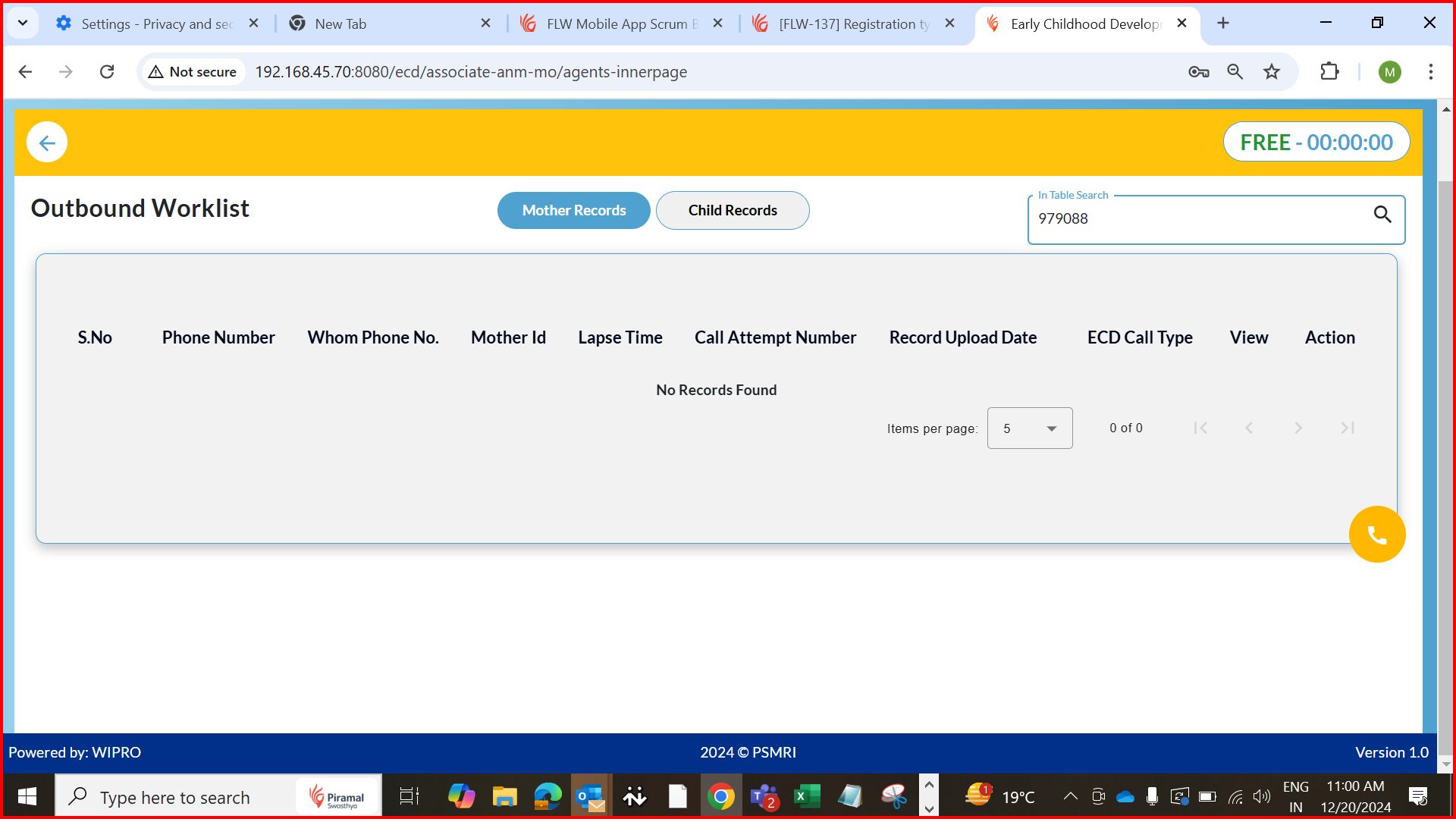
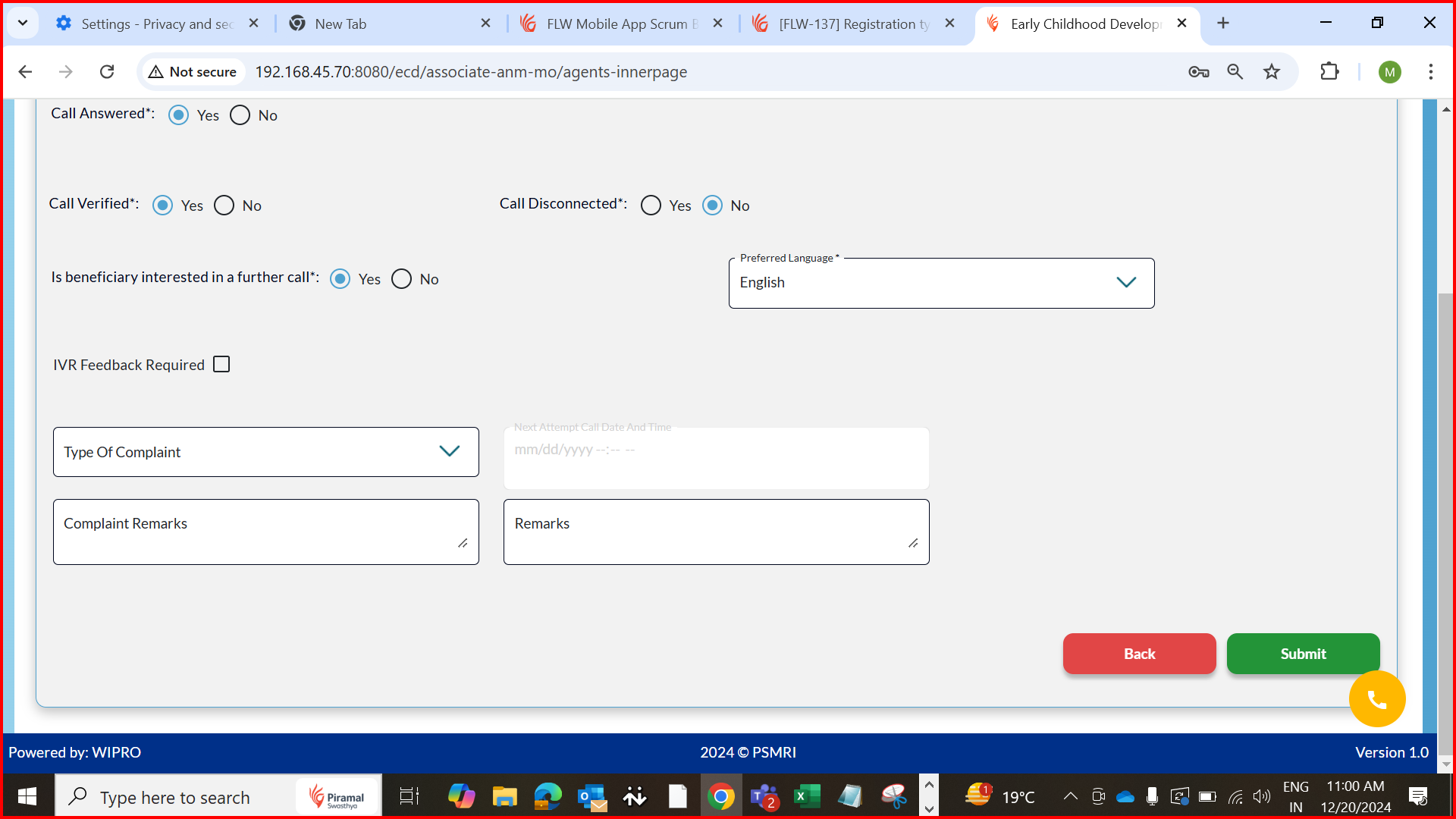
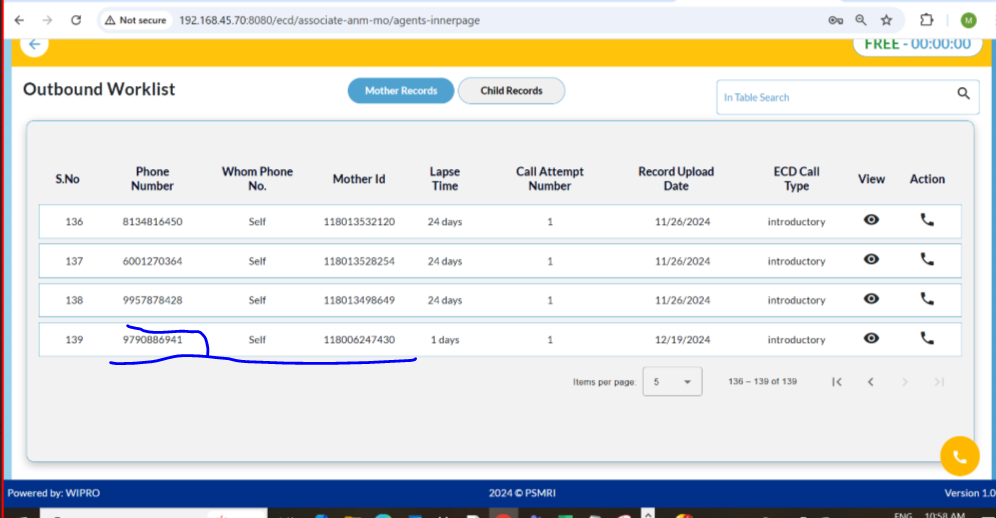
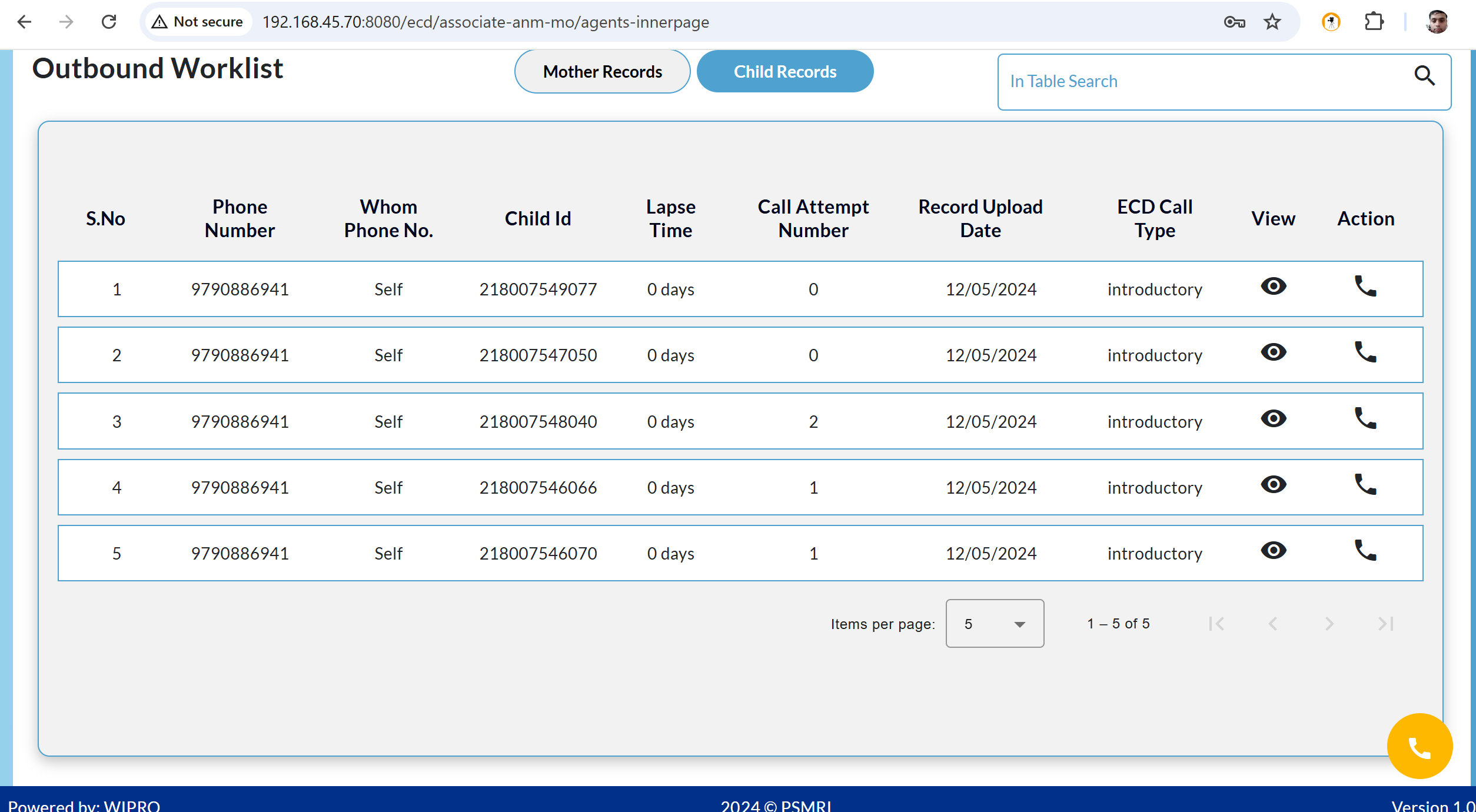
When completing an outcall to the Beneficiary and selecting "Call Verified" as Yes and "Call Disconnected" as No in the closure screen, the record should move out of the Associate (ANM) login and appear in the Supervisor’s worklist. However, this is not happening. Below are two records for which this issue is occurring.
Steps to Reproduce:
- Initiate an outcall to the Beneficiary via the Associate or ANM login.
- Complete the required transactions during the call.
- On the closure screen, select "Call Verified" as Yes and "Call Disconnected" as No.
End the call. - Observe that the record does not appear in the Supervisor’s worklist and remains in the
Associate/ANM login.
Expected Behavior:
After selecting "Call Verified" as Yes and "Call Disconnected" as No, and completing the call, the record should automatically transition out of the Associate or ANM login and appear in the Supervisor’s worklist for further review.
Actual Behavior:
The record remains in the Associate/ANM login and does not appear in the Supervisor's worklist after the call is completed.