-
Type:
Bug
-
Resolution: Done
-
Priority:
 Medium
-
Affects Version/s: None
-
MMU
-
Prod
Description:
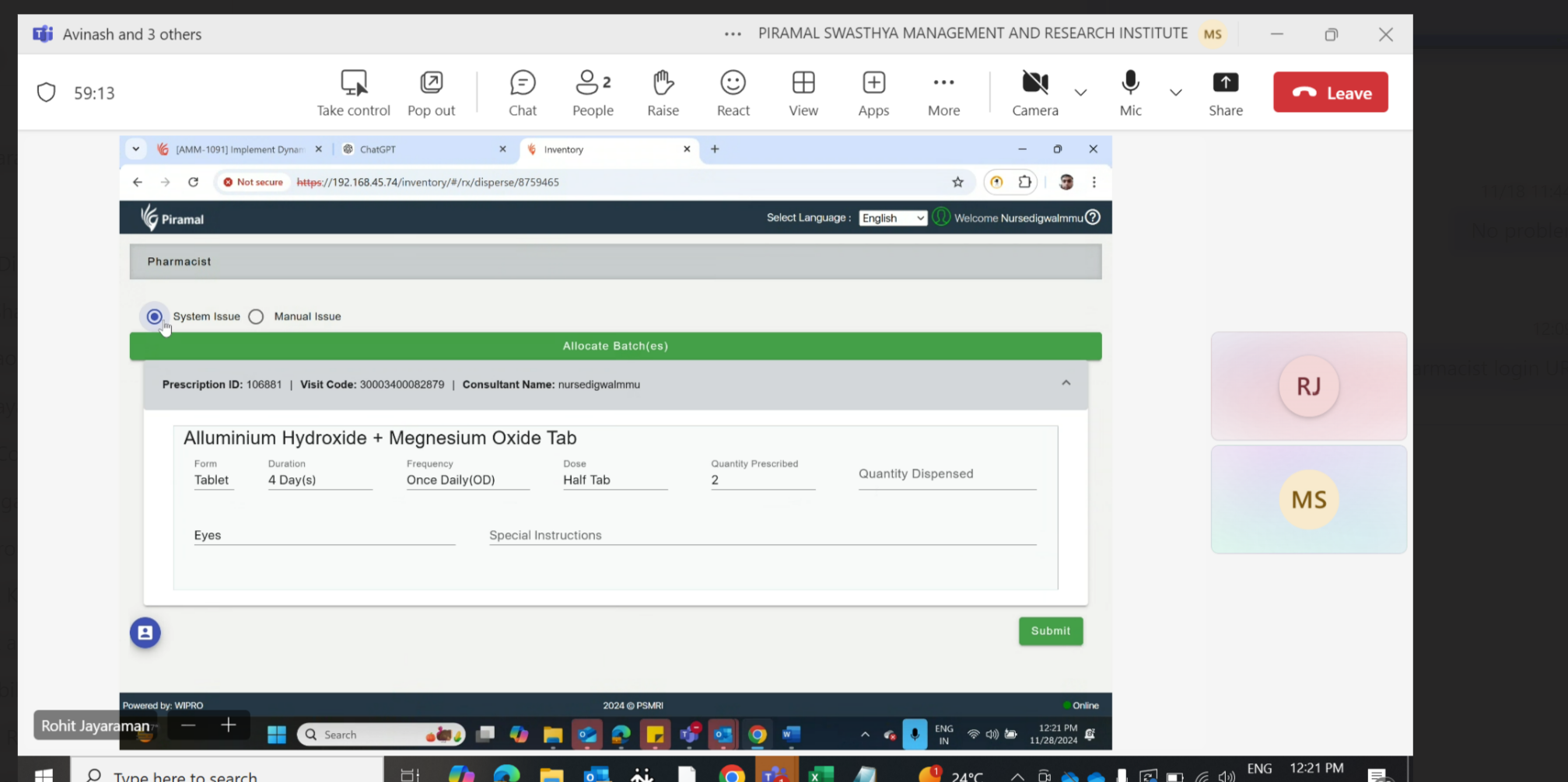
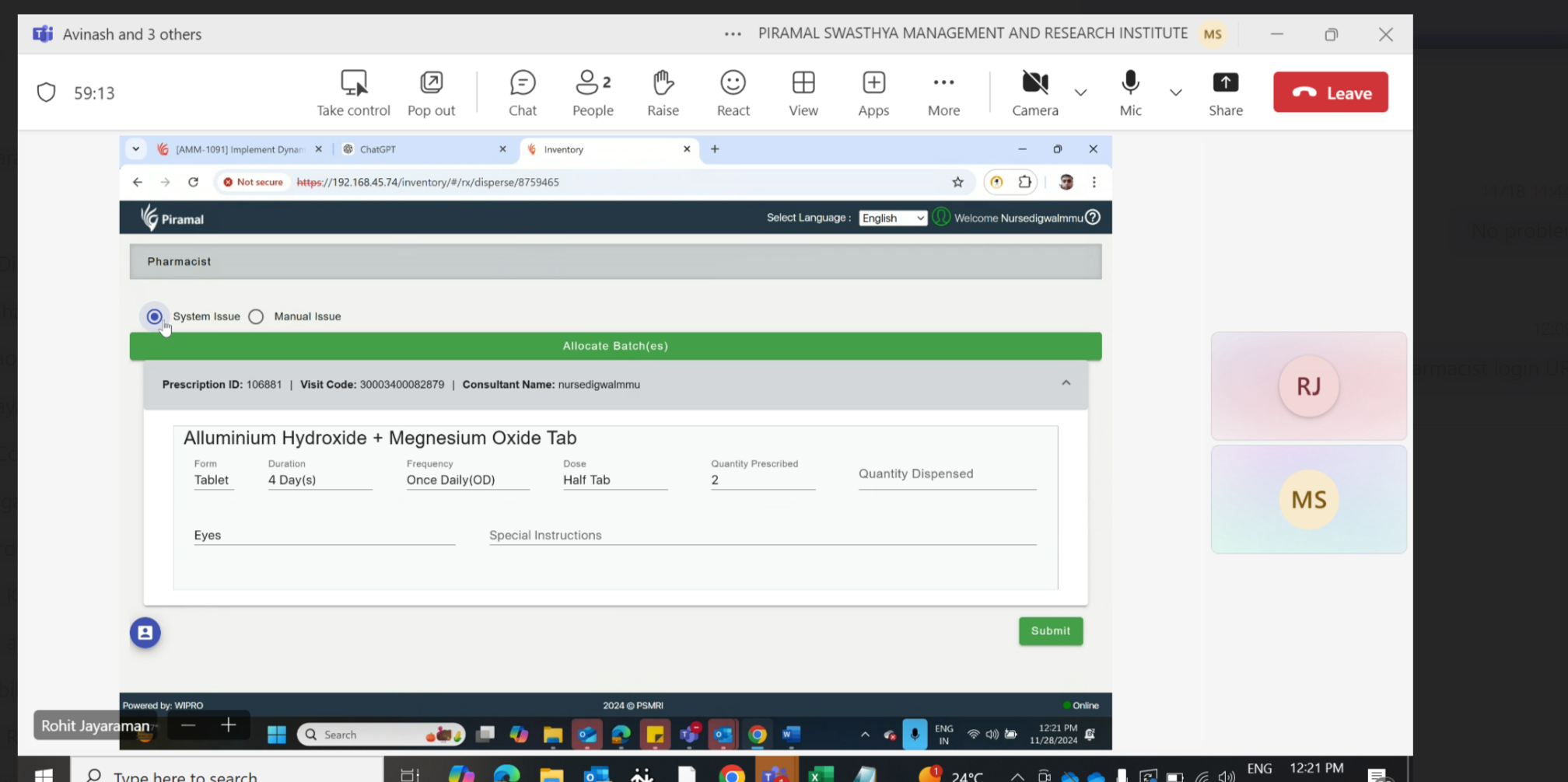
In the Pharmacist login, when switching between the two modules—System Issue and Manual Issue (presented as radio buttons), there is an issue where the "Allocate Batches" section briefly appears and disappears within a fraction of a second. This quick display and disappearance disrupt the user experience and should be addressed.
Steps to Reproduce
- Log in to the Pharmacist module.
- In the System Issue section, select the radio button.
- Switch to the Manual Issue radio button.
- Observe the "Allocate Batches" section briefly appearing and disappearing within a fraction of a second.
Expected Result:
The "Allocate Batches" section should be stable and should not flicker or disappear when switching between the System Issue and Manual Issue modules.
Actual Result:
The "Allocate Batches" section appears briefly and disappears when toggling between the radio buttons, creating a poor user experience.